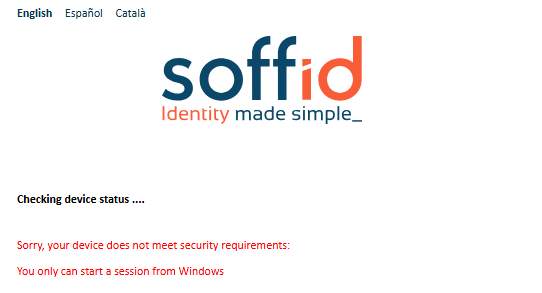
2026-06-13 New feature: device posture
The new feature
The new "Device posture" feature allows Soffid administrators to decide whether some service providers must comply specific operating system requirements.
Bear in mind
Please note the following points:
- The "Check device posture" option must be enabled on the service providers in order for it to be evaluated.
- The "Script to check posture" for evaluating the operating system rules must be added to the identity provider.
- If you need a specific rule for different service providers, you will need to create a virtual identity provider, add the specific rules there, and select the service providers that must comply with them.
In scripts, you can use ESSO Scripting Language, for instance the SystemInfo object
How to configure it?
The following components must be installed:
- Addon federation 4.0.37 (or higher)
- ESSO 3.5.50-enterprise (or higher)
Let's look at an example
As a prerequisite, you must have a Soffid identity provider set up.
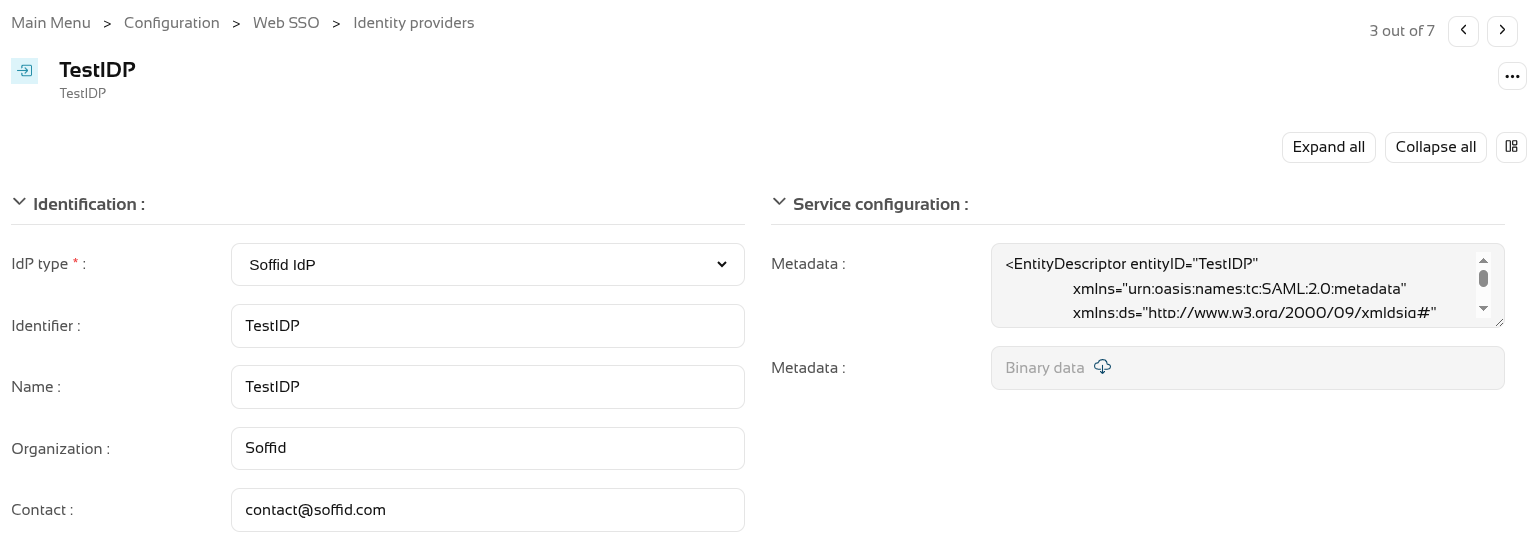
In the Authentication section, you need to fill in the "Script to check posture" field.
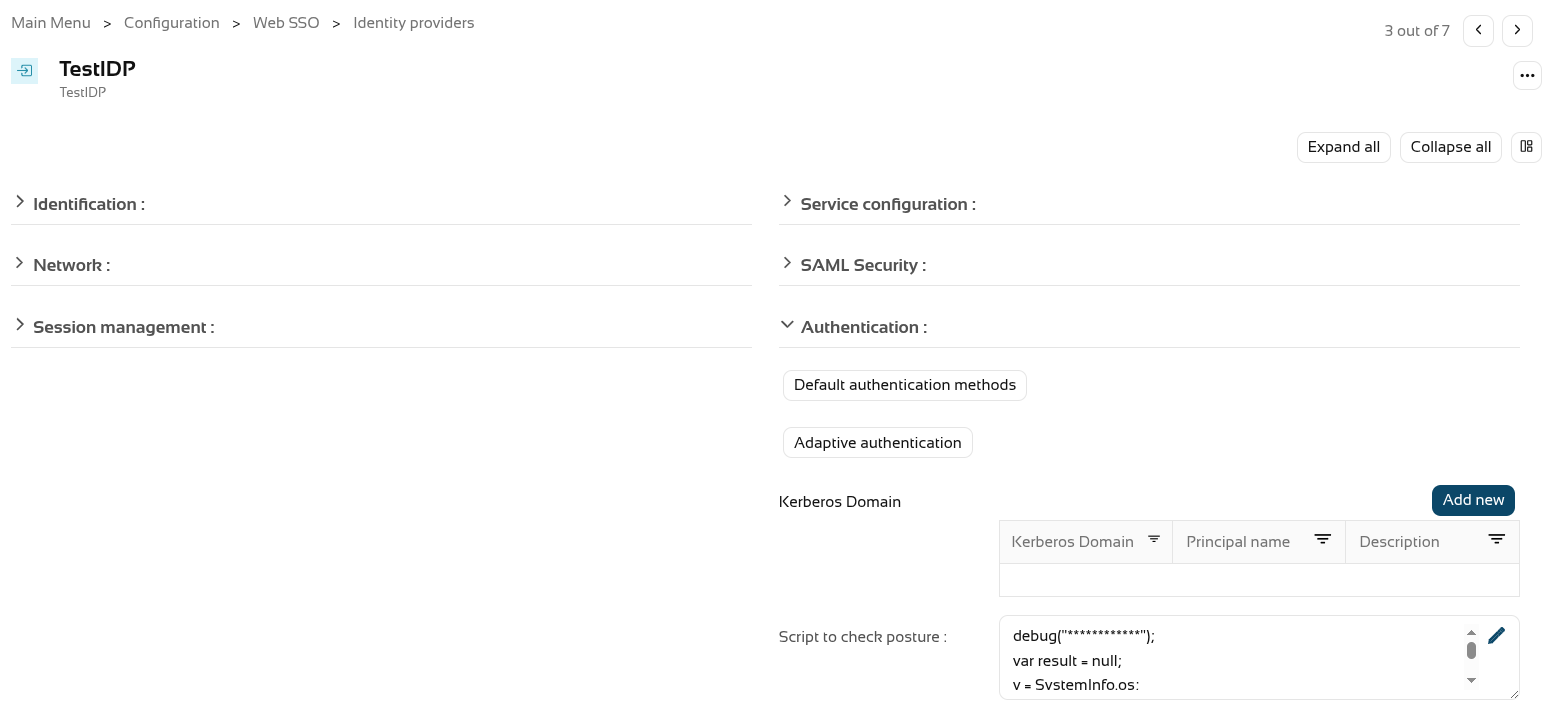
We’re going to use the following script as an example.
debug("************");
var result = null;
v = SystemInfo.os;
d = SystemInfo.domainName;
debug("In "+v+" / "+d);
if (v == 'Windows')
  result = true;
else
  throw "You can only start a session from Windows";

return result;
You now need to enable the "Check device posture" field in the service providers.
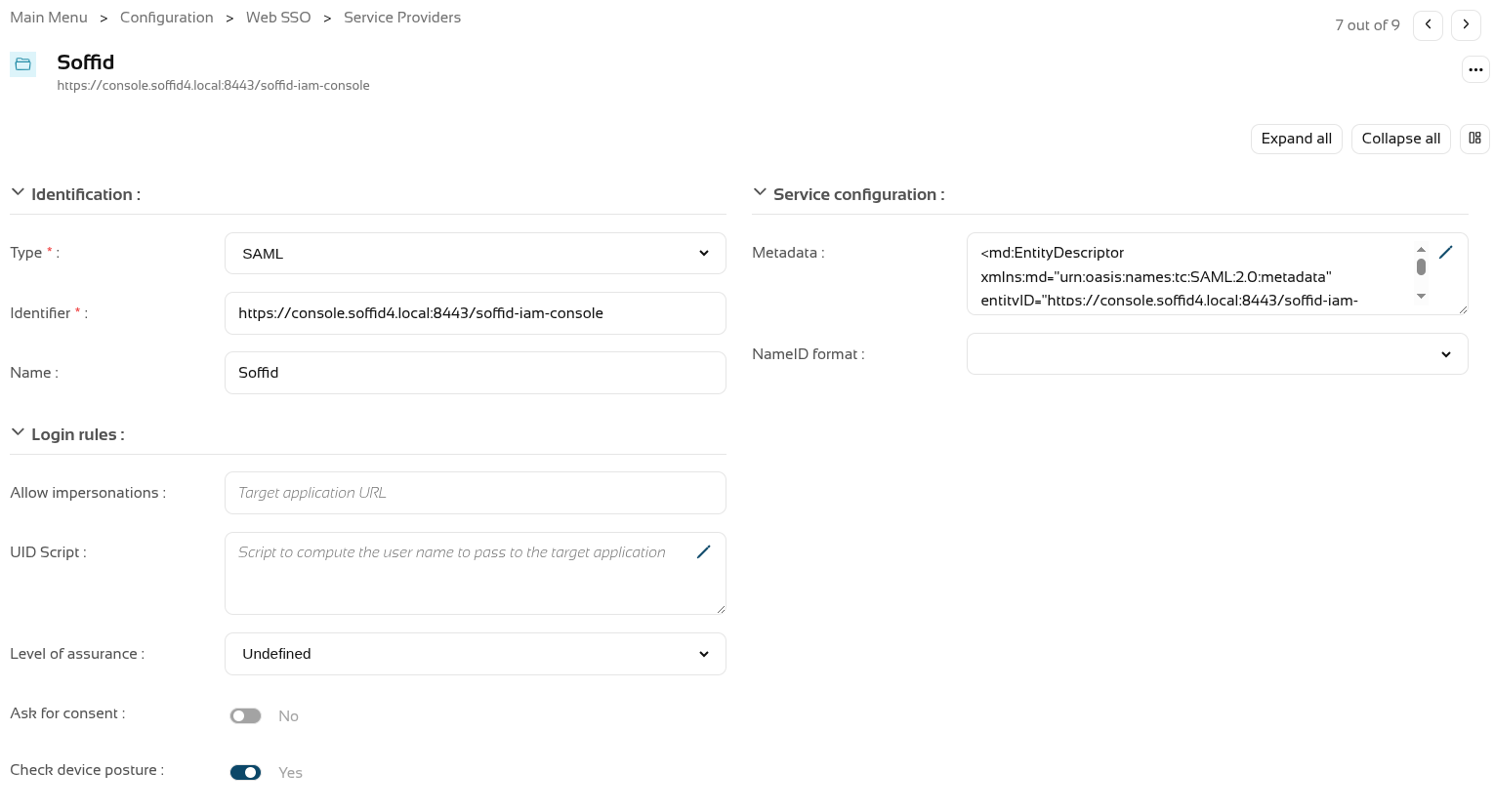
We can now log in to this service provider, which in this case is the Soffid console.
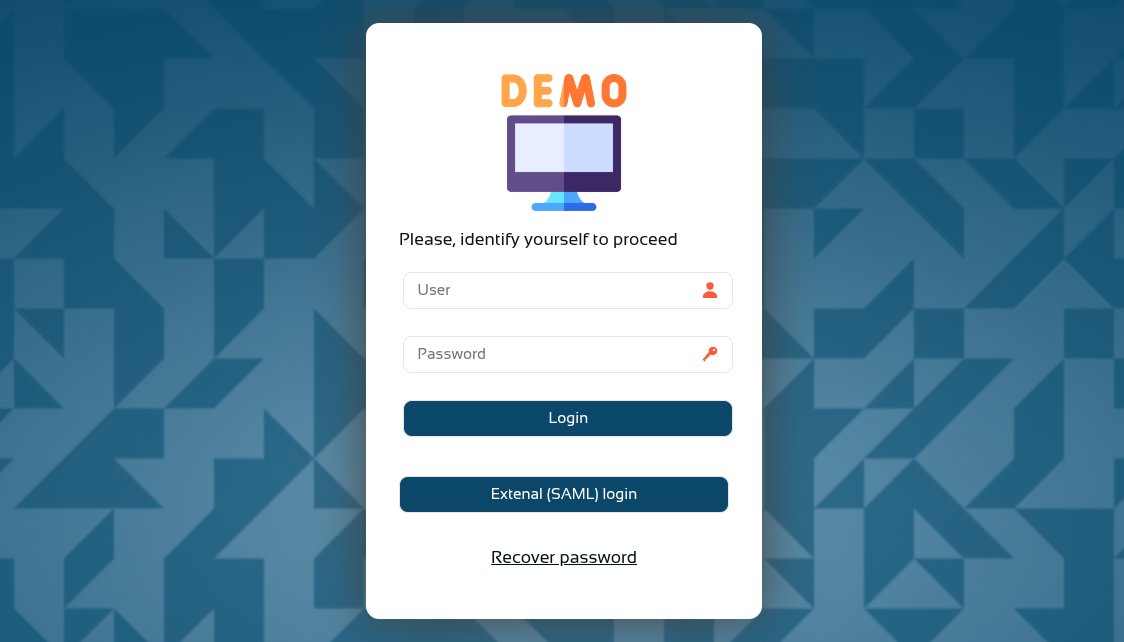
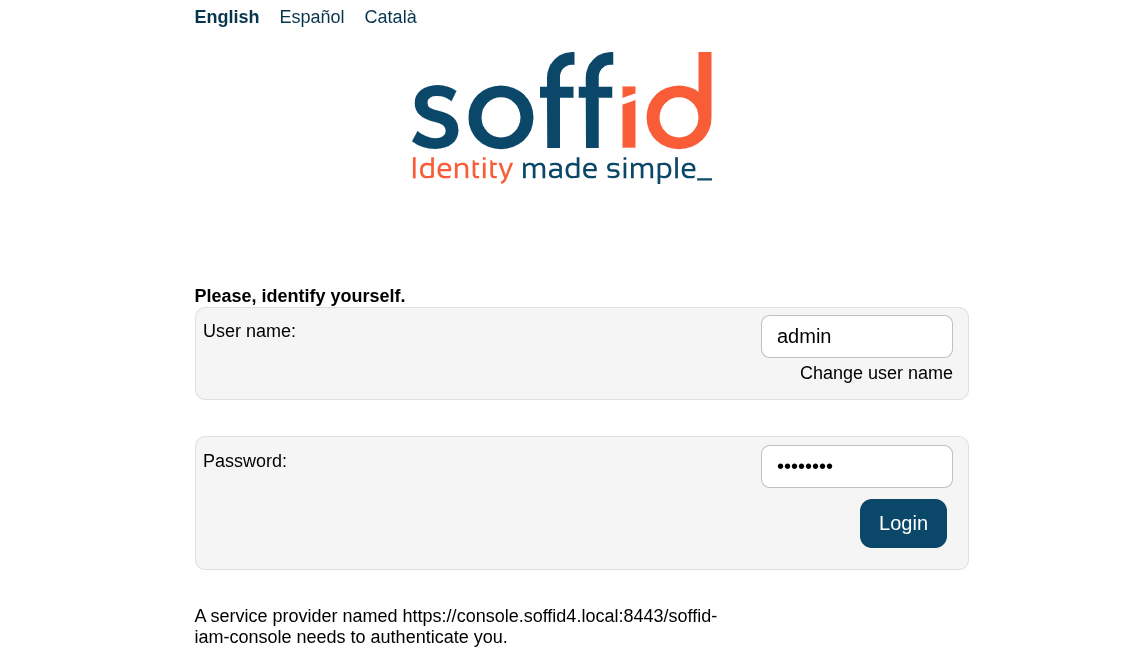
And now, following authentication, the device posture will be evaluated.
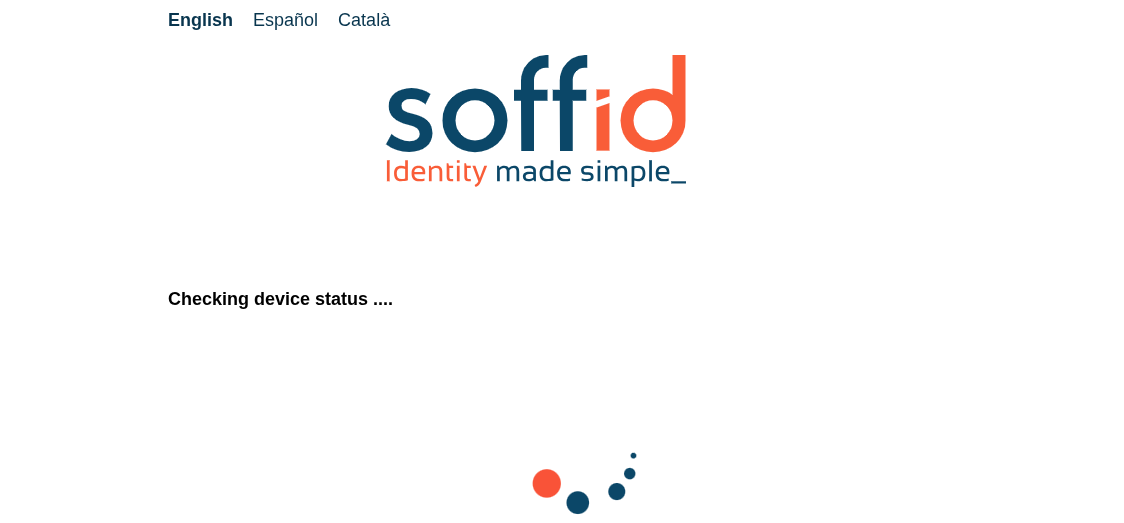
You browser may ask you permissions.
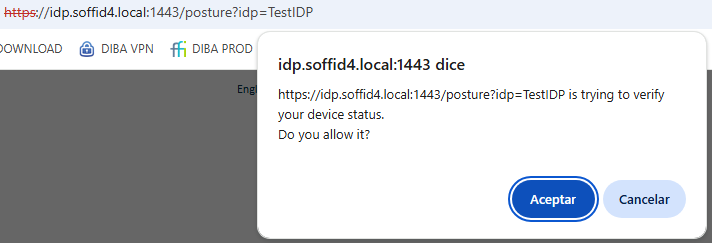
If the validation is successful, you will be redirected to the service provider.
If the validation fails, the error specified in the validation script will be displayed.