How to configure questions?
DescriptionIntroduction
Soffid allows to the administrator user, o the user with the proper roles, to configure the default questions that will be displayed to the end-end users.
Those questions will be the default questions, the end-end users could change them and configure other questions.
To configenable the question&answer recovery,functionality, the adminitrator-user needs to configure some parametersparameters.
Next, end users must fill in the answers in the Soffid console to finally revocer the password on the login page.
Let's take a closer look at these steps.
1. Enable the question funcionality
First, go to Password recovery configuration page.
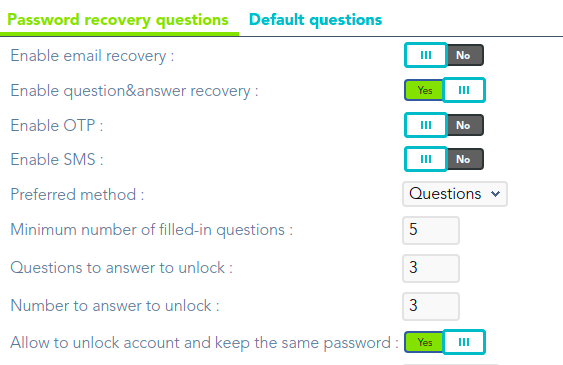
Now enable this feature and select it as preferred.

For more informatión check the Enable methods attributes.
2. Configure the question engine
On the same page, configure the question and answer mechanism as required.

For more informatión check the Recovery questions attributes.
3. Add the default questions
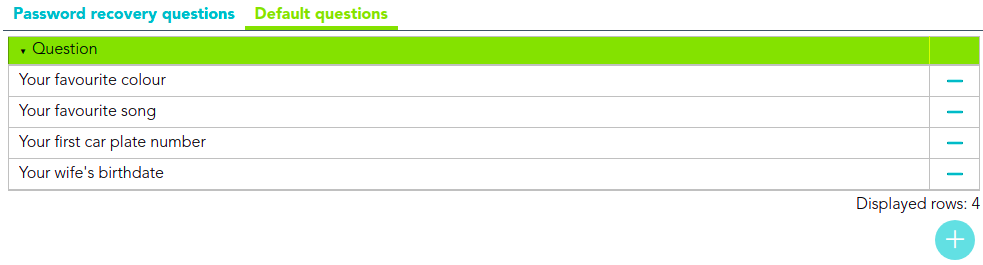
Now go to the Default questions tab and add the questions that the end user will have to answer.
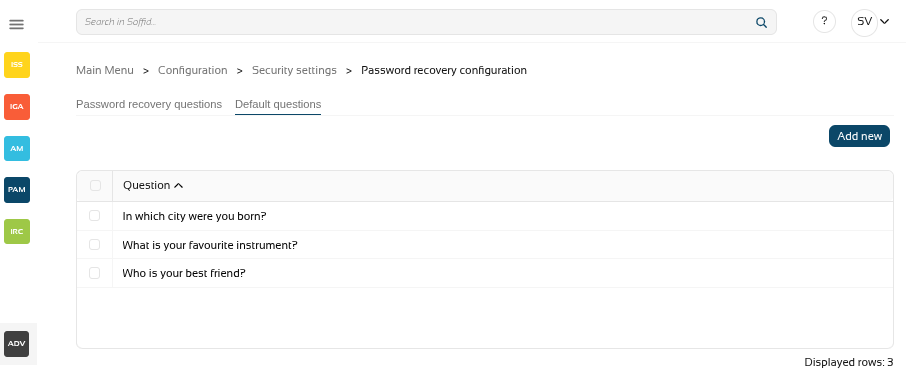
For more informatión check the Default questions attributes.
4. Add the answers
End users will now have to fill in their answers.
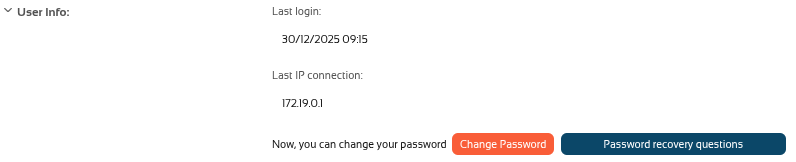
In the Console go to the My profile page.
You will see the "Password recovery questions" tab:button.
EnableNext
question&we will have to answerrecoveryat Minimumleast the number offilled-inquestionsquestionsthat Questionshastobeenanswerconfigured.to unlockNumber to answer to unlock
Once,
5. Use password recovery
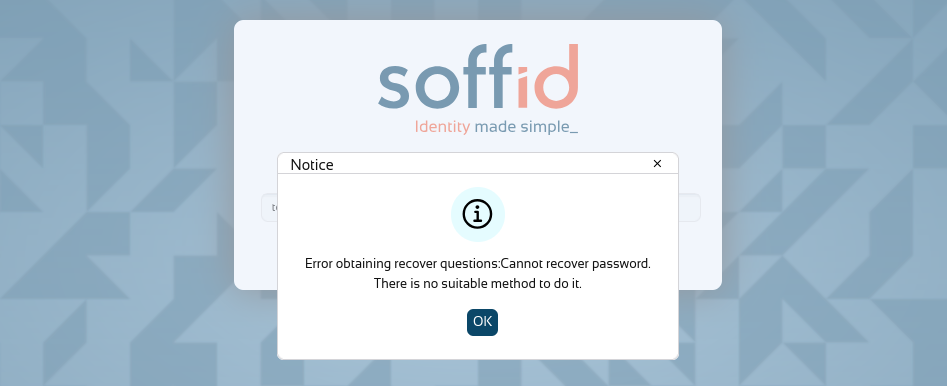
Now arethat we have everything configured, thewe end-usersmay must completeuse the answers"Password inrecovery"’ the Self-service portal in order to user the recover password method when it will be necessary.
Screen Overview
Default questions
Parameters
Actions
|
|
|
Introduce the end
If you |