How to create an autosigned Certificate with Openssl?
Step-by-step
Open a terminal window on your system and follow these steps:
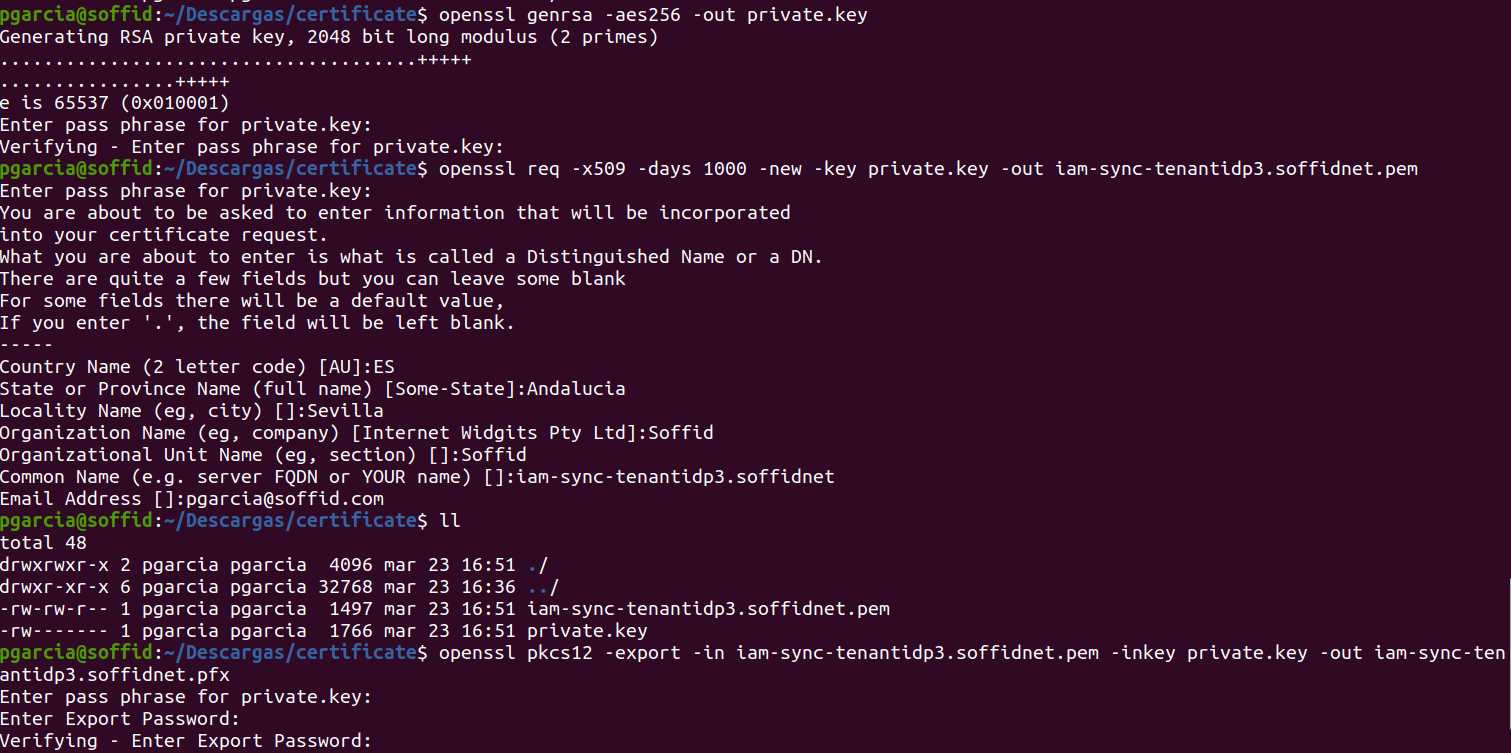
1.- Create a new private key
openssl genrsa -aes256 -out private.key2.- Generate a certificate
openssl req -x509 -days 1000 -new -key private.key -out iam-sync-tenantidp3.soffidnet.pem3.- Export to PKCS12
openssl pkcs12 -export -in iam-sync-tenantidp3.soffidnet.pem -inkey private.key -out iam-sync-tenantidp3.soffidnet.pfx