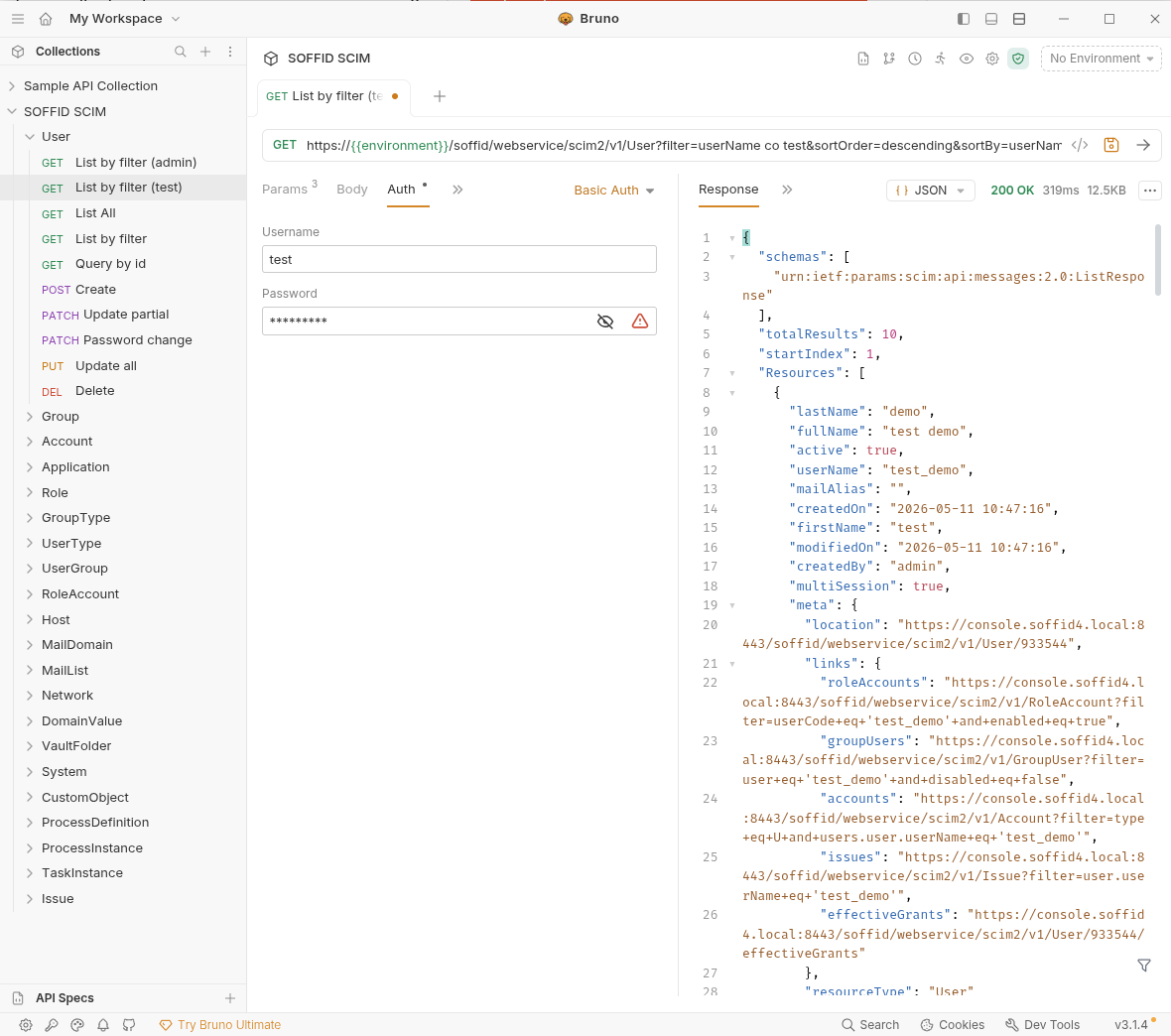
2026-05-31 New feature: new authorization for the SCIM webservice
The new feature
From now on, all users used to access the SCIM webservice will require the new "webservice:user" authorisation.
Bear in mind
Please note the following points:
- Users with the SOFFID_ADMIN role already have this authorisation inherited by inheritance.
- After updating Soffid, you will need to grant this authorisation to users who are not administrators and who are already using the SCIM web service.
How to configure it?
The following components must be installed:
- Console 4.0.58 (or higher)
Let's look at an example
For this example, we will be using the Bruno application; for further information, please see this page Testing Tool.
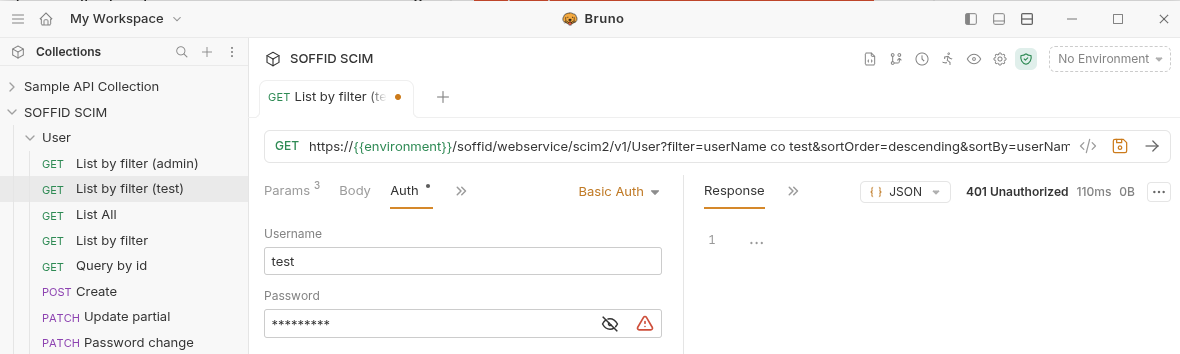
First, let’s check that the "Test" user we were using in the SCIM web service no longer has access, see the "401 Unauthorized" error.
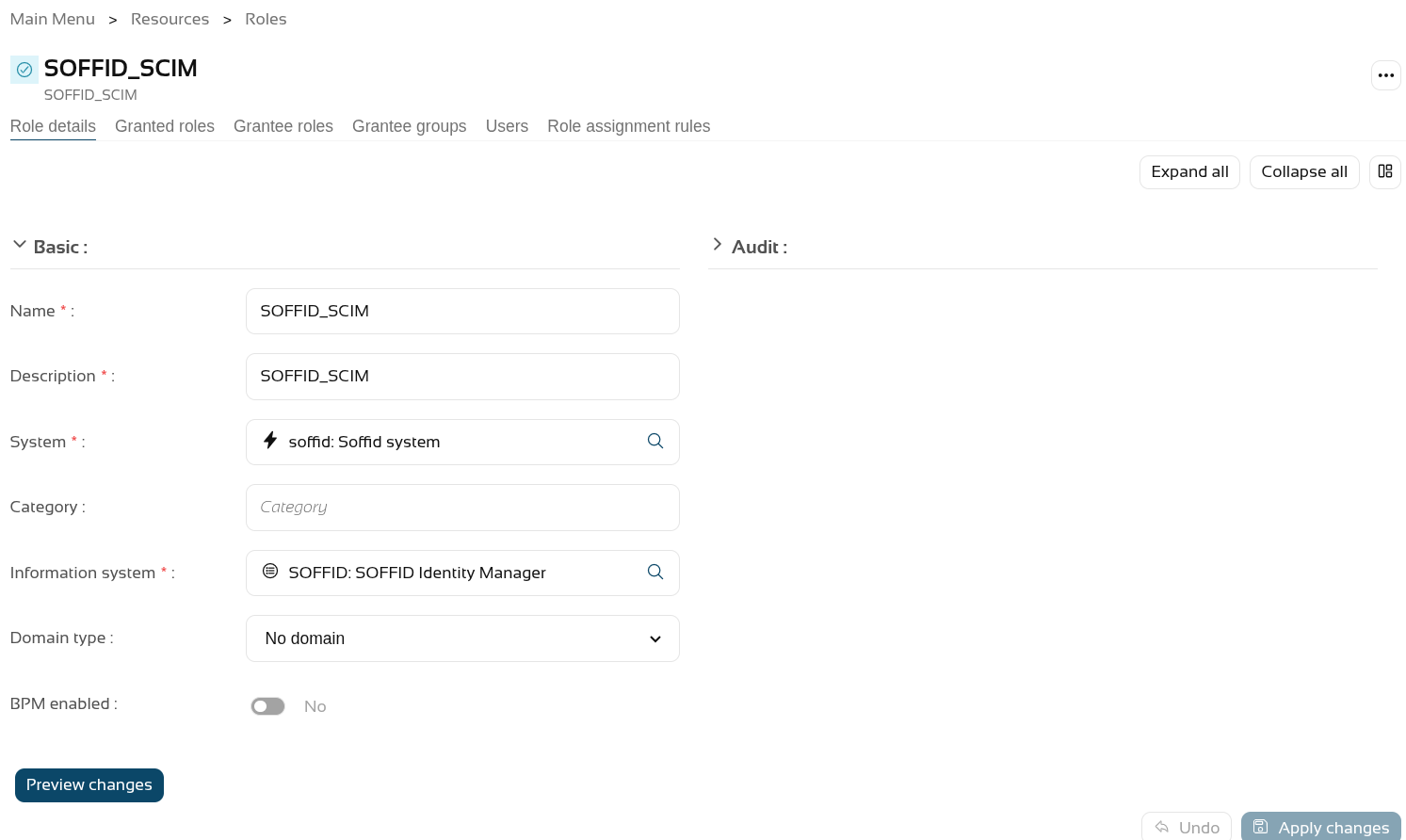
On the Roles page, we are going to create a new role, "SOFFID_SCIM", and then assign the new authorisation to it.
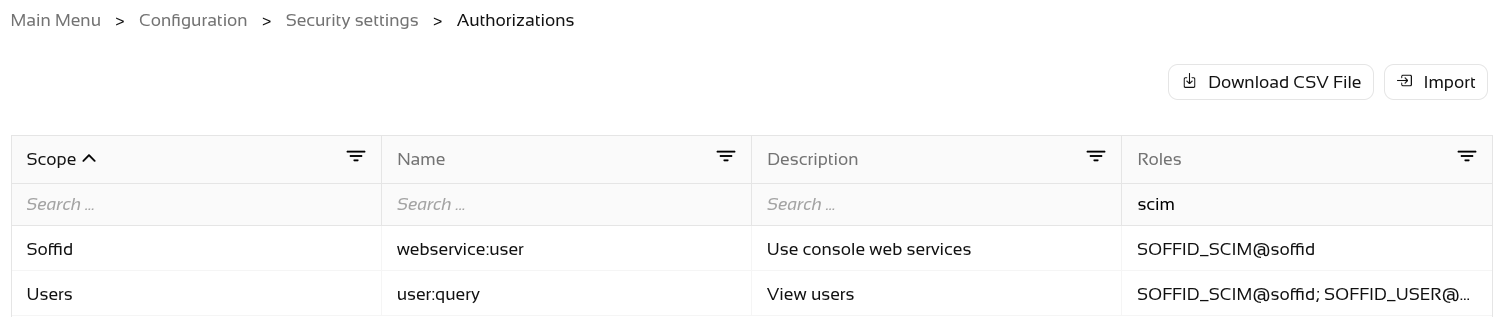
The final step is to grant the SOFFID_SCIM role to the user.
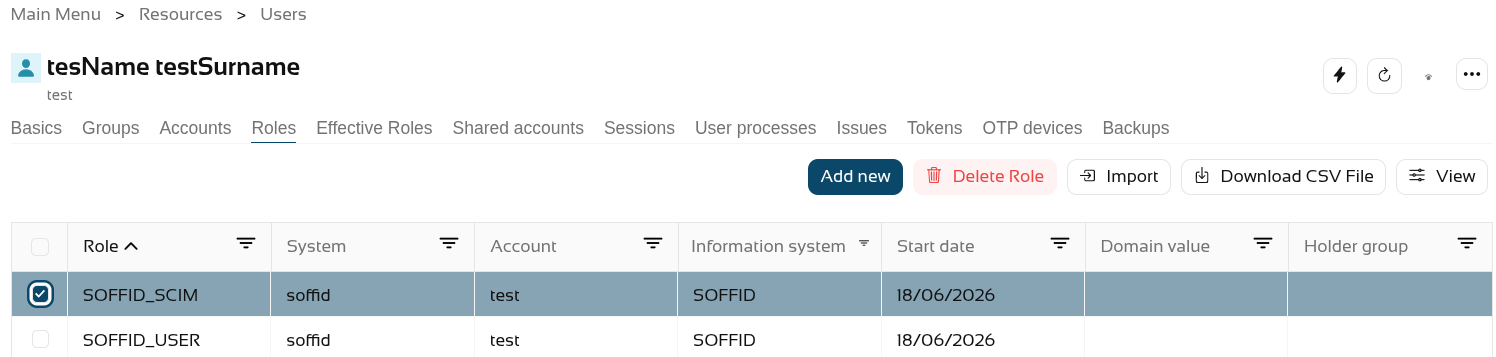
Now, when we query the web service, it returns results.