2026-05-20 New feature: set password when enabling an account
The new feature
In the SAP agent,Now, when an account is accountdisabled, its password linkedis todeleted. aAfterwards, if the user changes his password, the disabled account will still have no password. If the disabled account is enabled, the agent will set upof the Soffidaccount will set the password of the password domain to the account and send it to the connectedtarget SAP system via an agent.system.
Bear in mind
Please note the following points:
- The user's password domain will have value once at least one password has been assigned.
- The account must be a single-user account; these are the ones that can be viewed in a user’s accounts tab.
How to configure it?
The following components must be installed:
- Console 4.0.57 (or higher)
- Syncserver 4.0.35 (or higher)
- SAP plugin 4.0.2 (or higher)
Let's look at an example
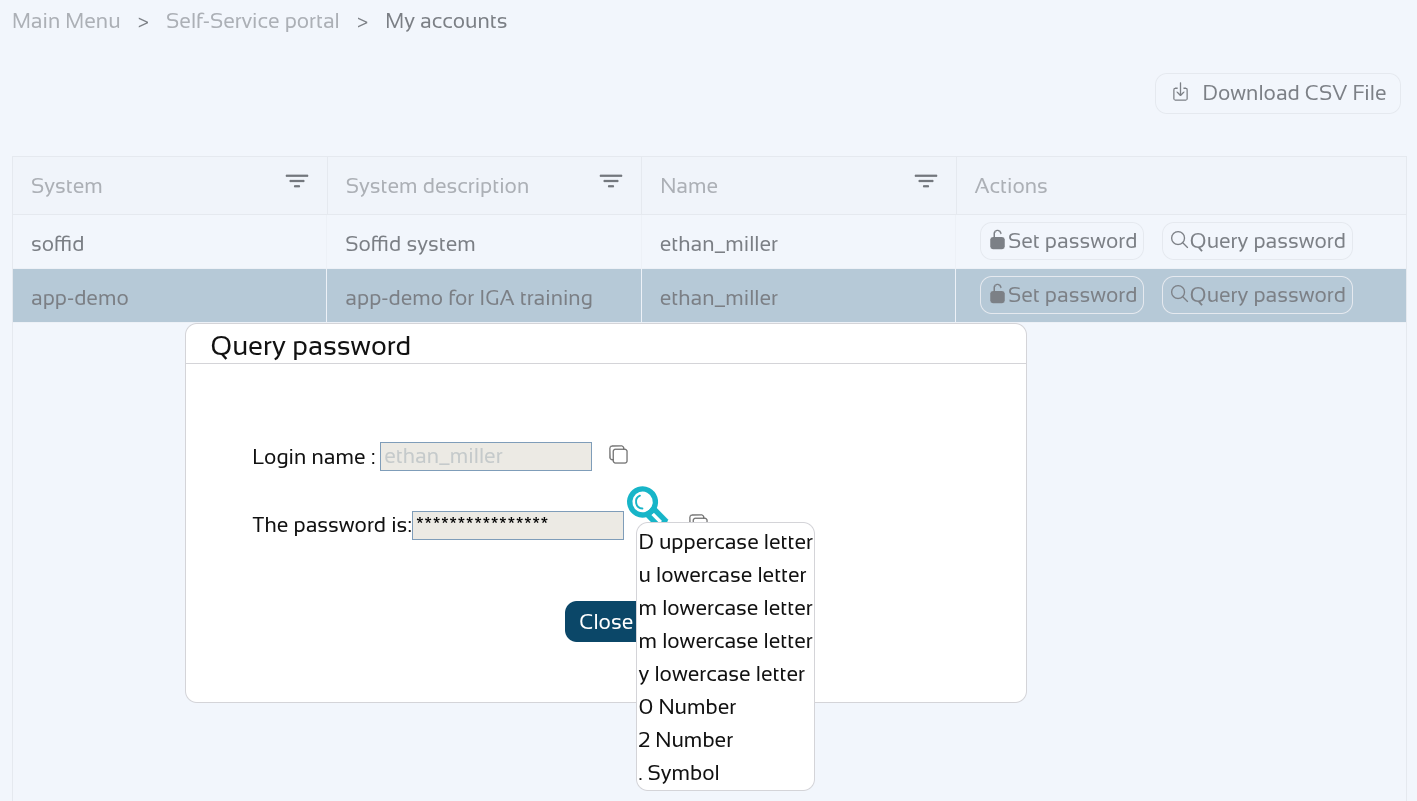
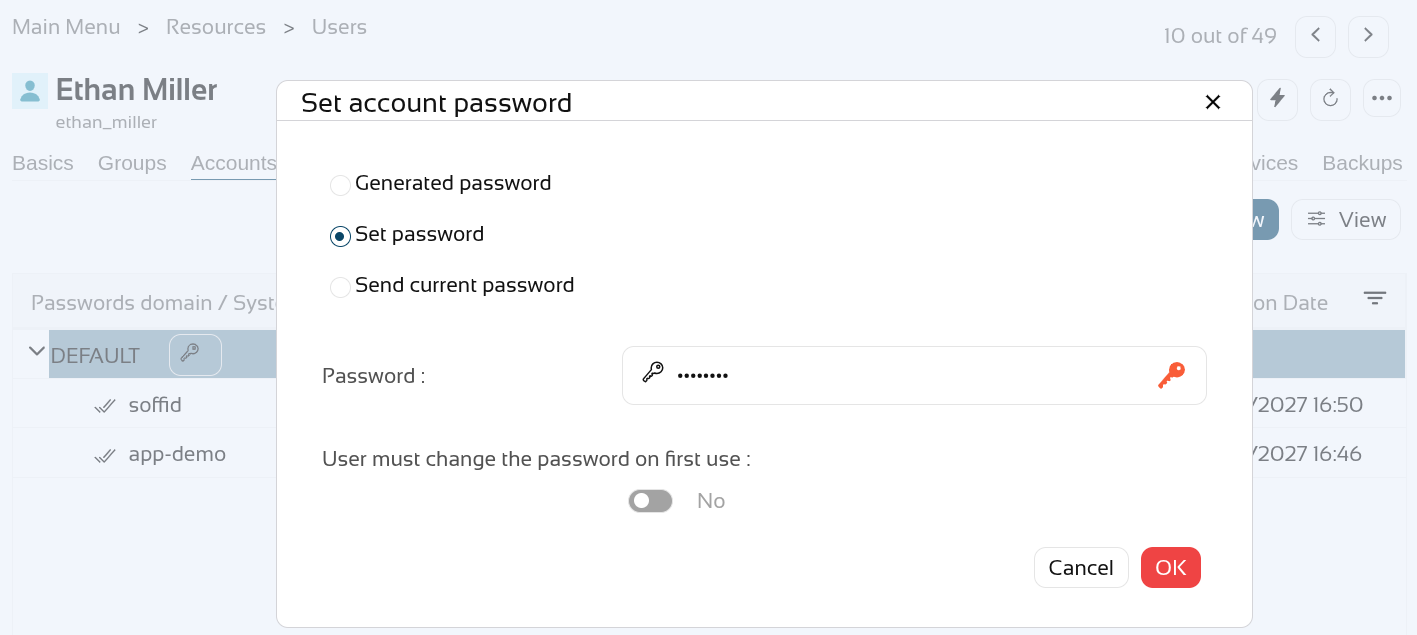
Let’s look at an example, here we have the user "lucas_whiteethan_miller" to whom we are going to assign the password "Dummy01.".
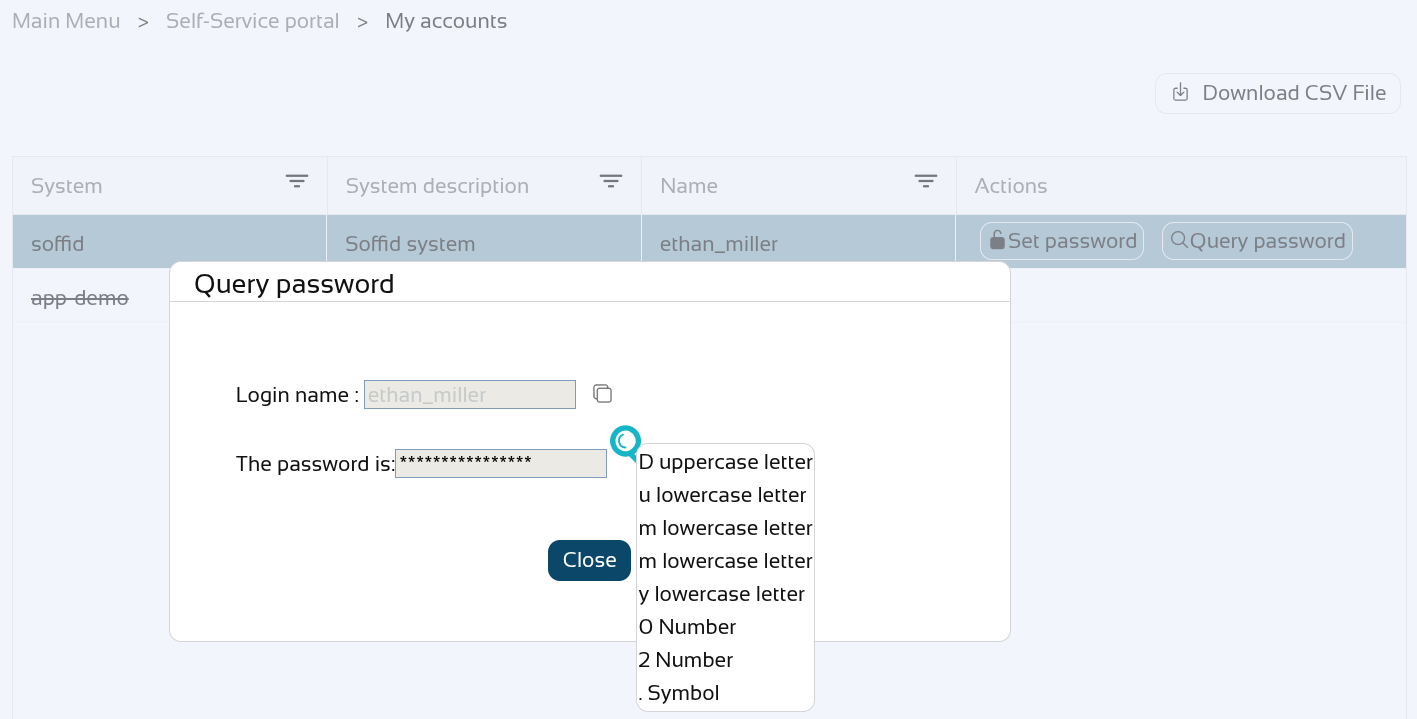
You can check your password on the "My accounts" page, click on the "View password" of the "SAP-DEVapp-demo" account.
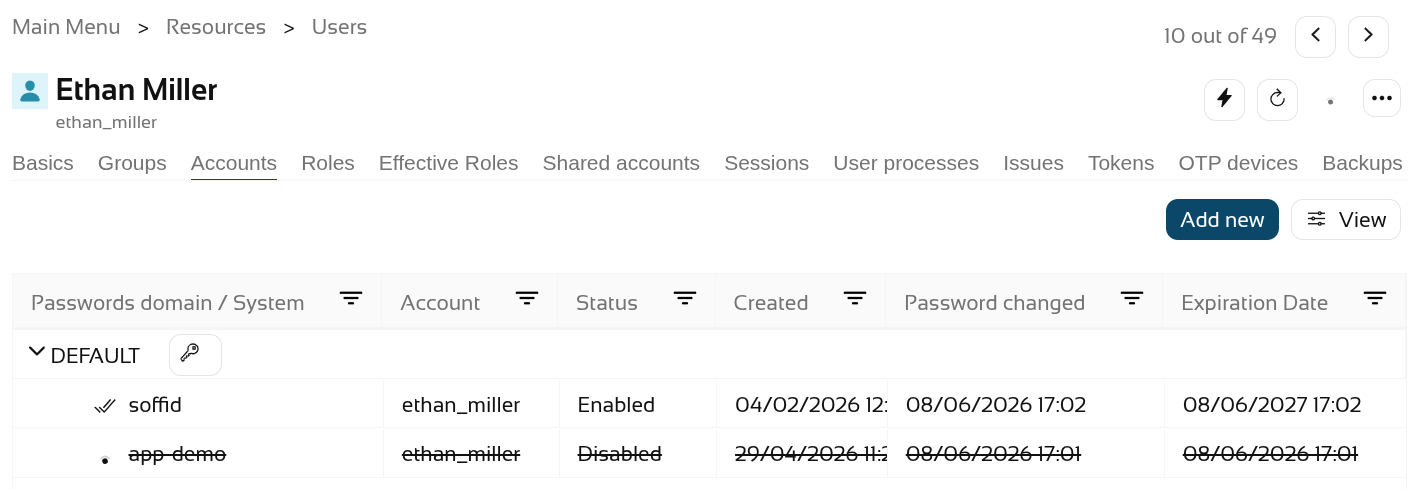
Now let's disable the "SAP-DEV"app-demo" account.
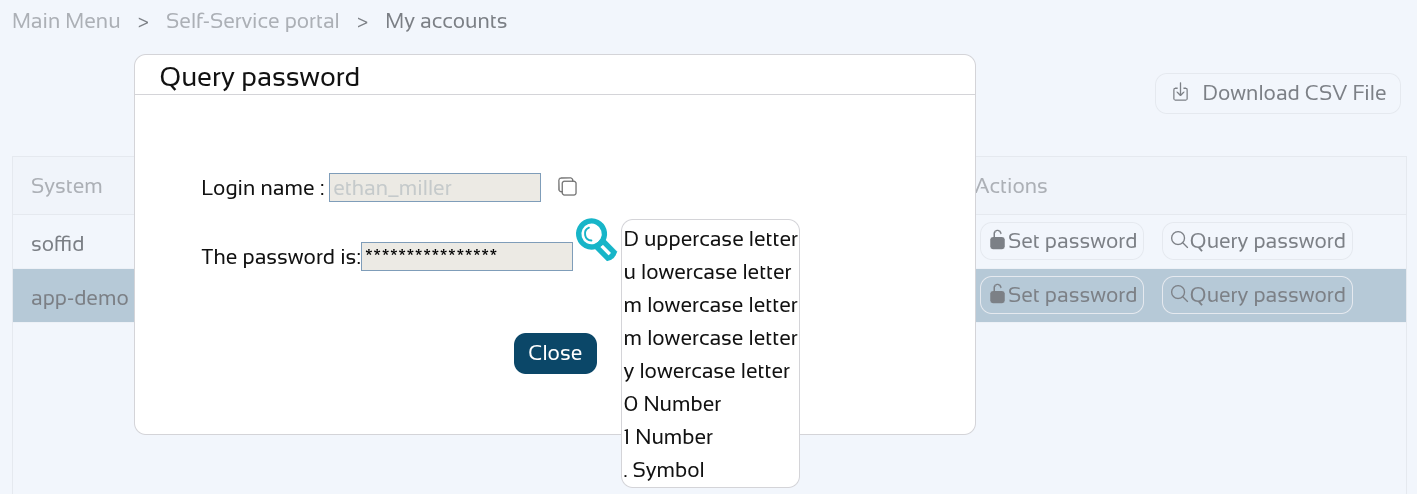
Check the password again, it must be empty.
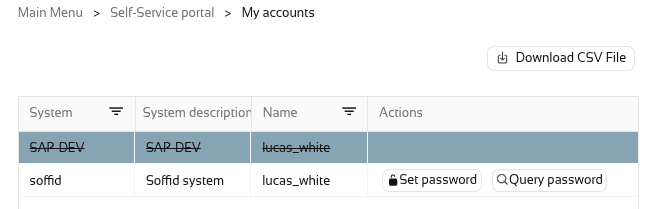
We are going to assign a new password "Dummy02.".
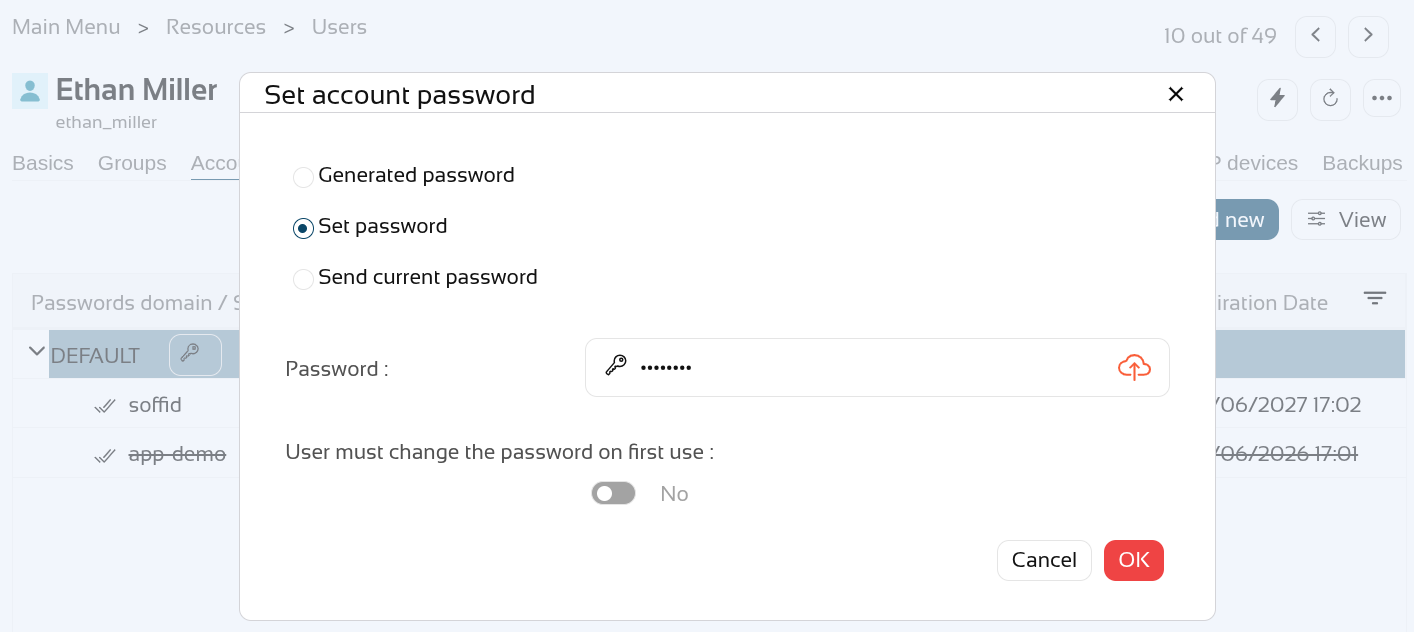
The other account has the new password.
Enable the SAP-DEV"app-demo" account.
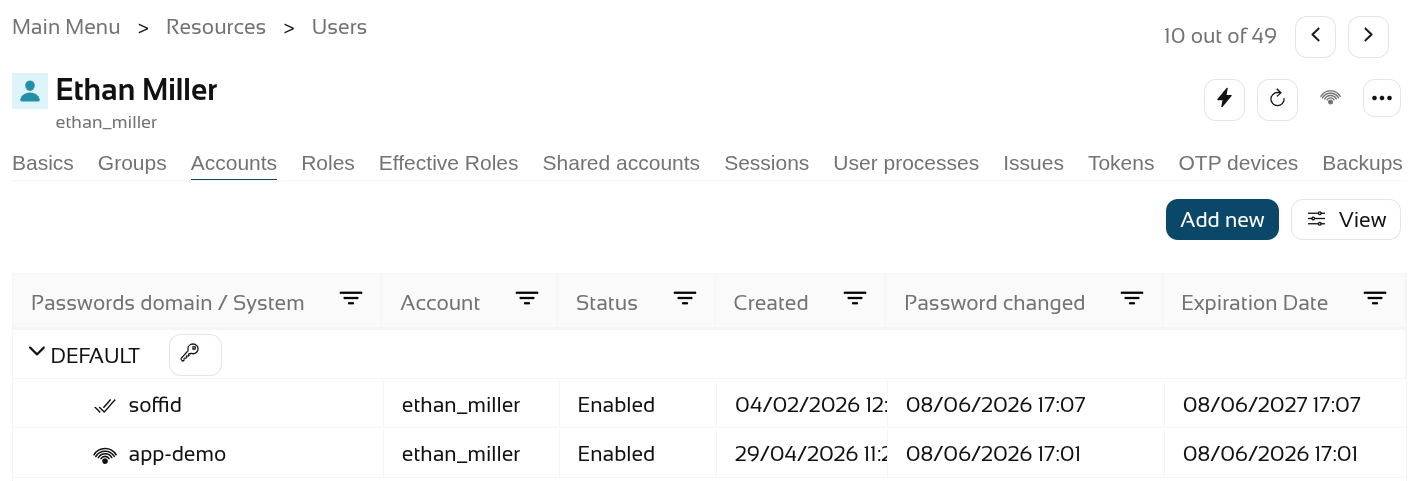
Check the account with the new password.