
Soffid 4 first access
Introductión
After installing Soffid using any of the above methods, the following steps must be taken when accessing the Console for the first time.
Upgrade
Click "OK" to coninue the installation process.


Login
The next step is to log in to the Soffid Console for the first time.
During the installation process, the admin user was created with the temporary password changeit. When you log in, you will be asked to enter your new final password.


Licence
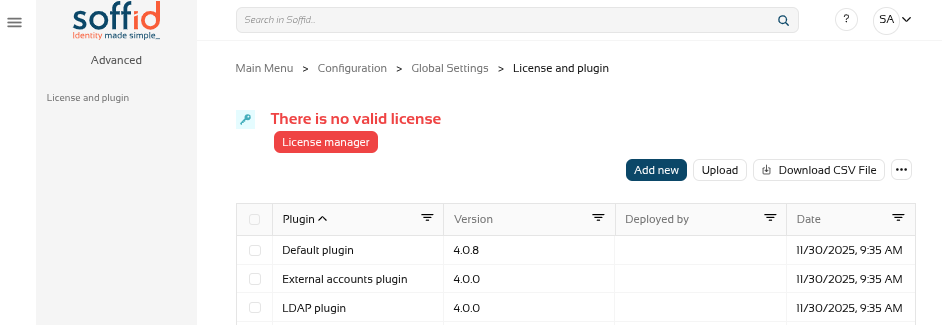
When you access the Console for the first time, you will only be able to see the ‘Licence and plugin’ page.
If you do not see this page, log out and log back in.
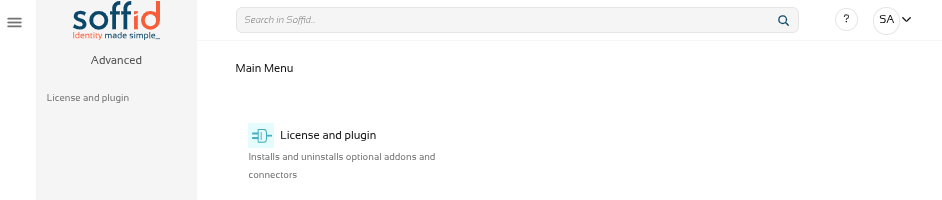
To obtain a licence, please contact the Soffid sales team.
For further information, please refer to the Licence and plugin page.
HTTPS
In order to select and accept the licence, as well as use the marketplace to upload and update components, you must enable the Console in https.
Revise la siguiente documentación: Configure TLS for IAM Console