2026-07-20 New feature: configure maximum openid logins
The new feature
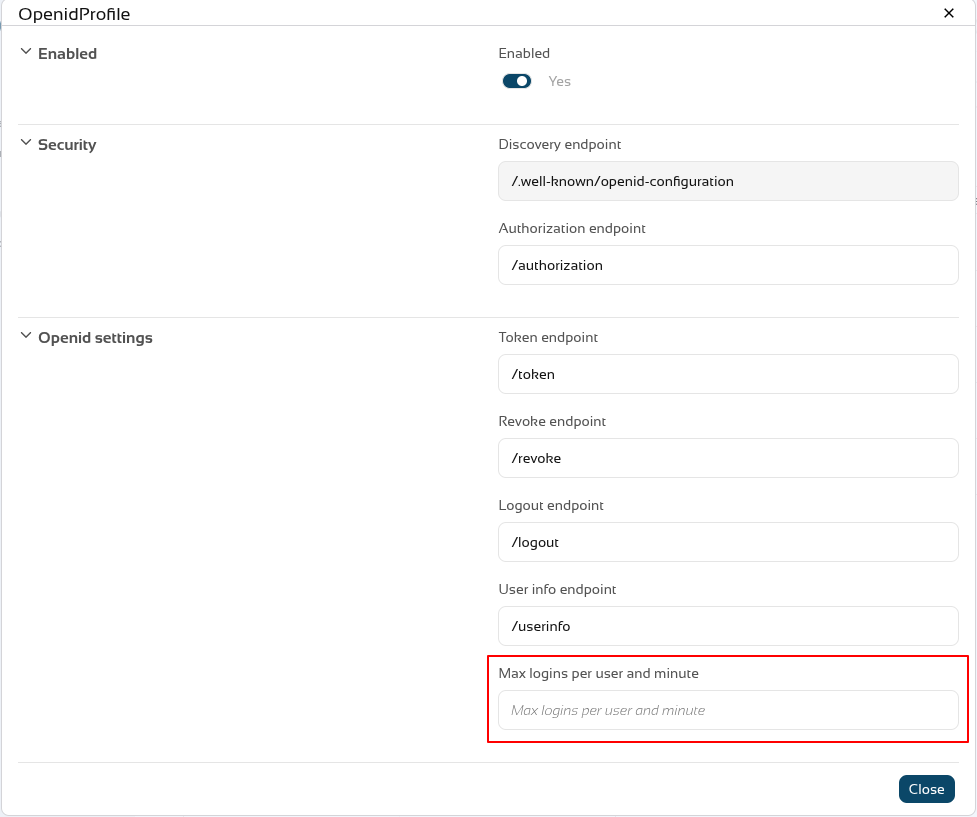
A new feature has been introduced in the Soffid Identity Provider that limits the number of requests a user can make to an OpenID Connect service provider. The new attribute is name "Max login per user and minute".
A new issue "issue-login-limit" has also been created to manage this new configuration.
Bear in mind
Please note the following points:
-
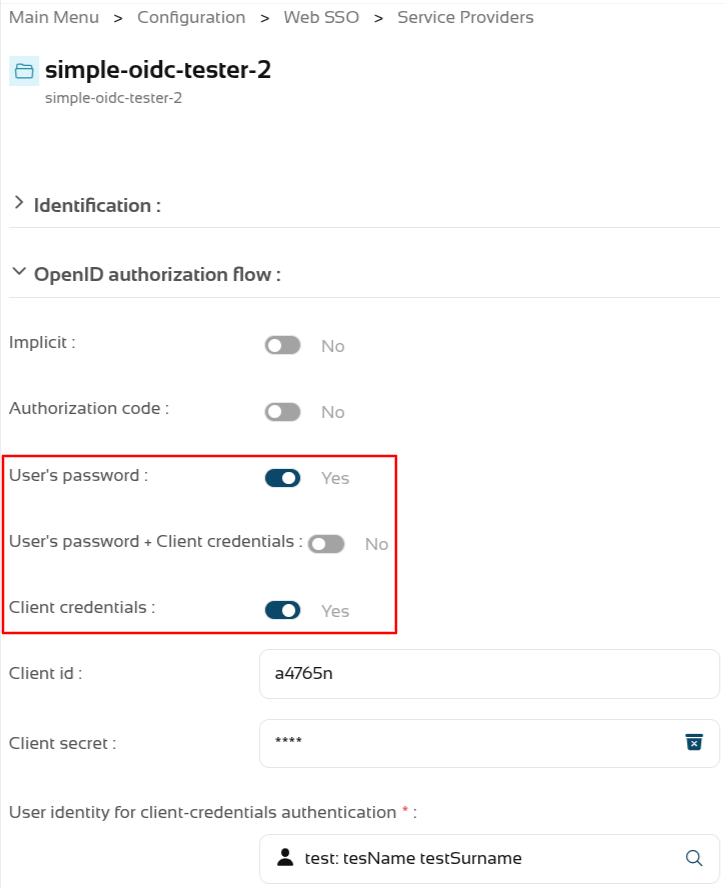
The limit only applies to OpenID service providers using "User’s password", "User’s password + Client credentials" or "Client credentials" authentication.
-
The limit applies globally to all service providers using these authentication types.
-
The limit is for a user, each user can reach or not the limit.
-
For each request, the system checks whether the limit has been exceeded in the last minute; if the total number of requests exceeds the configured number, an error is returned.
-
The system re-evaluates whether the limit has been reached with each request.
-
For example, if the limit is 30 request, and 31 requests are made in 1 second, the 31st request would return an error; and for the next 59 seconds – as 31 requests plus any new ones would still be counted within the last minute – errors would continue to be returned. If, on average, one request were made every 2 seconds, the limit would never be triggered.
About the platform:
- All the previous requisites are for a non Soffid Cloud solution.
- In the Soffid Cloud the number of request is configured for a Soffid administrator, the field is not visible for the tenant
For more information you can check the OpenIdProfile page, or the Defining profiles page
About the issue:
- The issue must be enabled and configured to suit your requirements.
For more information you can check the Issue policies page
How to configure it?
The following components must be installed:
- Console 4.0.67 (or higher)
- Addon federation 4.0.37 (or higher)
Let's look at an example
Step 1: configure the limit
Let’s go to our Soffid identity provider.
Go to Main Menu > Configuration > Web SSO > Identity providers.
Select your Soffid IDP.
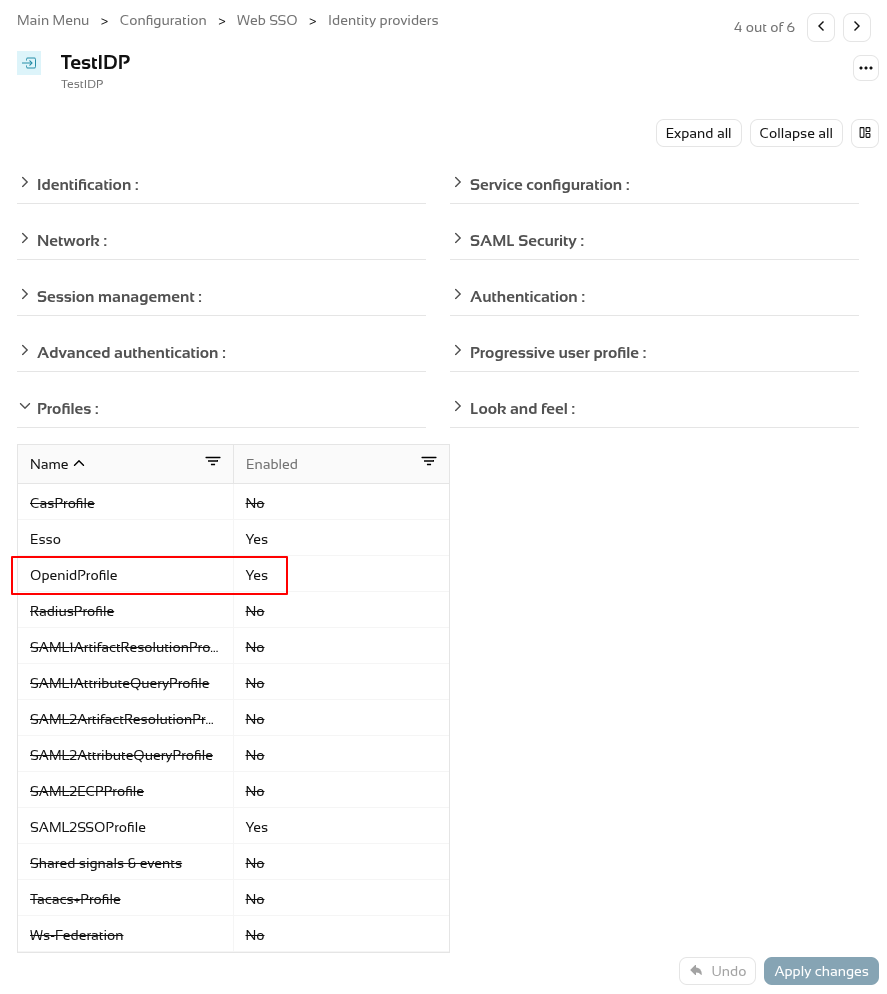
And go the Profiles group and select the OpenIdProfile.
To activate the attribute "Max login per user and minute" add a number, por example 30, 60, etc.
To validate this functionality, we need to authenticate as a service provider.
First, let’s check that the service provider has configured the authentication types that the limit validates.
We’re going to test it using a testing tool; we can see that it responds correctly when the limit is not reached.
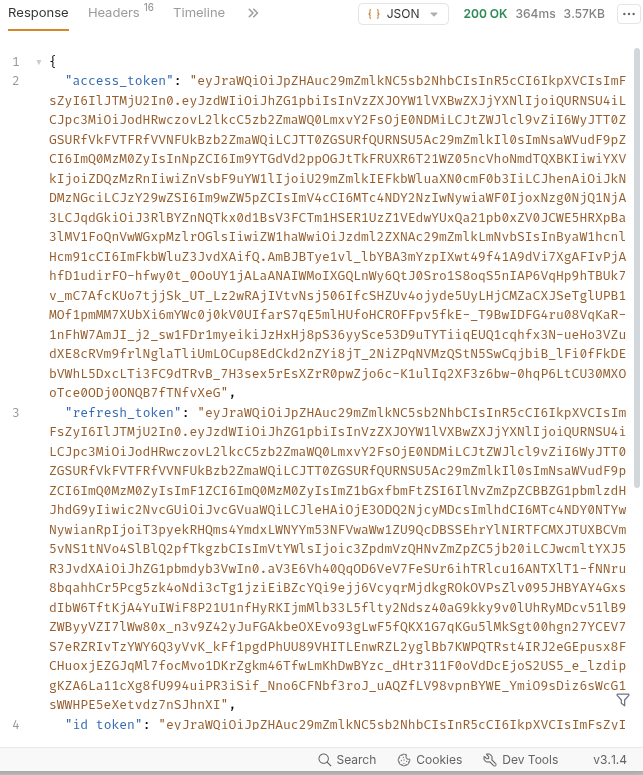
But when it reaches its limit, it returns a HTTP code 400 with the message "Login limit reached".
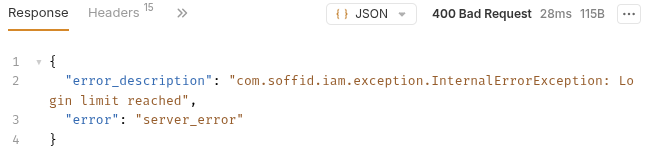
400 Bad Request
{
  "error_description": "com.soffid.iam.exception.InternalErrorException: Login limit reached",
  "error": "server_error"
}
Step 2: configure the issue
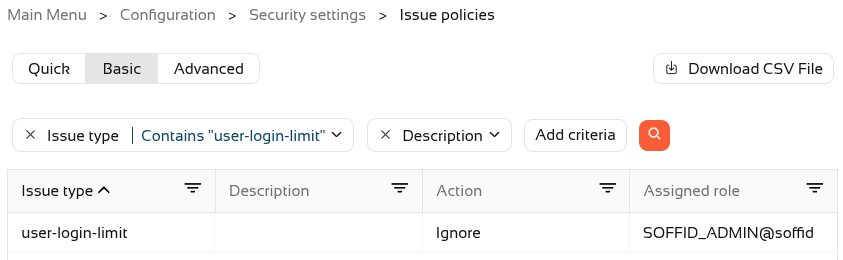
First, we need to open the new issue.
Select the user-login-limit.
To activate the issue, we will need to assign an action type (Record or Manage).
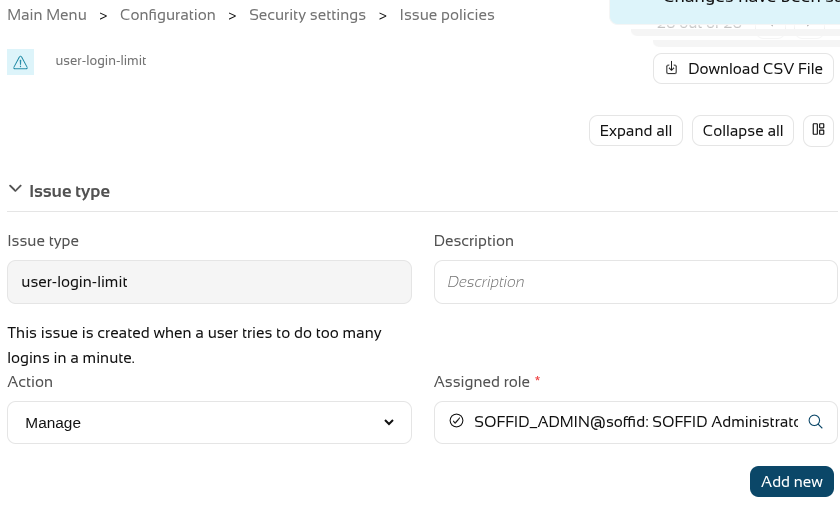
Now create one or more actions using the "Add new" button; in our case, a personalised email will be sent.
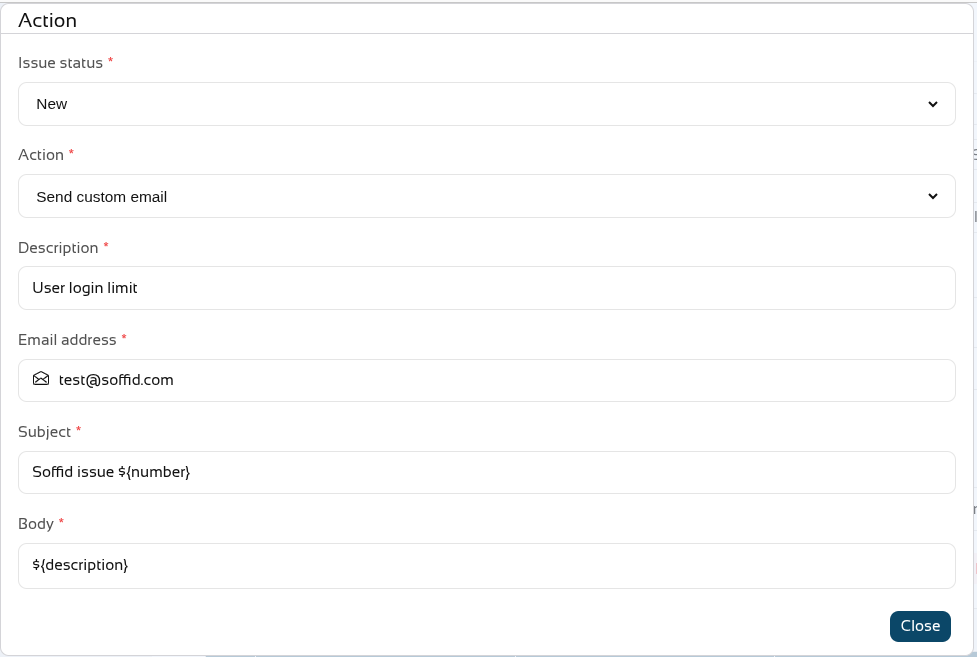
On leaving, we can see that the issue has been Managed.
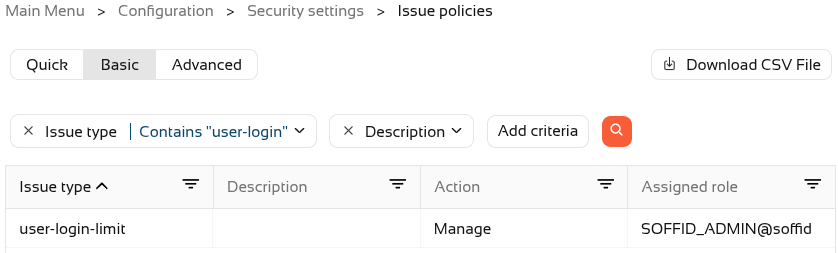
If we push the limit, a new issue will now also be created in Soffid.

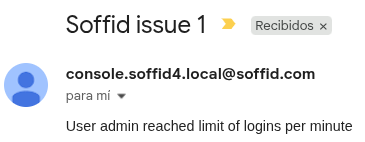
And here is an example of the email that was sent