# User backup configure & restore (backup addon)
## Description
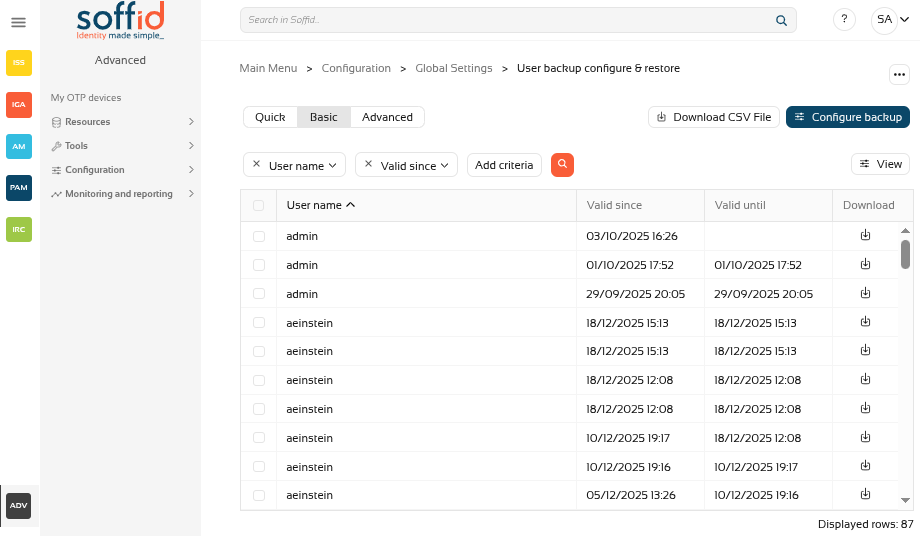
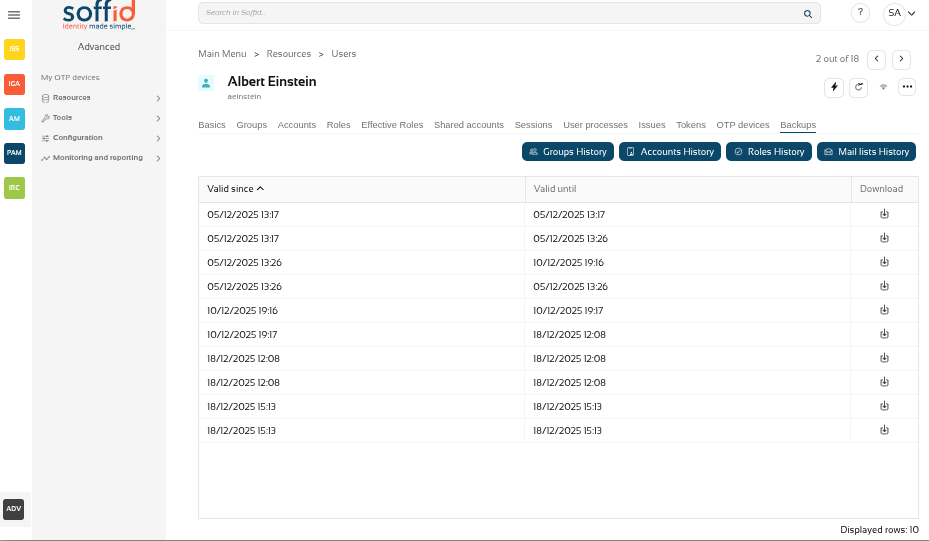
On the **User backup configure & restore page**, you could search, check and restore the user's snapshots.
Also on this screen, you can also configure the frequency and number of backups to be performed.
## Screen overview
[](https://bookstack.soffid.com/uploads/images/gallery/2025-12/p2GaFi2Z8k9colt2-image.png)
## Related objects
- [Users](https://bookstack.soffid.com/books/adv/page/users): new Backups tab in the Users page, user object has backups
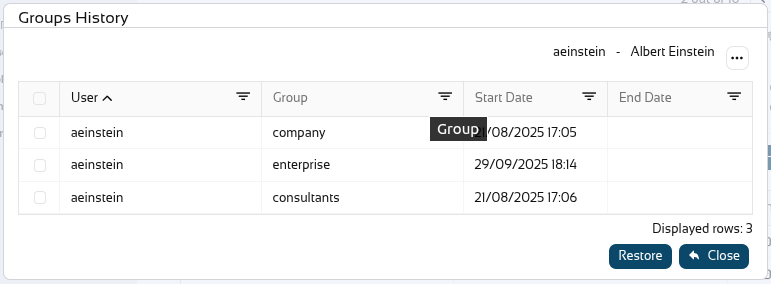
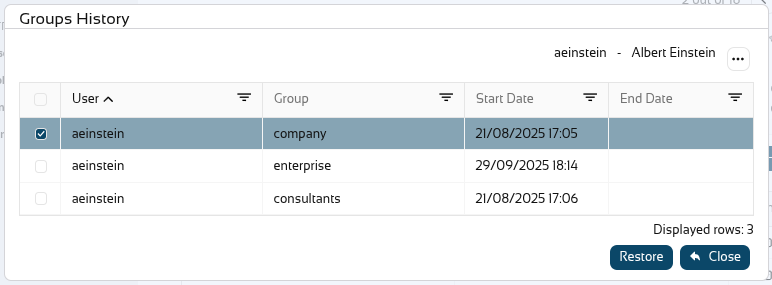
- [Groups](https://bookstack.soffid.com/books/soffid-4-reference-guide/page/groups "Groups"): user assignments to groups have backup
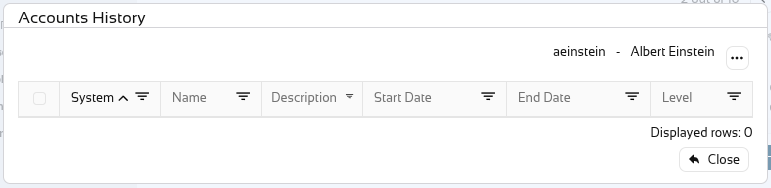
- [Accounts](https://bookstack.soffid.com/books/soffid-4-reference-guide/page/accounts "Accounts"): user's accounts have backup
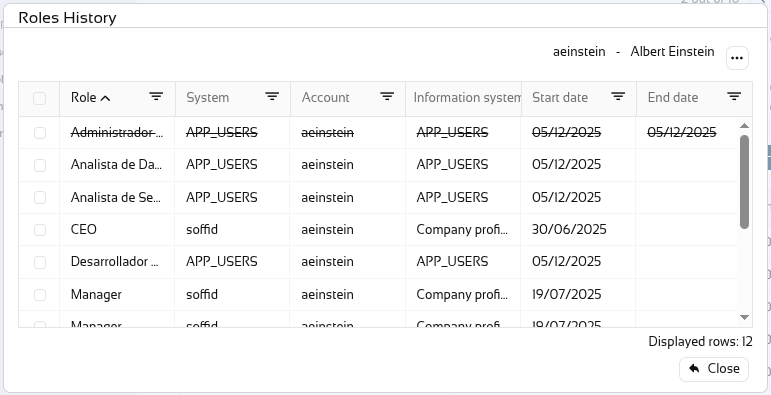
- [Roles](https://bookstack.soffid.com/books/soffid-4-reference-guide/page/roles "Roles"): user's roles (grants) have backup
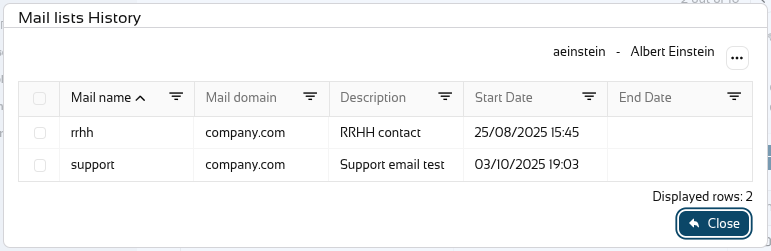
- [Mail lists](https://bookstack.soffid.com/books/soffid-4-reference-guide/page/mail-lists "Mail Lists"): user's mail lists have backup
## Standard attributes
- **User Name**: userName of a user
- **Valid since**: date and time when this backup started
- **Valid until**: if it is not the last backup, date and time when this backup finished
- **Download**: XML file with the user snapshot info.
## Actions
#### Table actions
| **Query**
| Allows you to query users through different search systems, [Basic and Advanced](https://bookstack.soffid.com/books/soffid-4-reference-guide/page/search-types "Search Types").
|
| **Restore**
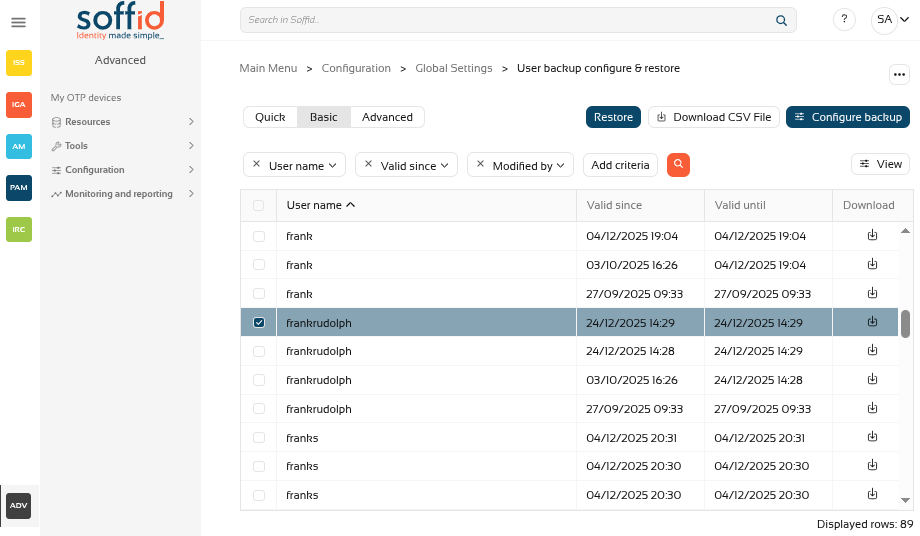
| Allows you to restore one or more user's snapshots.
First of all, you need select one or more snapshots.
Second, you need to click the "Restore" button.
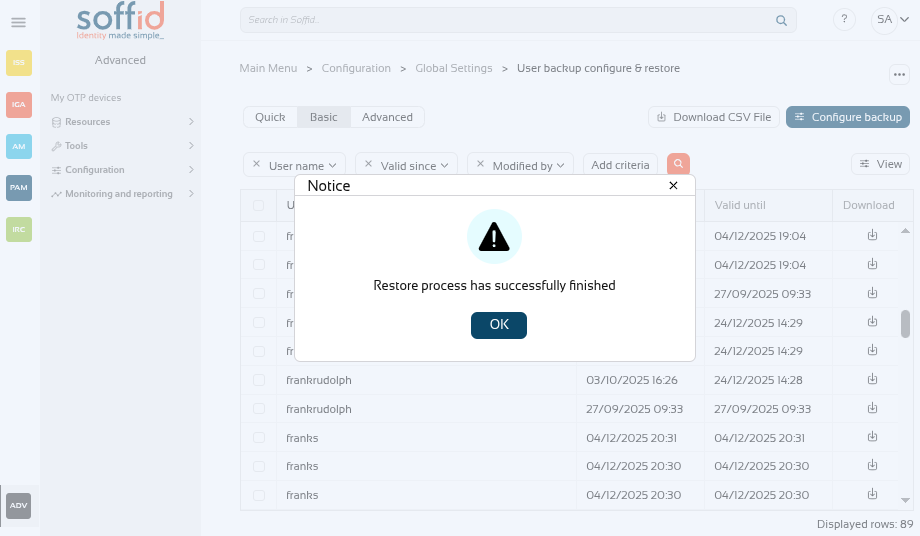
Then Soffid will run the restore process.
Image
[](https://bookstack.soffid.com/uploads/images/gallery/2025-12/ZkbLRnc7wkbrP4jM-image.png)
[](https://bookstack.soffid.com/uploads/images/gallery/2025-12/NqLZL1YP83jdfjJn-image.png)
|
| **Download CSV File**
| Allows you to download a CSV file with the basic information of all backups, with the same columns as displayed in the table.
|
| **Configure backup**
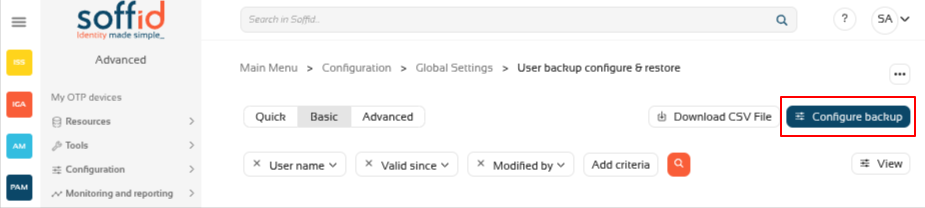
| Allows you to configure the backup parameters.
|
| **View** | Allows you to show and hide columns in the table.
You can also set the order in which the columns will be displayed.
|
| **Download**
| Allows you to download an XML file with the user. You only need to click on the download icon of one of the records and save the file on your computer.
|
#### Configure backup button
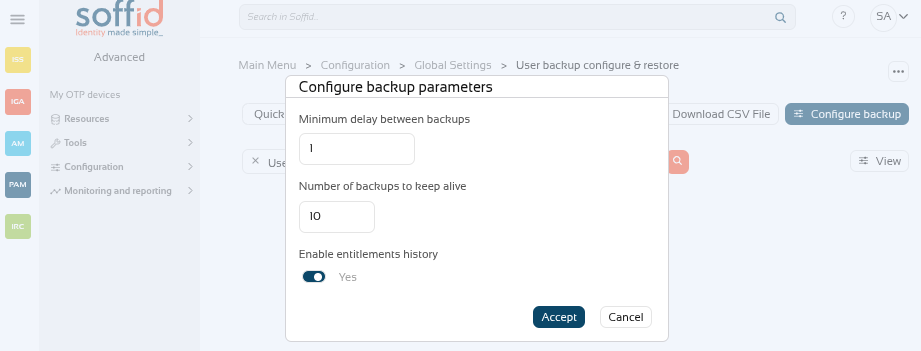
With the "Configure backup" button, you can configure the frequency and number of backups. These are the available parameters:
- **Minimum delay between backups**: if the value is 1, when a backup is created, the system will not create a new backup until 1 day later, even if there has been more than one change during that period.
- **Number of backups to keep alive**: if the value is 10, when 10 backups are reached, the oldest backup will be deleted when the next one is created.
- **Enable entitlements history**: enable the history of roles assigned to users.
Image
[](https://bookstack.soffid.com/uploads/images/gallery/2025-12/iGSB9seMdLvf60x0-image.png)
[](https://bookstack.soffid.com/uploads/images/gallery/2025-12/8tWdt1UczBxprb6P-image.png)
Image
[](https://bookstack.soffid.com/uploads/images/gallery/2025-12/GTTAgRzgcrwNMTny-image.png)
Image
[](https://bookstack.soffid.com/uploads/images/gallery/2025-12/yBLghnWKr7kceH2Q-image.png)
Image
[](https://bookstack.soffid.com/uploads/images/gallery/2025-12/Cj1WEp9hnf5LVHn8-image.png)
Image
[](https://bookstack.soffid.com/uploads/images/gallery/2025-12/iwumbrGuDGmb8x0I-image.png)
[](https://bookstack.soffid.com/uploads/images/gallery/2025-12/CSUo0aFdpBlodoJs-image.png)
[](https://bookstack.soffid.com/uploads/images/gallery/2025-12/blAsYnbIuKcd4h18-image.png)
[](https://bookstack.soffid.com/uploads/images/gallery/2025-12/Ui4y96dvOaSuBQ0U-image.png)
Image
[](https://bookstack.soffid.com/uploads/images/gallery/2025-12/2sxT0ez2wGNPXlb6-image.png)