This new feature included in Soffid 4 allows you to interact with our AI to request information, or better yet, ask it to apply changes directly in the Console.
The power offered by this new tool is limitless. Our imagination, combined with training in Soffid's documentation and internal structure, enables us to accomplish many tasks.
This feature is not enabled by default, you must activate a token in order to use it. This feature has been reconfigured; please check out the following new feature.
[2026-07-08 New feature: geolocation service available by default](https://bookstack.soffid.com/books/soffid-4-reference-guide/page/2026-07-08-new-feature-geolocation-service-available-by-default "2026-07-08 New feature: geolocation service available by default")
## Screen overview [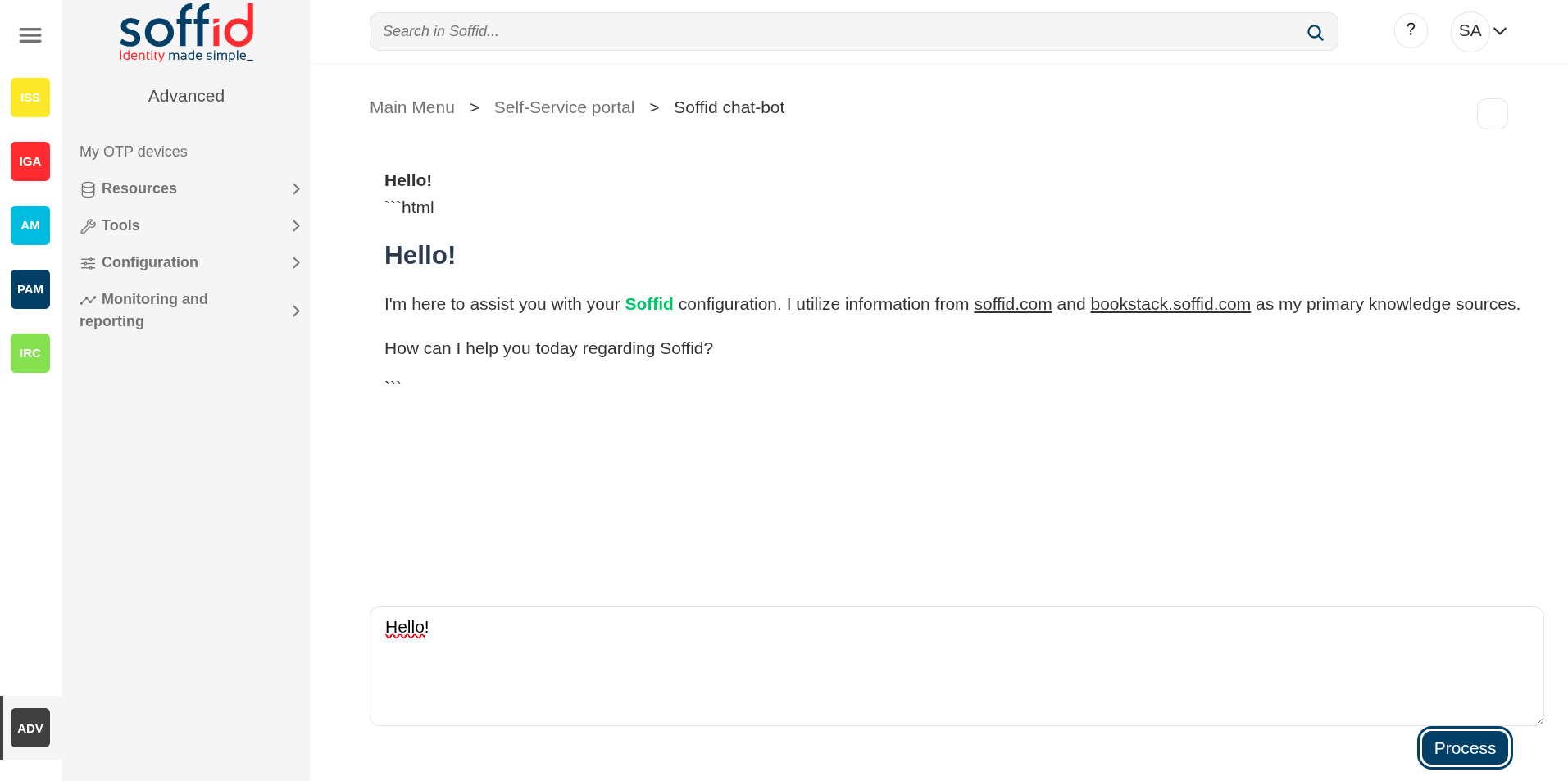](https://bookstack.soffid.com/uploads/images/gallery/2025-08/H4QOkf0gpQPjXbuu-image.png) [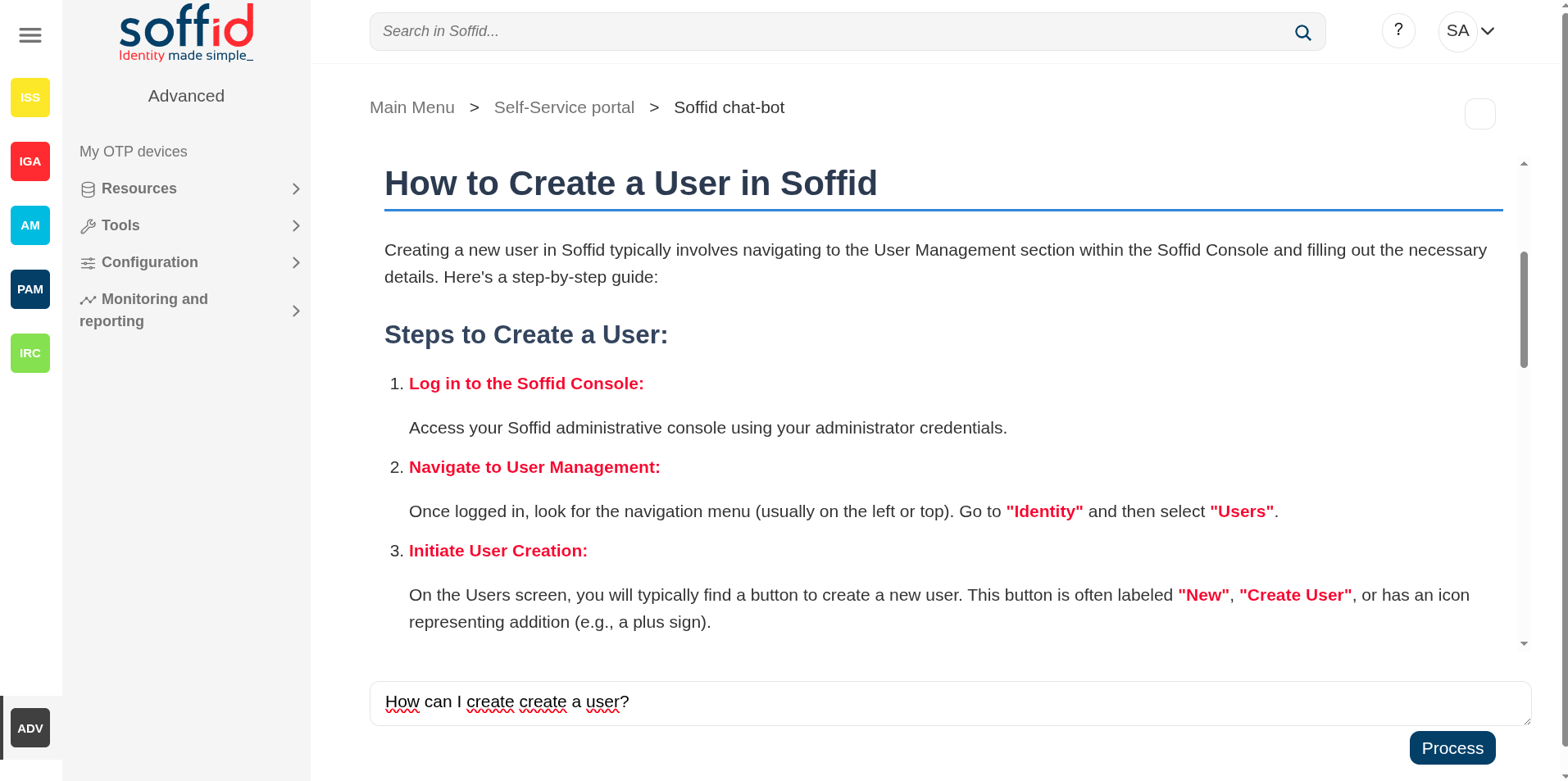](https://bookstack.soffid.com/uploads/images/gallery/2025-08/FtcBApVAHsKzv9wP-image.png) ## Related objects - [Network Intelligence](https://bookstack.soffid.com/books/soffid-4-reference-guide/page/network-intelligence "Network intelligence") : to configure the token to use this feature - [Soffid chat-bot](https://bookstack.soffid.com/books/soffid-4-reference-guide/page/soffid-chat-bot "Soffid chat-bot") : to chat with our IA - [Custom scripts](https://bookstack.soffid.com/books/soffid-4-reference-guide/page/custom-scripts-addon-admin "Custom scripts (addon admin)") : to use the IAAll pages with scripts can use the IA to help you with the scripting
## Standard attributes - **Chat box** : Type your query or request for our AI in the chat box. ## Actions| **Process** | Send the request to our AI for processing. |