# Sessions
## Description
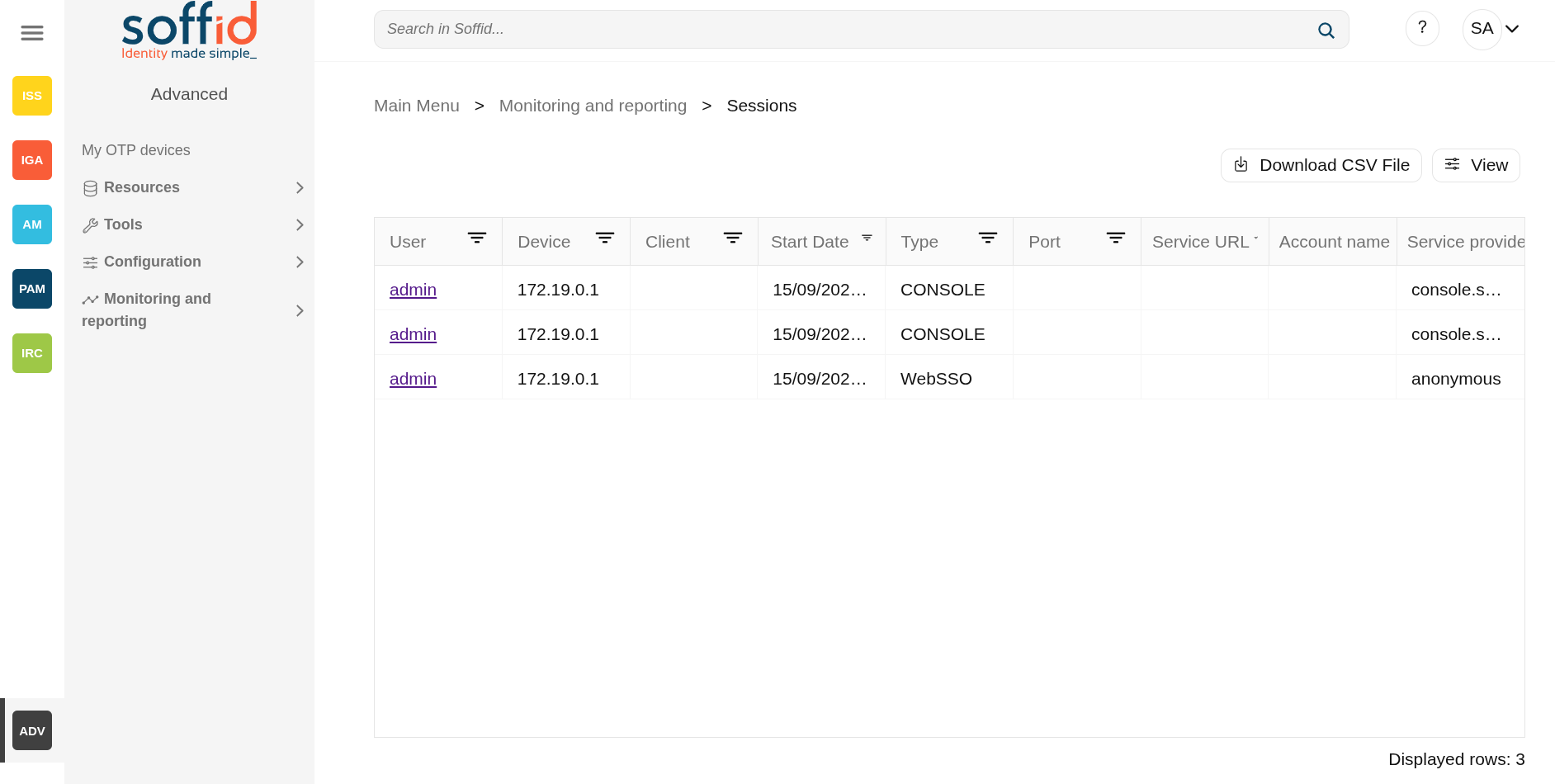
The sessions page displays the current open sessions made with the Console, ESSO, WSSO or PAM for which the user is the owner.
This functionality allows the owner users, with appropriate privileges, to open and view online a session opened by another user. It also allows them to interact if necessary.
When a session is finished it can be found on the [access logs](https://bookstack.soffid.com/books/soffid-4-reference-guide/page/access-logs "Access logs") page.
## Screen oveview
[](https://bookstack.soffid.com/uploads/images/gallery/2025-09/nyXP7RTOMNlgpopv-image.png)
## Related objects
- [Access logs](https://bookstack.soffid.com/books/soffid-4-reference-guide/page/access-logs) : to view open sessions and those that have already ended
- [Users](https://bookstack.soffid.com/books/soffid-4-reference-guide/page/users) : for the user and full name data
- [Agents](https://bookstack.soffid.com/books/soffid-4-reference-guide/page/agents) : agent object
- [Jump server group](https://bookstack.soffid.com/books/soffid-4-reference-guide/page/configure-pam-session-servers) : jump server configuration
## Standard attributes
- **User**: name of the user who opened the session.
- **Device:** IP from which the connection was executed.
- **Client**: server where the user started the session.
- **Start Date**: date and time when access started.
- **Type**:
- CONSOLE
- WebSSO
- ESSO
- PAM
- PAM RDP
- PAM SSH
- **Port**: port of the server where the user started the session.
- **Service URL:** connection URL
- **Account name**: user account name to connect
- **Service provider**: final application or service provider where the authentication has been applied
## Actions
| **Download CSV file** | Allows you to download a csv file with the information of audit records. |
| **View** | Allows you to add or remove columns to the table.
It is also possible to change the order of the columns.
|