# Scheduled jobs
## Description
Schedule jobs display all the asynchronous tasks generated for the workflows engine. When a job is finished, it will disappear from that list.
## Screen overview
[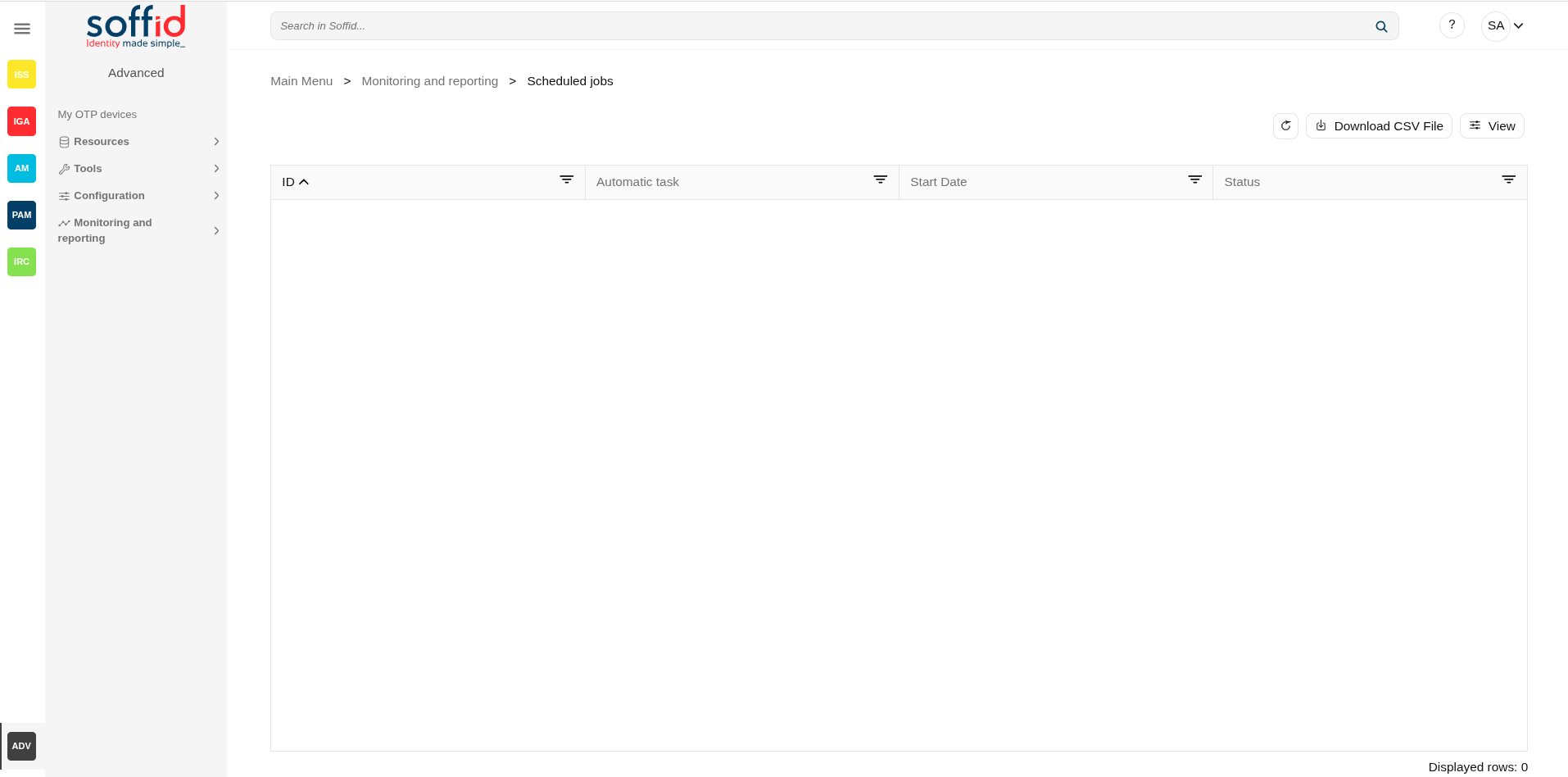](https://bookstack.soffid.com/uploads/images/gallery/2025-08/Lj1jgNwsLBOMp5MK-image.png)
## Related objects
- [Configure Workflow engine](https://bookstack.soffid.com/books/soffid-4-reference-guide/page/configure-workflow-engine) : where the workflow engine is configured
- [Business process definition](https://bookstack.soffid.com/books/soffid-4-reference-guide/page/business-process-definition) : where workflows are published
- [BPM editor](https://bookstack.soffid.com/books/soffid-4-reference-guide/page/bpm-editor-addon-bpm) : where to create or modify workflows
- [My tasks](https://bookstack.soffid.com/books/soffid-4-reference-guide/page/my-tasks) : pending workflows where the user has to perform an action in order to continue their workflow.
- [My requests](https://bookstack.soffid.com/books/soffid-4-reference-guide/page/my-requests) : The workflows that the user can initiate are listed here.
- [My requests > Query request status](https://bookstack.soffid.com/books/soffid-4-reference-guide/page/my-requests-query-request-status) : to search for all processes started by oneself
- [Process Search](https://bookstack.soffid.com/books/soffid-4-reference-guide/page/process-search) : to search for all processes
- [Metadata](https://bookstack.soffid.com/books/soffid-4-reference-guide/page/metadata) : to add attributes to display in the search tables
- [Scheduled jobs](https://bookstack.soffid.com/books/soffid-4-reference-guide/page/scheduled-jobs) : shows active workflows pending asynchronous tasks
## Standard attributes
- **ID**: job identifier.
- **Name**: job name.
- **Process**: process identifier and description.
- **Next rerun**: date and time scheduled for next execution.
- **Failed attempts**: number of failed attempts.
- **Status**: status of the last execution
- **Message**: message of the last execution
Actions
#### Table actions
| **Refresh (icon)** | Allow you to refresh the data of the table. |
| **Download CSV file** | Allows you to download a CSV file with the scheduled tasks. |
| **View**
| Allows you to show and hide columns in the table.
You can also set the order in which the columns will be displayed.
|
#### Detail actions
| **Resume**
| Allows you to resume the task
|
| **Hold**
| Allows you to retain the task.
|
| **Close**
| Allows you to close the window without perform any action.
|