Soffid provides a monitoring functionality to consult all the information about the different jump servers installed and configured.
To activate this view you will need to enable the **Feed statistic tables** task on the [Scheduled tasks](https://bookstack.soffid.com/books/soffid-4-reference-guide/page/scheduled-tasks "Scheduled tasks") page.
## Screen overview [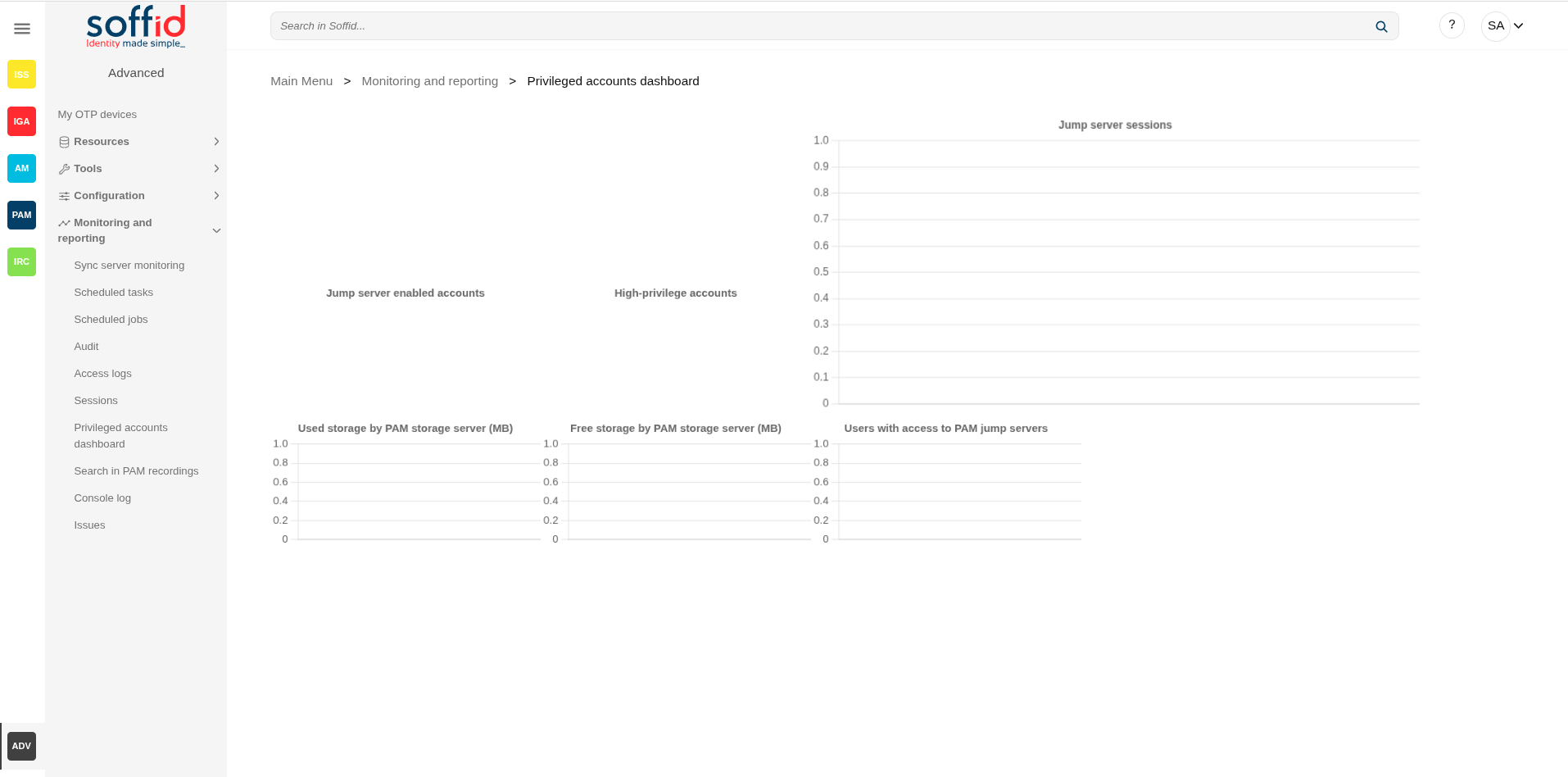](https://bookstack.soffid.com/uploads/images/gallery/2025-08/u1sGLSMUd7Aym1cu-image.png) ## Related objects - [Accounts](https://bookstack.soffid.com/books/soffid-4-reference-guide/page/accounts) : for the high-privileged accounts - [Jump servers](https://bookstack.soffid.com/books/soffid-4-reference-guide/page/configure-pam-session-servers) : for the jump servers configuration ## Standard attributes The displayed info is the following: - Jump server enabled accounts - High-privileged accounts - Jump server sessions - Used storage by PAM storage server (MB) - Free storage by PAM storage server (MB) - Users with access to PAM jump servers