My application is a part of the Identity self-service that allows end-users to start **corporate applications** and **third party applications**. Also, the end-user can view and use the **shared accounts** available for the user defined on the Password vault.
### Applications That option shows to each user, all the corporate and third party applications to which the user can connect and the applications with public access. These applications have to be configured on the Application Access Tree option by an administrator user. ### Password vault My Applications option shows the **PasswordVault** folder. On the vault folder you can find two kind of folders, one a **personal folder** and other a **shared folder**. Inside the personal folder, you can create your own accounts, those accounts will not be shared with any other user. The shared folders could be used or managed by the owner/manager/SSO users. ## Screen overview [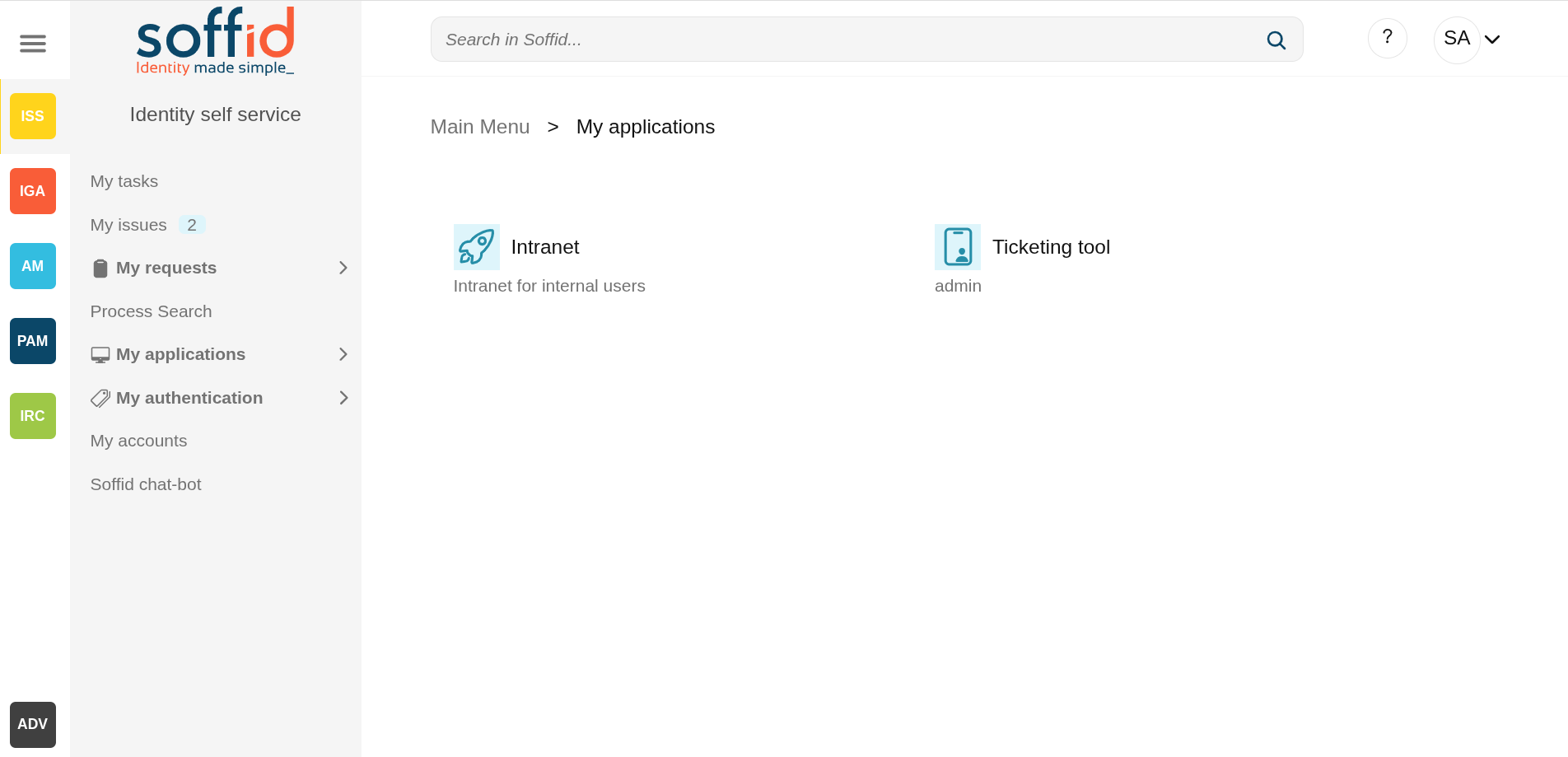](https://bookstack.soffid.com/uploads/images/gallery/2025-08/gFKrZPupwu5uxBaj-image.png) [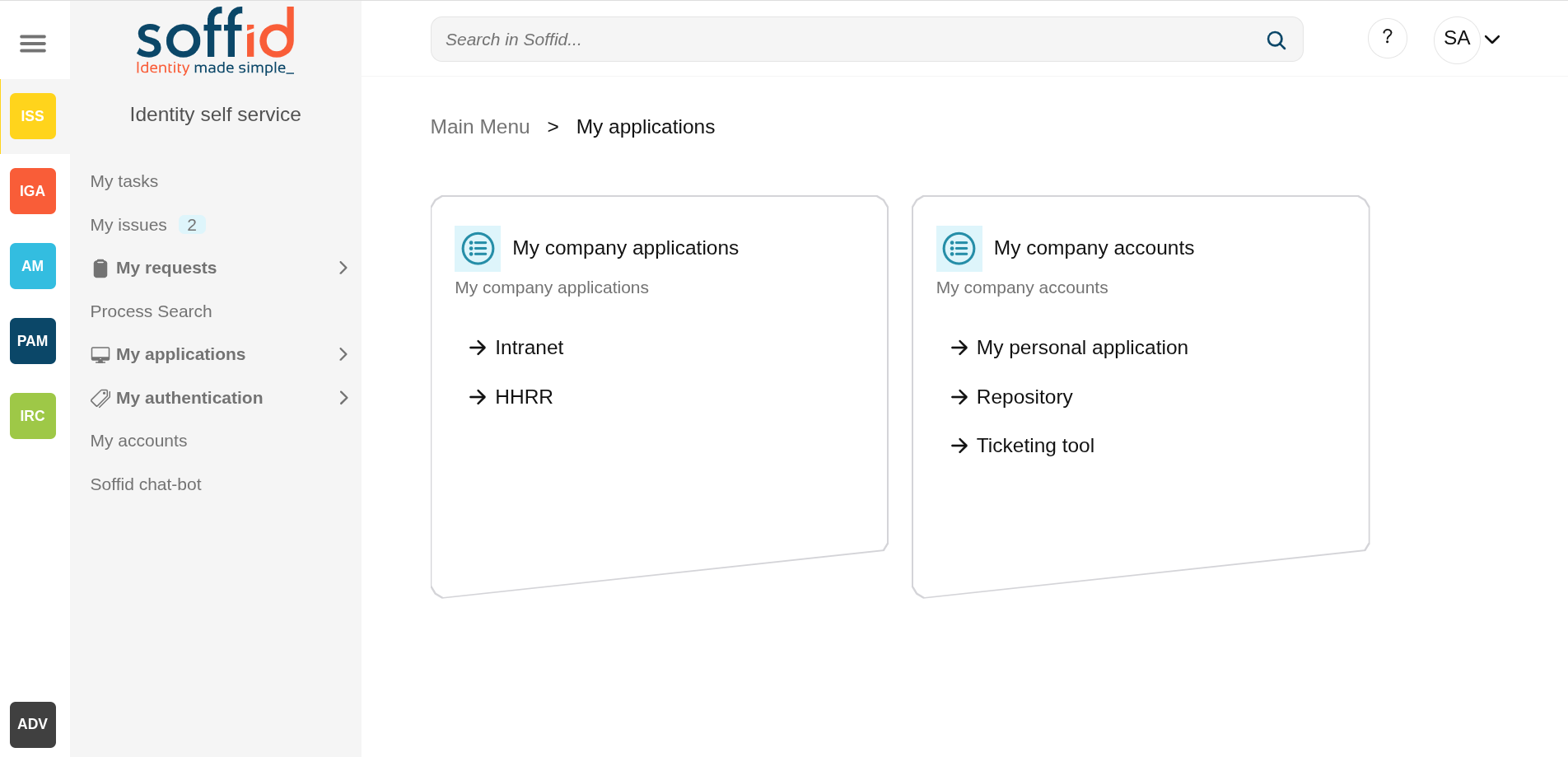](https://bookstack.soffid.com/uploads/images/gallery/2025-08/EUV98SU4QaLlF8dI-image.png) ## Related objects - [Application access tree](https://bookstack.soffid.com/books/soffid-4-reference-guide/page/application-access-tree "Application access tree"). to configure the applications - [Password vault](https://bookstack.soffid.com/books/soffid-4-reference-guide/page/password-vault "Password vault"). : to configure the shared accounts. ## Actions| **"Folder selection"** | When you select a folder, its contents will be displayed on a new page. |
| **"Application selecction"** | When you select an application, a new page will open with access to the application depending on its type. If only access is visible but it is not configured, nothing will happen. If there is a configuration but you do not have access, you will be notified on screen. |