Look & feel
Definition
Soffid's Look & feel page allows you to adjust the Console styles to your organization.
In this configuration page, the customization of two sections is allowed:
- Images:
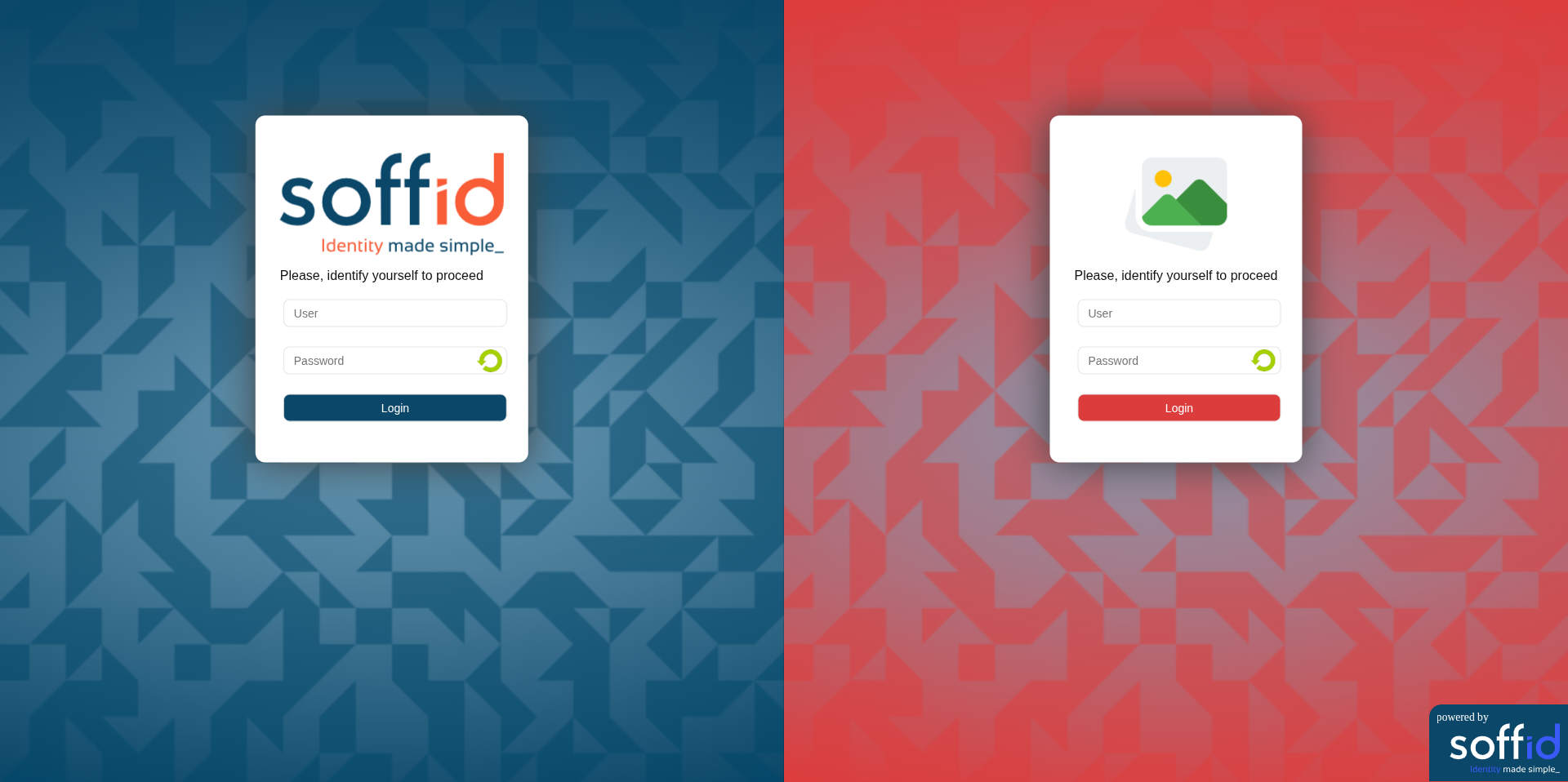
- You can change the image of the logo that appears on the login page.
- You can change the image of the logo that appears in the left bar.
- You can change the image of the logo that appears in the top bar.
- Colors:
- You can change the colors of the Soffid components and text.
Changes made on this page affect the entire Console.
Some changes may require updating the browser several times because some items are in the browser's cache.
Screen overview
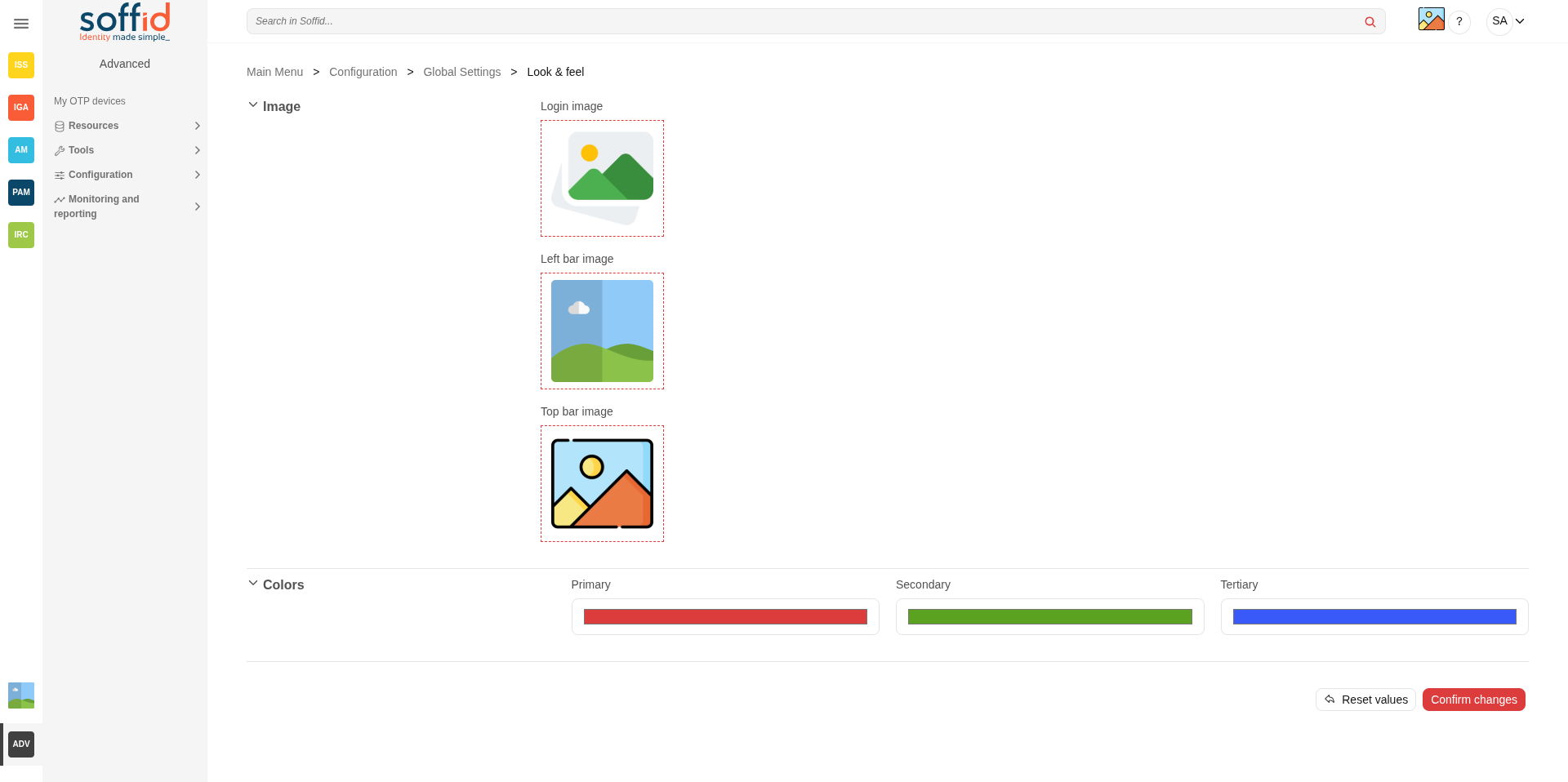
Standard attributes
Images
|
Login image |
Logo used on the login and logout screens. Image in png or jpg format. |
|
Left bar image |
This image will appear in the menu on the left. Image in png or jpg format. |
|
Top bar image |
This image will appear in the menu on the top bar. Image in png or jpg format. |
Colors
|
Primary |
Login/logout background. Buttons. Page icons. Table selections. |
|
Secondary |
Icons in the menu pages. |
|
Terciary |
Buttons. Page icons. |
Actions
For the images
|
Pick a file |
Allows you to pick a file to load. The file must have a specific configuration |
For the page
|
Reset values |
Allows you to return to the default Soffid values. |
|
Confirm changes |
Allows you to apply the changes made. |
Examples
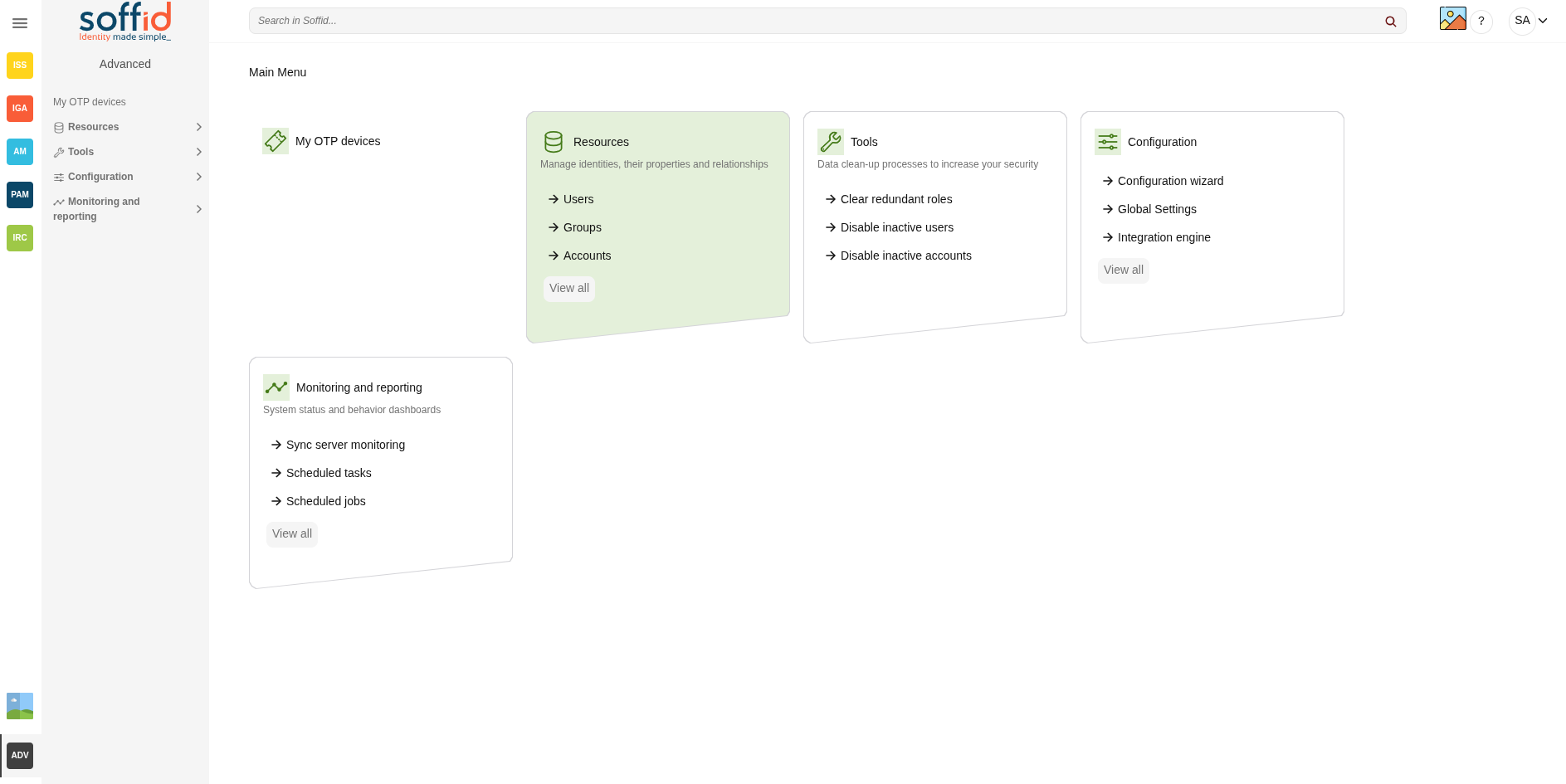
Top icon, left bar, icons page, and colors
Login page with logo and colors