The **Dashboards** screen displays as many options as there are dashboards created. When you select one, the dashboard will be displayed on a new screen.
If you want to modify a dashboard, you must go to the edit pages for the [Dataset editor](https://bookstack.soffid.com/books/soffid-4-reference-guide/page/configure-dashboards-dataset-editor-addon-reports "Configure dashboards > Dataset editor (addon-reports)"), [Chart editor](https://bookstack.soffid.com/books/soffid-4-reference-guide/page/configure-dashboards-chart-editor-addon-reports "Configure dashboards > Chart editor (addon-reports)"), and [Dashboard editor](https://bookstack.soffid.com/books/soffid-4-reference-guide/page/configure-dashboards-dashboard-editor-addon-reports "Configure dashboards > Dashboard editor (addon-reports)").
## Screen overview [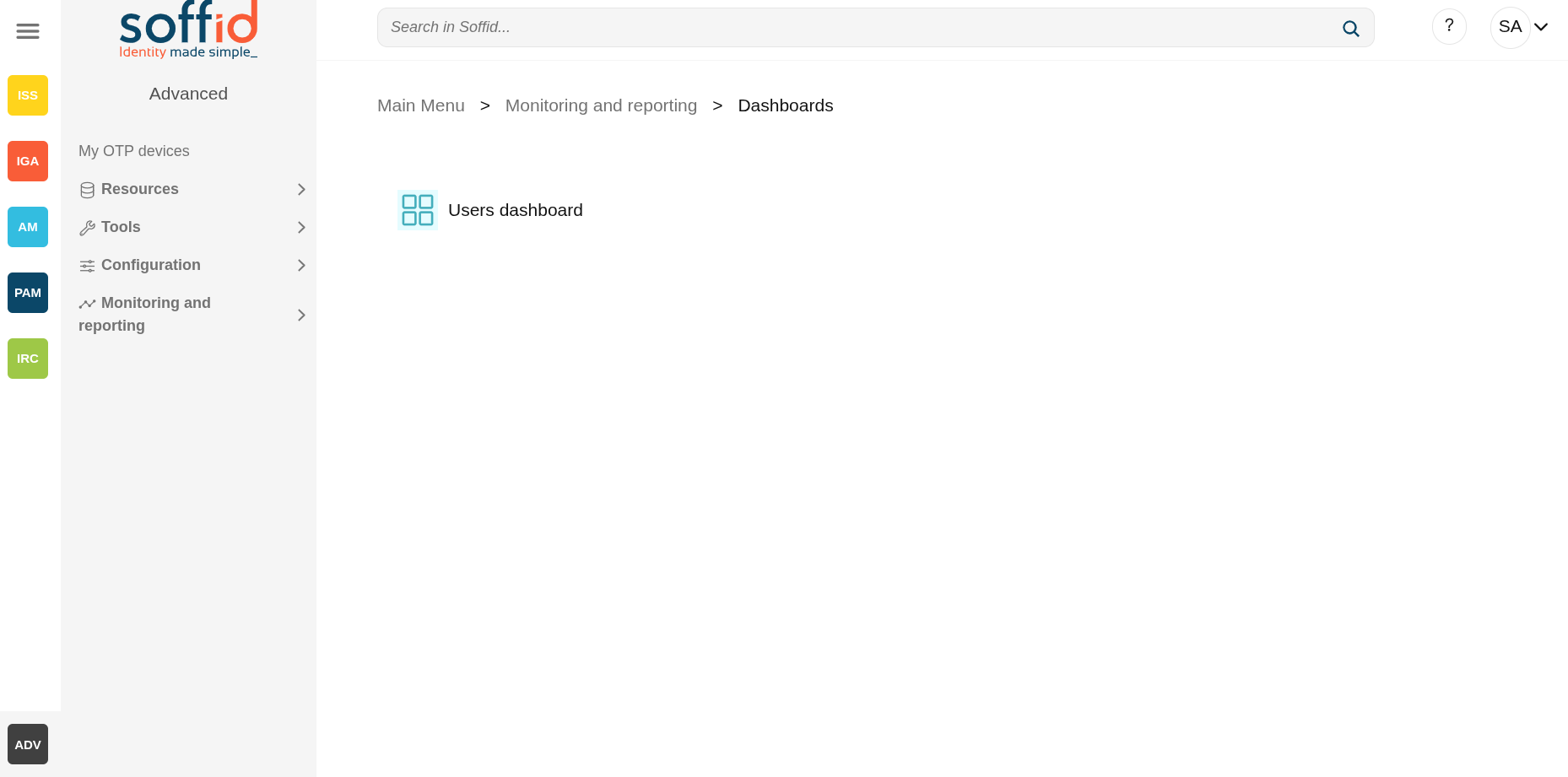](https://bookstack.soffid.com/uploads/images/gallery/2025-10/vw02biCtgUdVl1jS-image.png) [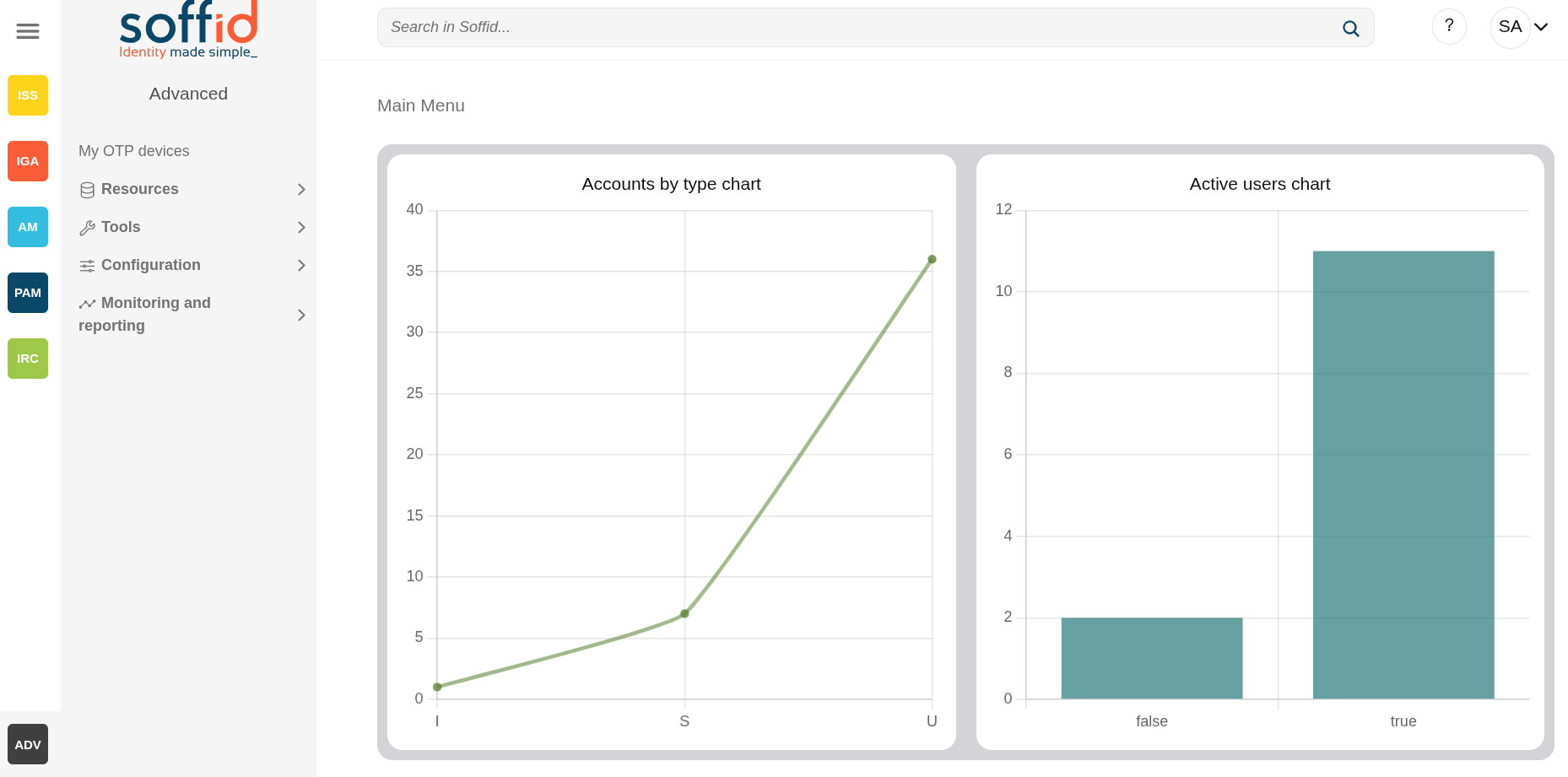](https://bookstack.soffid.com/uploads/images/gallery/2025-10/bcFykYIAaD40Zvkj-image.png) ## Related objects - [Dashboard editor](https://bookstack.soffid.com/books/soffid-4-reference-guide/page/configure-dashboards-dashboard-editor-addon-reports "Configure dashboards > Dashboard editor (addon-reports)") : to create and manage dashboards - [Chart editor](https://bookstack.soffid.com/books/soffid-4-reference-guide/page/configure-dashboards-chart-editor-addon-reports "Configure dashboards > Chart editor (addon-reports)") : to manage charts to be used in the dashboard editor - [Dataset editor](https://bookstack.soffid.com/books/soffid-4-reference-guide/page/configure-dashboards-dataset-editor-addon-reports "Configure dashboards > Dataset editor (addon-reports)") : to manage datasets to be used in the chart editor - [Dashboards](https://bookstack.soffid.com/books/soffid-4-reference-guide/page/dashboards-addon-reports "Dashboards (addon-reports)") : where the dashboards created in the dashboard editor are displayed ## Others ### PermissionsPlease note that dashboards will only be displayed to users if they have permission to view them.
In the [Dashboard editor](https://bookstack.soffid.com/books/soffid-4-reference-guide/page/configure-dashboards-dashboard-editor-addon-reports "Configure dashboards > Dashboard editor (addon-reports)") page, the user must be included in the "Usable by" field, as a user, a granted role or a primary/secondary group.