The Console log screen displays an extract of the console logs for the current day.
The log file is located in the Console directory, but in docker or kubernetes installations it is faster to perform initial queries on this screen.
If you have more than one console in your environment, each console only displays its own logs.
The log rotates every day and only logs from the same day can be viewed. To view previous days, access the system folder (/opt/soffid/iam-console-4/logs/).
[2026-05-31 New feature: hidden stack tracers](https://bookstack.soffid.com/books/soffid-4-reference-guide/page/2026-05-31-new-feature-hidden-stack-tracers "2026-05-31 New feature: hidden stack tracers")
## Screen overview [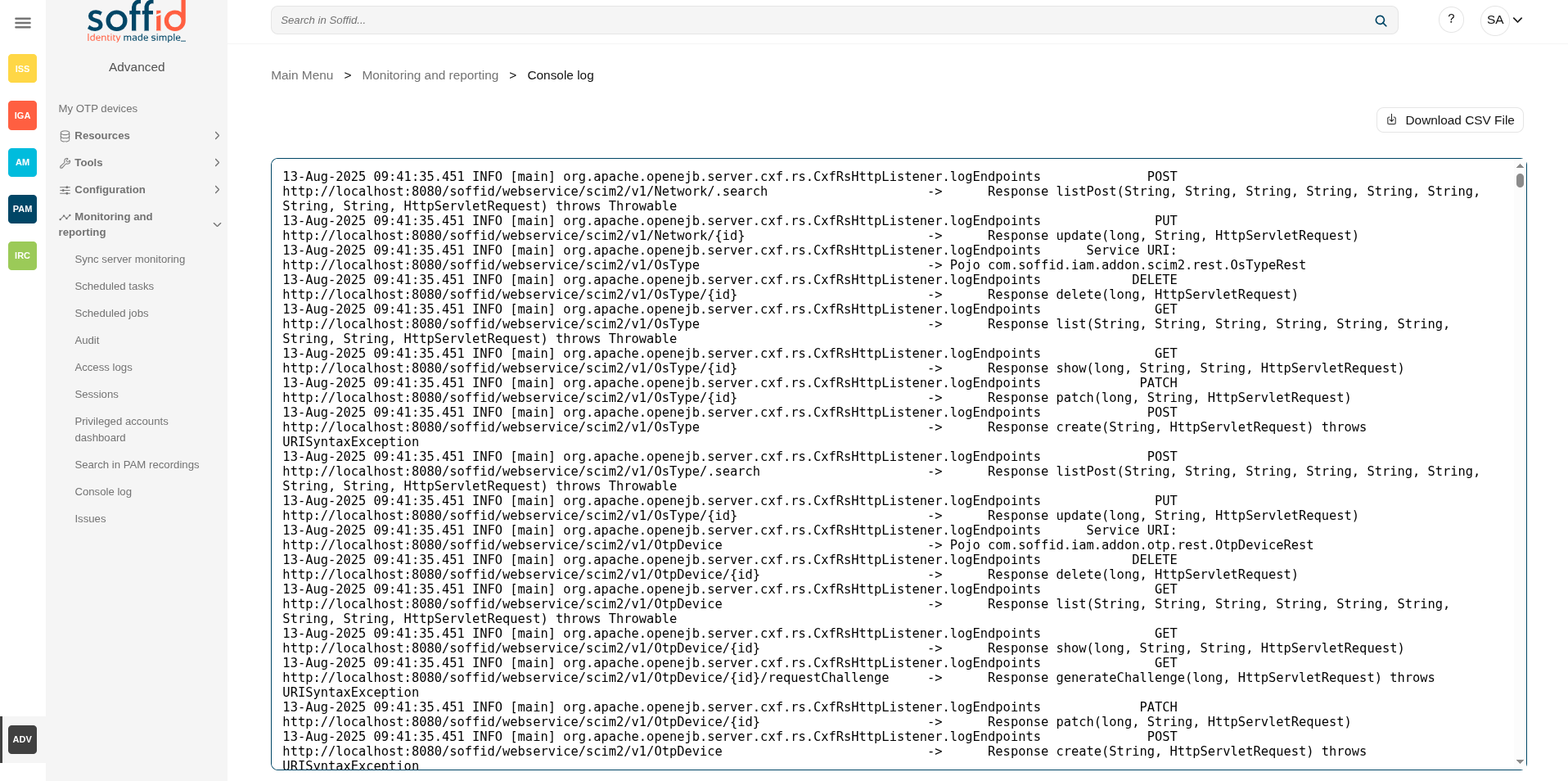](https://bookstack.soffid.com/uploads/images/gallery/2025-08/qoa5YHiGGH9Kwf8J-image.png) ## Related objects - [Sync server monitoring](https://bookstack.soffid.com/books/soffid-4-reference-guide/page/sync-server-monitoring) : to view the syncserver logs - [Audit](https://bookstack.soffid.com/books/soffid-4-reference-guide/page/audit) : to view the audit information of the Soffid objects ## Actions| Download CSV file | Allows you to download the log file . |