On this **Chart editor** screen, you can create charts from the datasets created on the Datasets edtior screen.
This chats will be used in the Dashboard editor screen.
## Screen overview [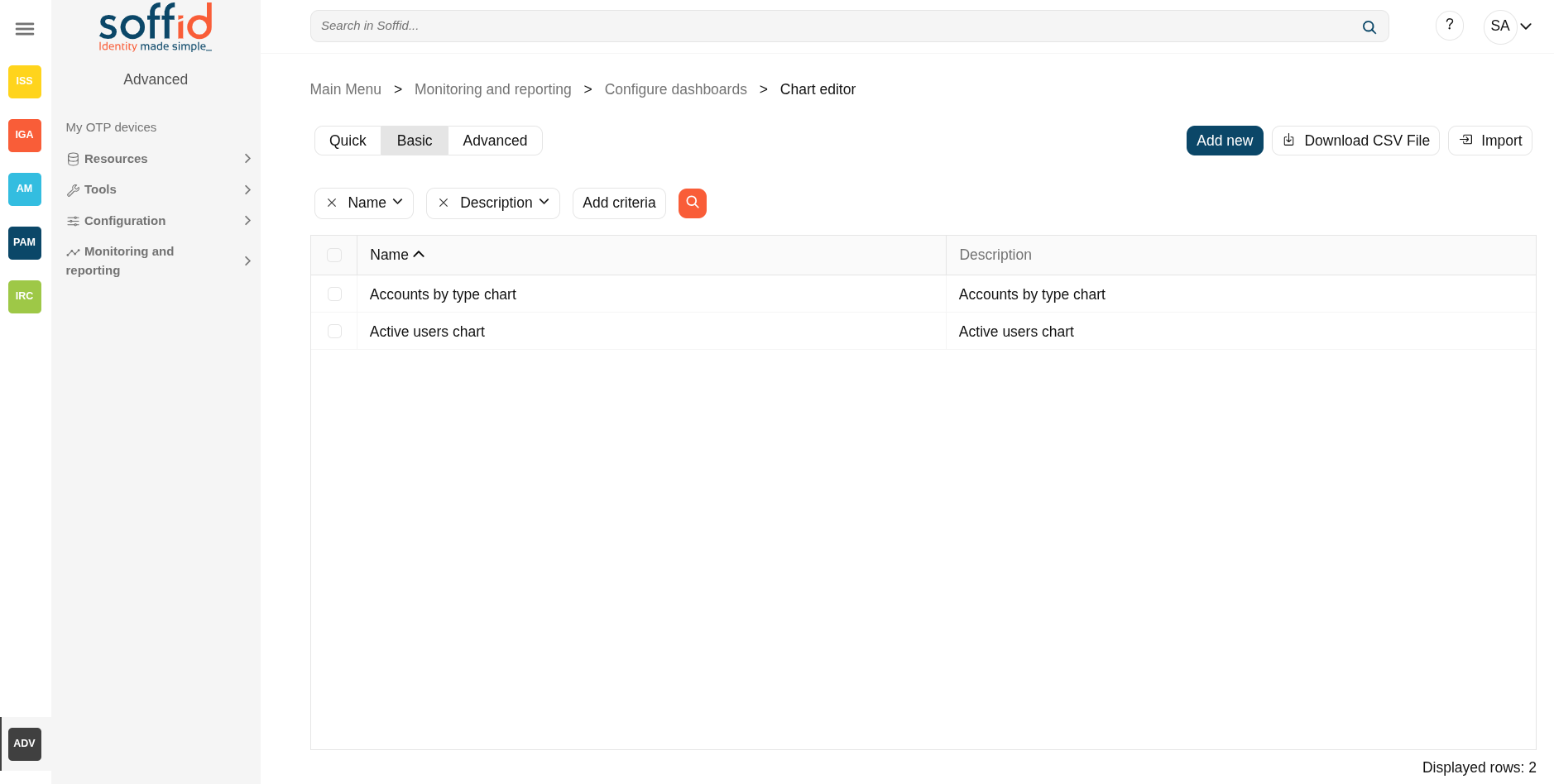](https://bookstack.soffid.com/uploads/images/gallery/2025-09/ytyzaKN33evVPSKs-image.png) [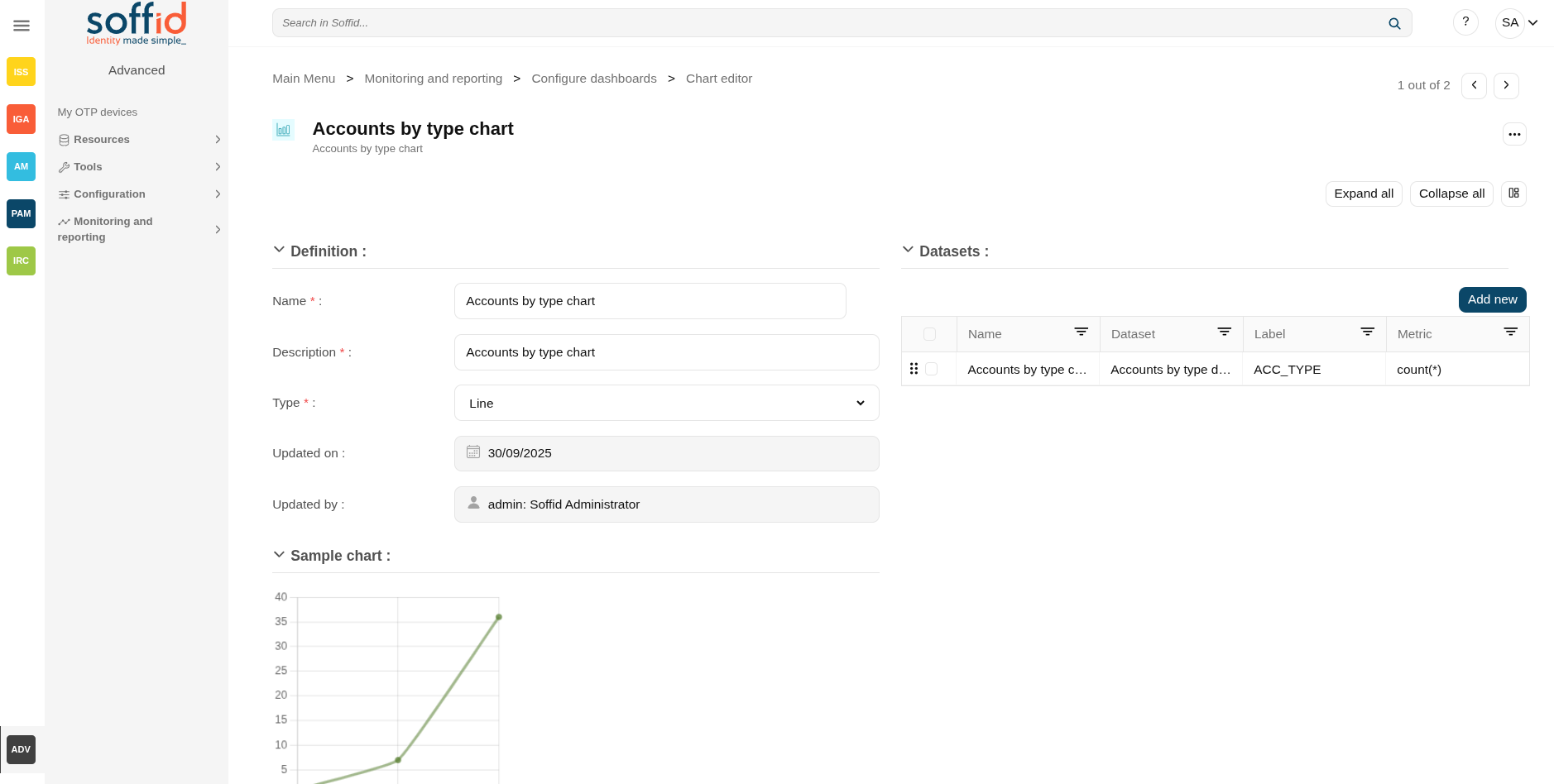](https://bookstack.soffid.com/uploads/images/gallery/2025-09/QlhWJKPpS7XqMWfU-image.png) ## Related objects - [Dashboard editor](https://bookstack.soffid.com/books/soffid-4-reference-guide/page/configure-dashboards-dashboard-editor-addon-reports "Configure dashboards > Dashboard editor (addon-reports)") : to create and manage dashboards - [Chart editor](https://bookstack.soffid.com/books/soffid-4-reference-guide/page/configure-dashboards-chart-editor-addon-reports "Configure dashboards > Chart editor (addon-reports)") : to manage charts to be used in the dashboard editor - [Dataset editor](https://bookstack.soffid.com/books/soffid-4-reference-guide/page/configure-dashboards-dataset-editor-addon-reports "Configure dashboards > Dataset editor (addon-reports)") : to manage datasets to be used in the chart editor - [Dashboards](https://bookstack.soffid.com/books/soffid-4-reference-guide/page/dashboards-addon-reports "Dashboards (addon-reports)") : where the dashboards created in the dashboard editor are displayed ## Standard attributes - **Name**: name of the chart - **Description**: description of the chart - **Type**: type of the chart - Line [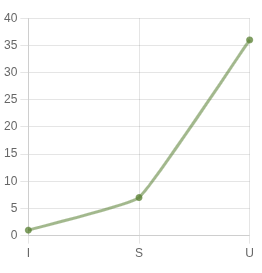](https://bookstack.soffid.com/uploads/images/gallery/2025-09/Nv2mTkDLRWmCot3G-image.png) - Stacked area [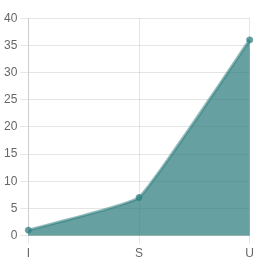](https://bookstack.soffid.com/uploads/images/gallery/2025-09/zrvHk1FxV6zj7hBv-image.png) - Bar [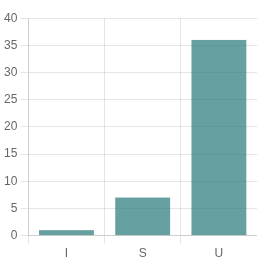](https://bookstack.soffid.com/uploads/images/gallery/2025-09/fa9L0d5IZhvtj0dF-image.png) - Area [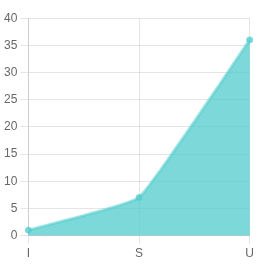](https://bookstack.soffid.com/uploads/images/gallery/2025-09/R3000L6059kgf8wz-image.png) - Pie [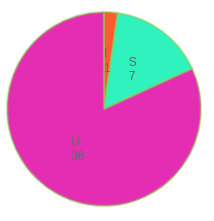](https://bookstack.soffid.com/uploads/images/gallery/2025-09/ANQgMBf64ZjpzJrR-image.png) - Doughnut [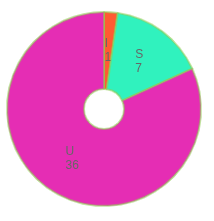](https://bookstack.soffid.com/uploads/images/gallery/2025-09/Qa0MmiQxhEmLcmOi-image.png) - World map [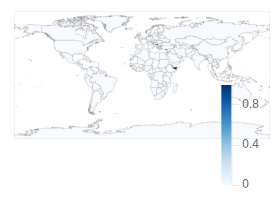](https://bookstack.soffid.com/uploads/images/gallery/2025-09/tPk5oWiMSxNKj70x-image.png) - Custom : to configure it - **Definition** (only when type custom is selected): to configure a custom dashboard - **SQL sentence**: SQL sentence to retrieve the dataset from the Soffid database - **Refresh interval in seconds**: refresh interval in seconds to refresh the database - **Updated on**: date of the last update - **Updated by**: user or the last update ## Actions #### Table actions| **Add new** | Allows you to create a new chart. |
| **Delete** | Allows you to delete all charts selected with the checkbox in the first column. |
| **Download CSV file** | Allows you to download a CSV file with the chart data. |
| **Apply changes (disk icon)** | Allows you to save the updates of the chart. |
| **Delete** | Allows you to delete the chart |
| **Expand all** | Displays all the attributes of the different blocks. |
| **Collapse all** | Hide all attributes of the different blocks. |
| **"Types of views"** | Change the view type: Classic view, Modern view, Compact design. |
| **Delete** | Allows you to delete all datasets selected with the checkbox in the first column. |
| **Add new** | Allows you to add a new dataset to the chart. |
| **Undo** | Allows you to quit without applying any changes. |
| **Apply changes** | Allows you to save the updates of the group. |