2026-09-30 New feature: simulate IdP attributes
The new feature
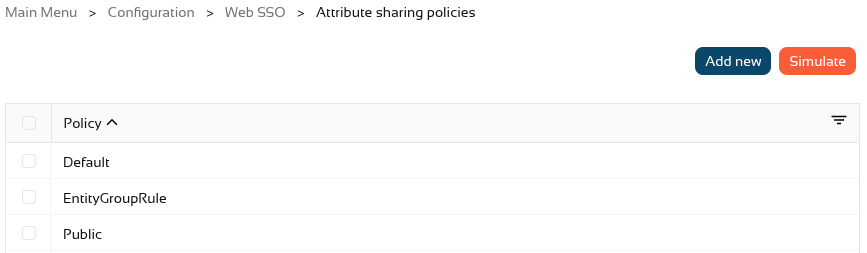
A button has been added to the "Attribute sharing policies" page to simulate the attributes generated for a user and a service provider.
Bear in mind
Please note the following points:
-
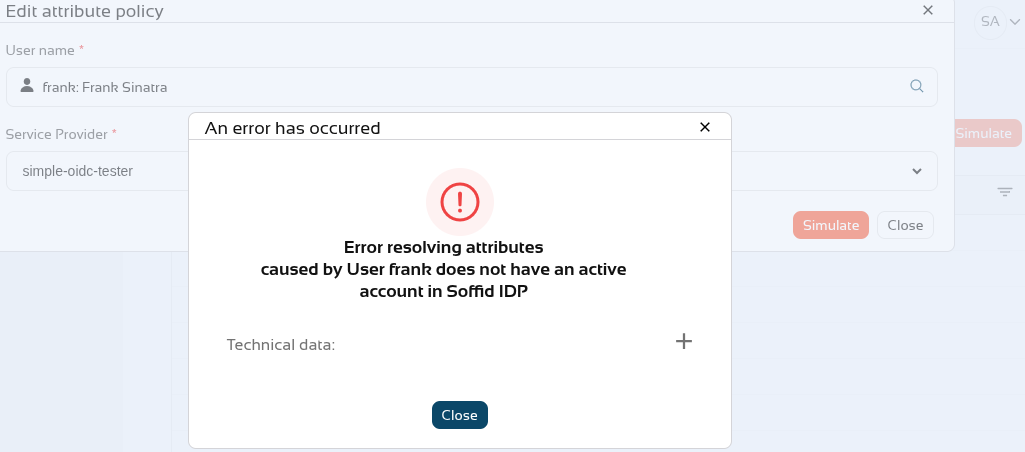
The user must have an active Soffid IdP account.
How to configure it?
The following components must be installed:
- Federation addon 4.0.41 (or higher)
Let's look at an example
Let’s go to the "Attribute sharing policies" page, in the top right-hand corner, you’ll see the new "Simulate" button.
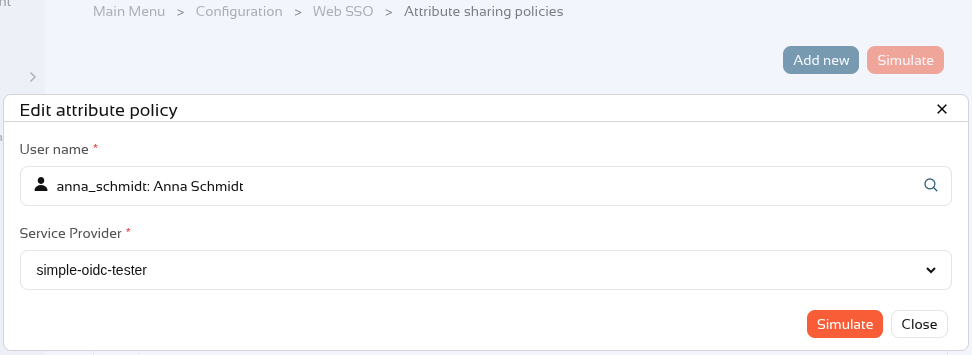
In the popup, select a user and a service provider and click on Simulate.
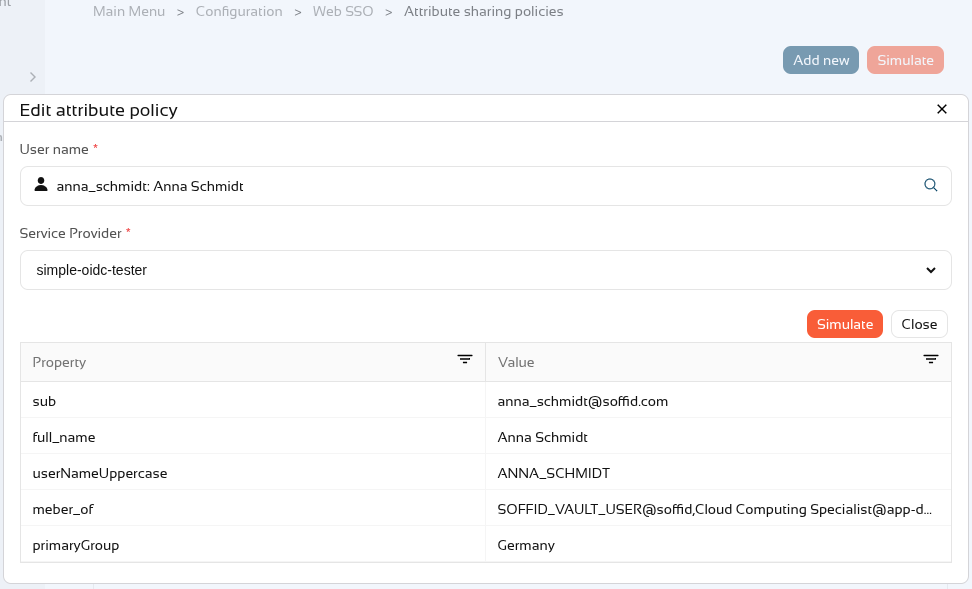
We can now see the attributes that would be sent to the service provider for this user.
If the user does not have an account or their account is inactive, this error will appear.