2026-07-08 New feature: geolocation service available by default
The new feature
From now on, the geolocation service and the use of AI service will be enabled by default if the AM or IRC modules have been activated. Consequently, the Network Intelligence page has been removed
Bear in mind
Please note the following points:
- This feature is only enabled if the licence includes the AM or IRC module.
- The geolocation service requires that the service be available on a public internet machine.
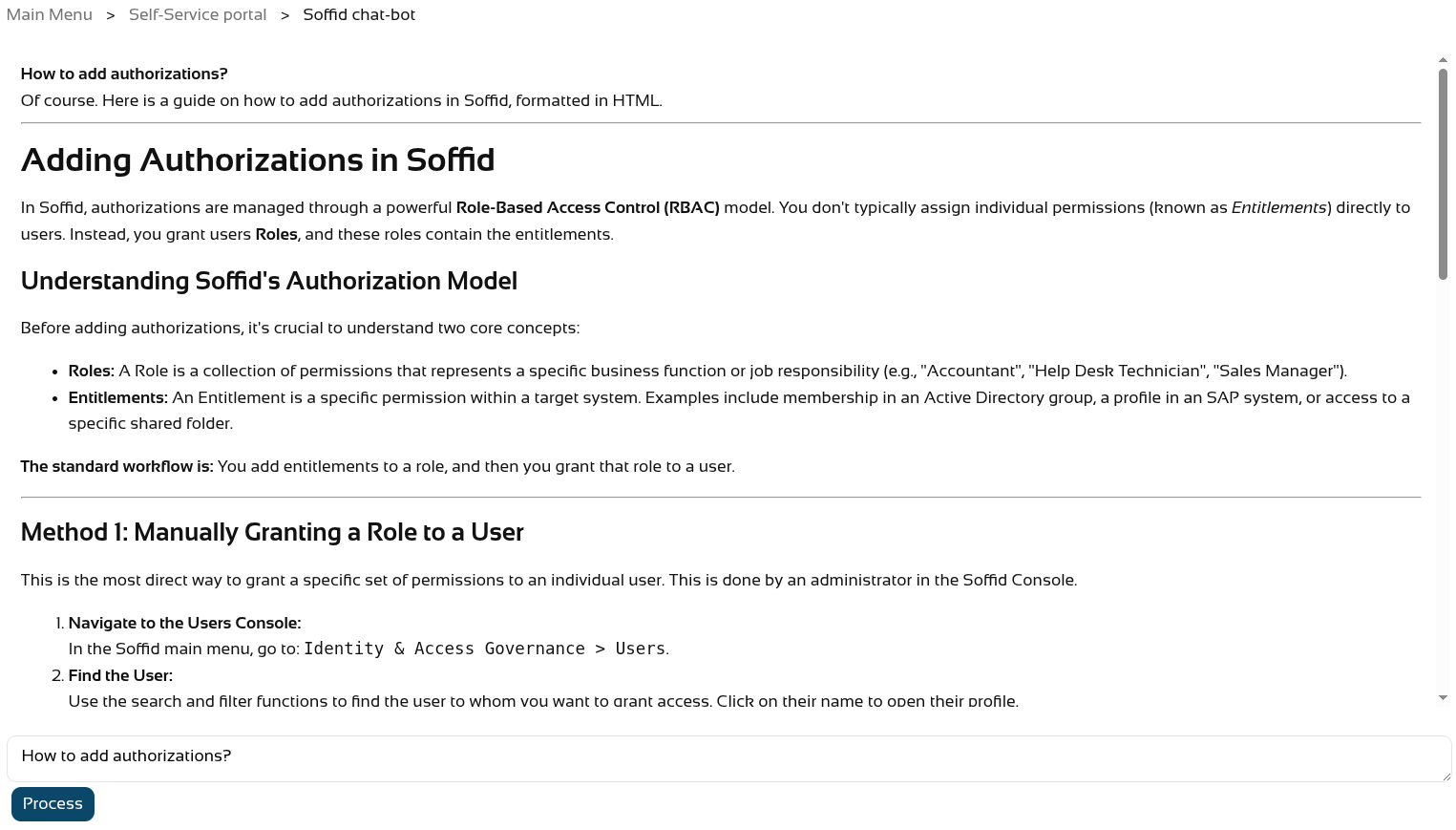
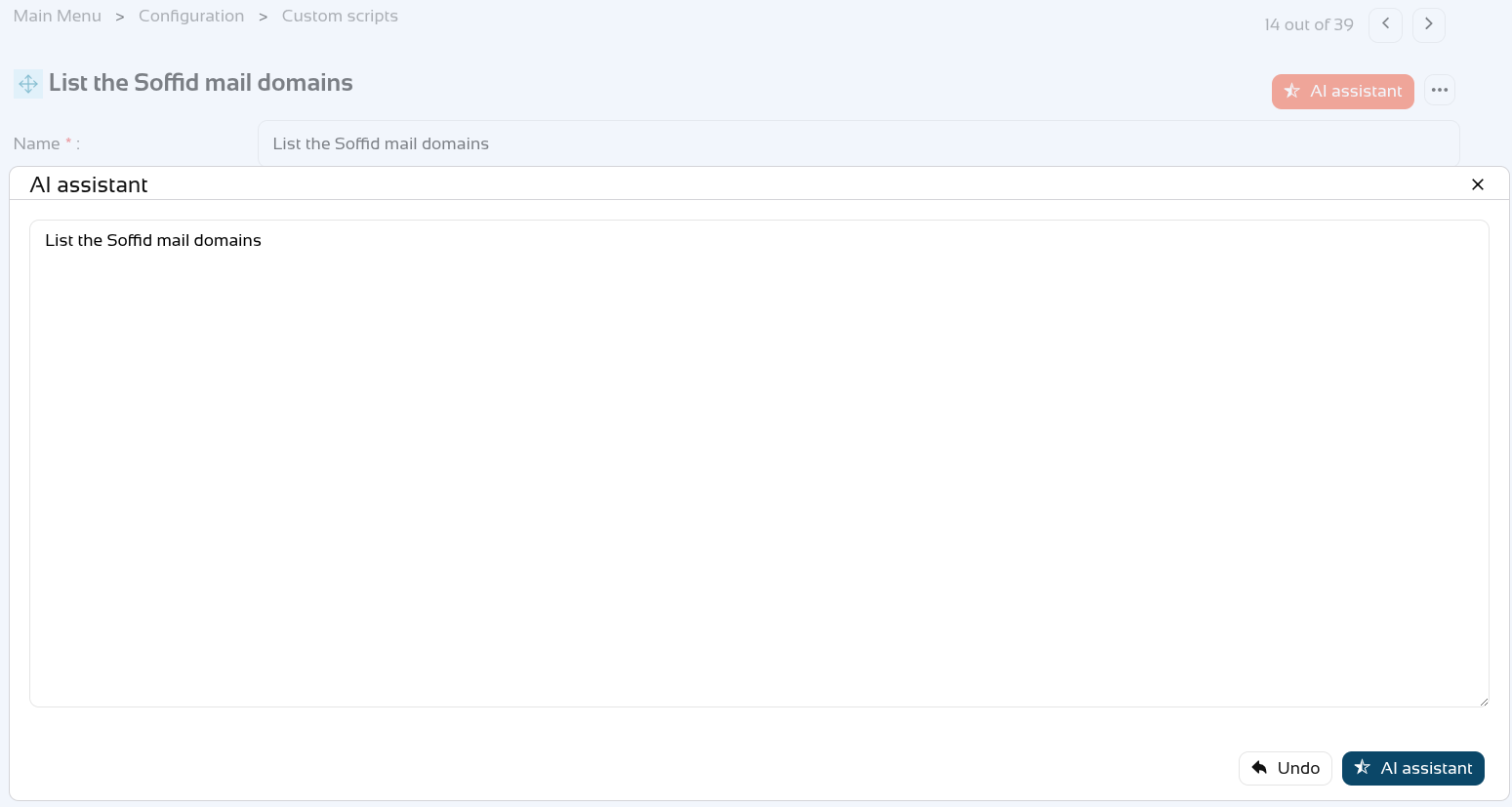
- The AI service is available on the Soffid chat-bot page and in all script-type attributes that may appear on any page in the Console.
How to configure it?
The following components must be installed:
- Console 4.0.64 (or higher)
- Syncserver 4.0.39 (or higher)
- Addon federation 4.0.36 (or higher)
Following this change, there have been further updates
- Addon admin 4.0.6 (or higher) --> to use the AI assistant correctly
- Console 4.0.67 (or higher) --> to use the variable SOFFID_DISABLE_GEOIP to disable this service
Let's look at an example
First of all, the Network Intelligence screen no longer exists.

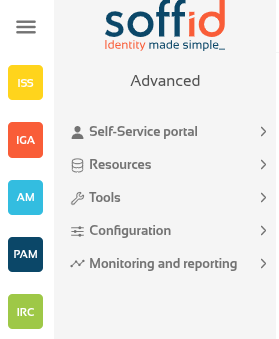
We have the necessary modules in our Soffid system.
First, let’s ask the Soffid chat-bot.
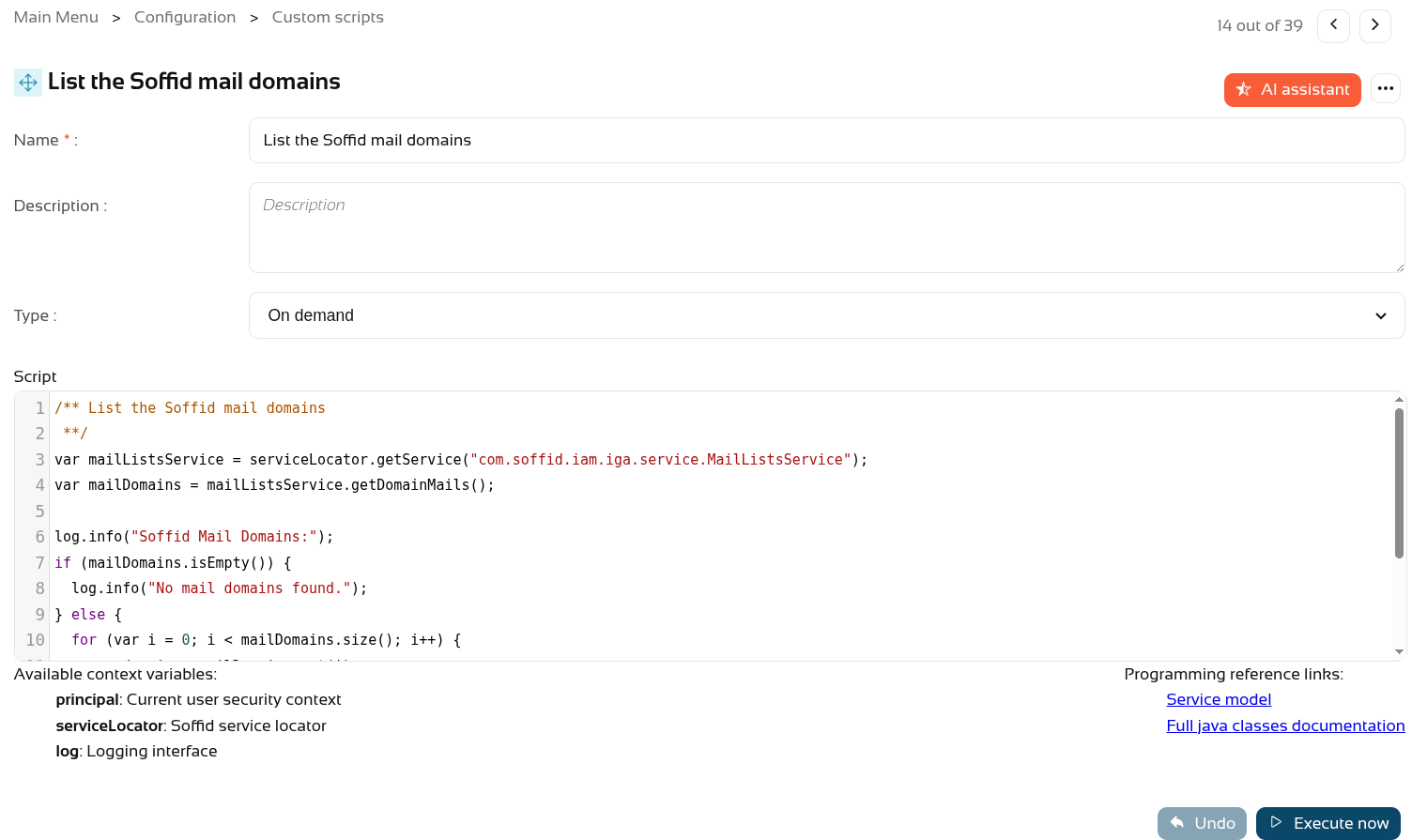
And also create a new script on the Custom scripts page.
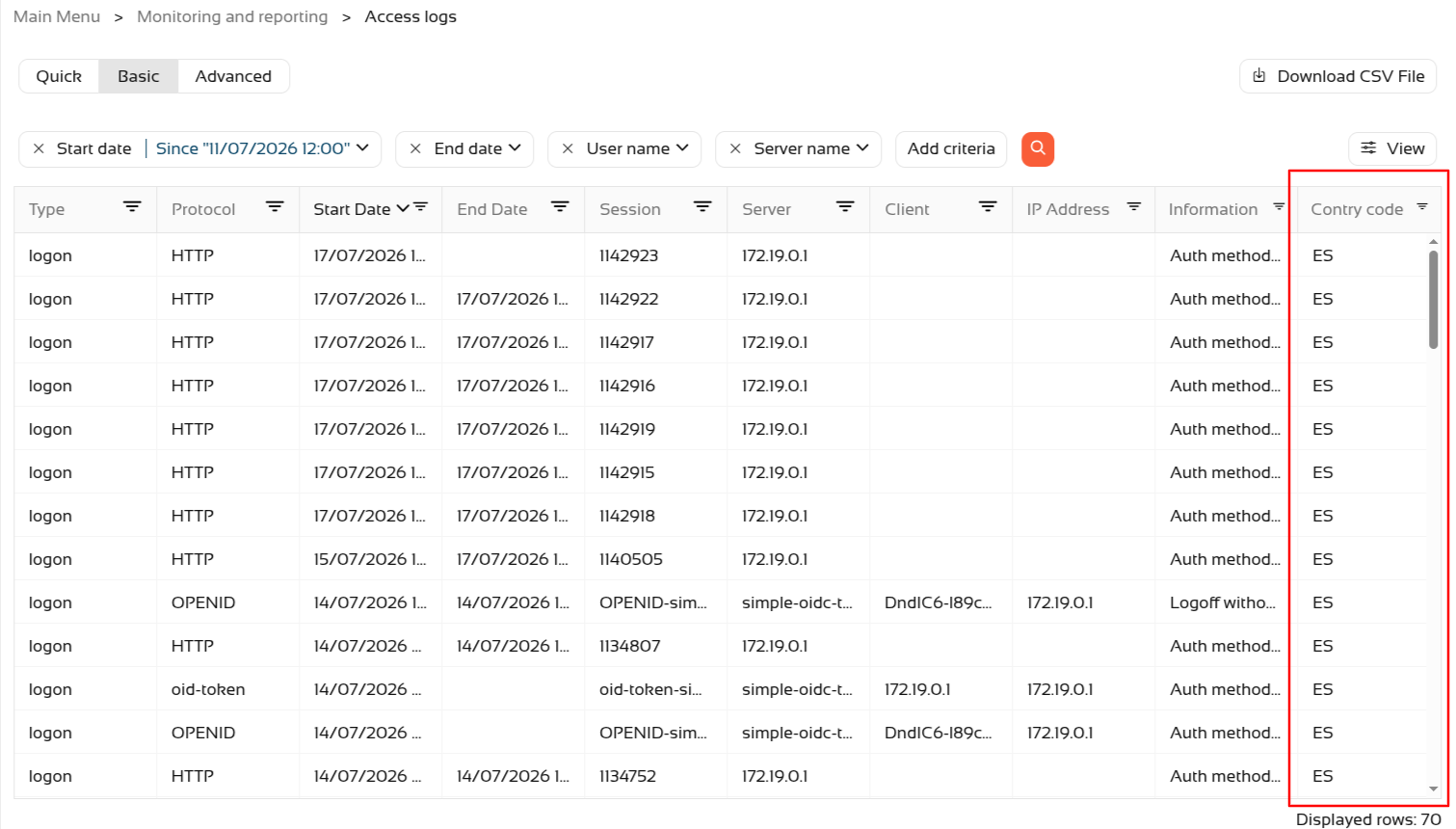
Regarding geolocation, if Soffid is installed in a public location, you can check new accesses via the Access logs page.
- Go to Access logs page (in Monitoring and reporting folder).
- Use the magnifying glass button to search.
- Sort the list by Start Date in descending order.
- Click the View button
- Add the Country Code attribute.
- The country should then appear in the most recent accesses.