The [Soffid Authenticator](https://bookstack.soffid.com/books/soffid-authenticator-app "Soffid Authenticator App") app now has four different **sets of images**, and you can now select the set of images using the "**soffid.push.images**" parameter.
### Bear in mind Please note the following points: - A **Soffid** type **Identity Provider** must be set up, and the **Soffid Authenticator** (push option) must be added as the **first** or **second** **factor**. - Users are required to install the **Soffid Authenticator** on their **phones**.The **details of the parameter** can be found on the [Soffid parameters](https://bookstack.soffid.com/books/soffid-4-reference-guide/page/soffid-parameters#bkmrk-soffid-autenticator "Soffid parameters") page, Soffid Autenticator section..
### How to configure it? The following **components** must be installed: - Addon federation 4.0.36 (or higher) ### Let's look at an example Do you need a Soffid IdP. [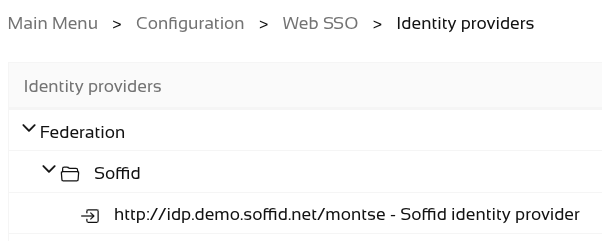](https://bookstack.soffid.com/uploads/images/gallery/2026-07/2roBeWD1VQLaePTe-image.png) Add Soffid Authenticator as a first or second factor. - Go to **Soffid IdP**. - Go to **Default authentication methods** or **Adaptive authentication** (used this option in the example) - Add the Soffid Authenticator (**Push** option) as **first** or **second factor** used this option in the example) [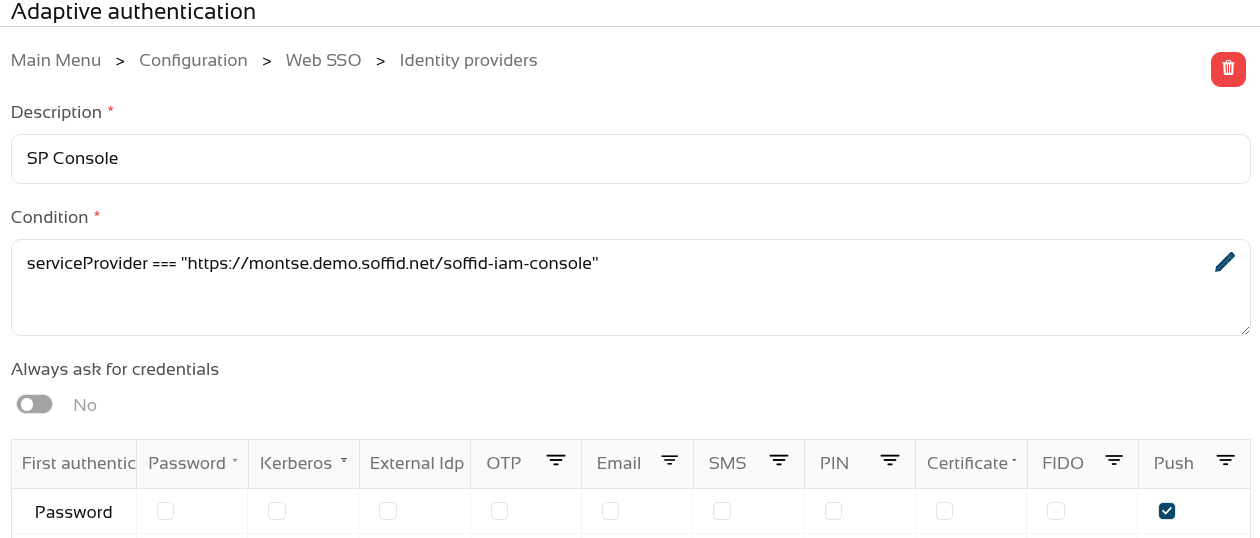](https://bookstack.soffid.com/uploads/images/gallery/2026-07/entDRGiRRu5ucabP-image.png) We can now use the **parameter** "**soffid.push.images**" to view the different sets of images. [](https://bookstack.soffid.com/uploads/images/gallery/2026-07/D7dHUw9ufn6Ju0fr-image.png) Let’s take a look at the four examples of logins! No soffid.push.images parameter or soffid.push.images=**birds** [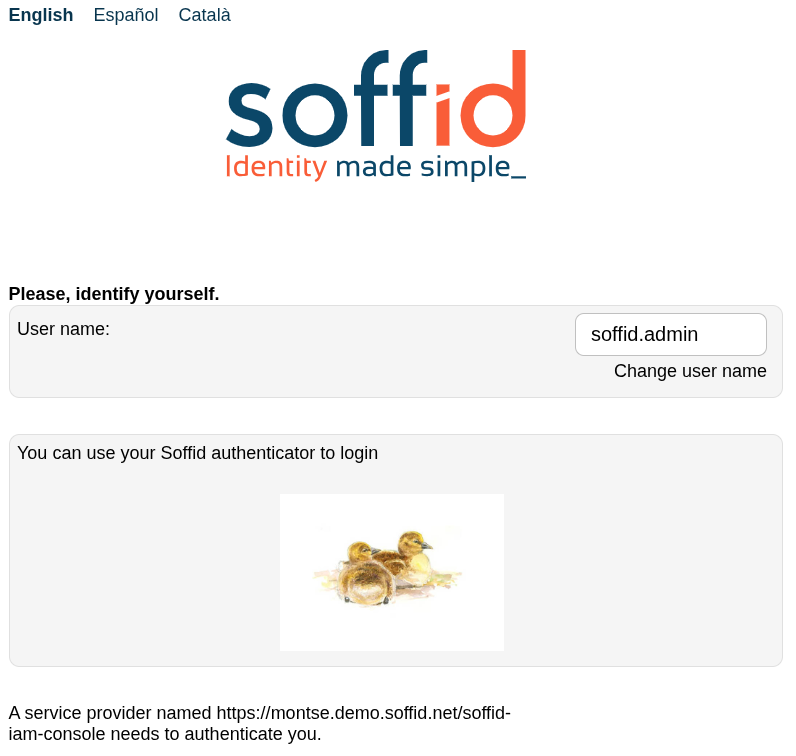](https://bookstack.soffid.com/uploads/images/gallery/2026-07/9tx0ZPCU1jNzlLz0-image.png)[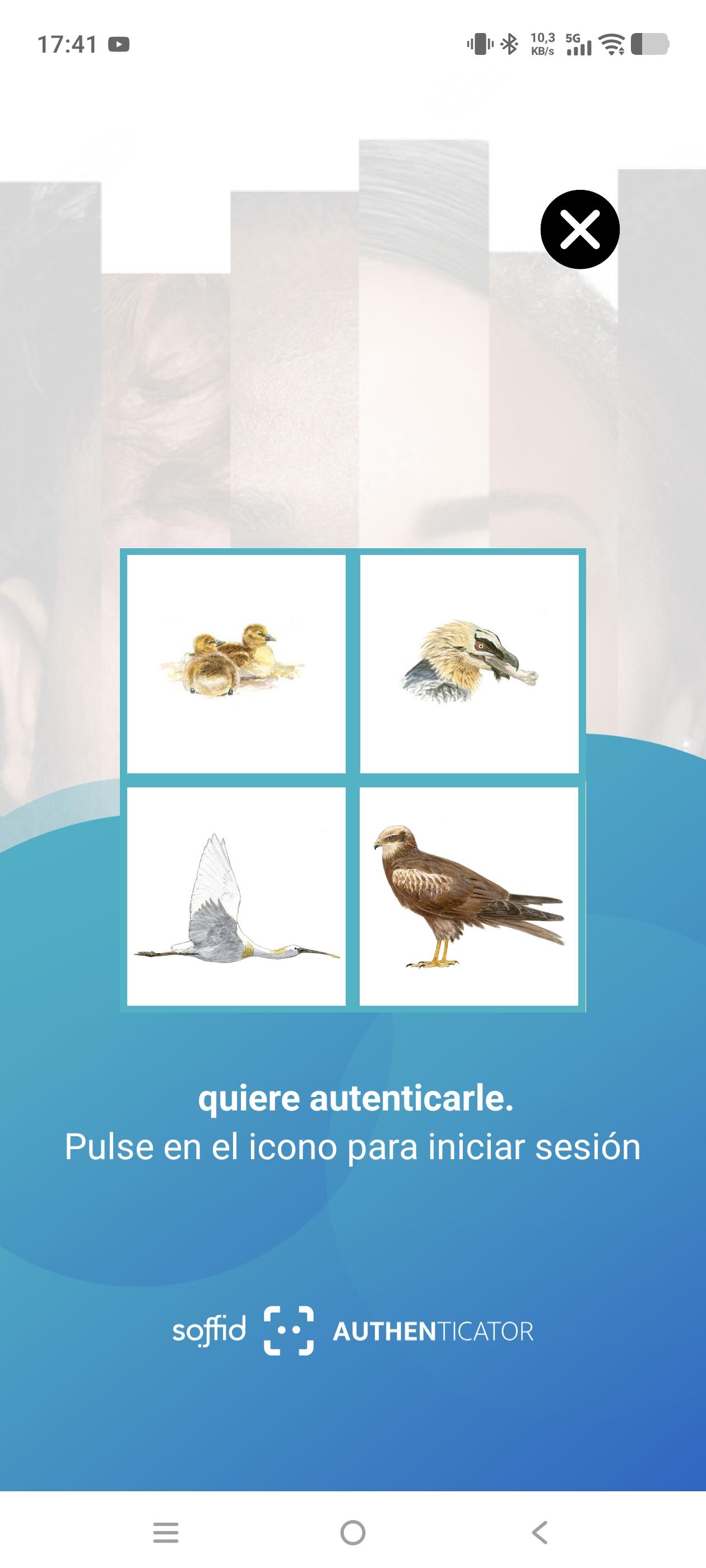](https://bookstack.soffid.com/uploads/images/gallery/2026-07/dNEONzTcEfvl4qww-screenshot-20260717-174126.jpg) soffid.push.images=**numbers** [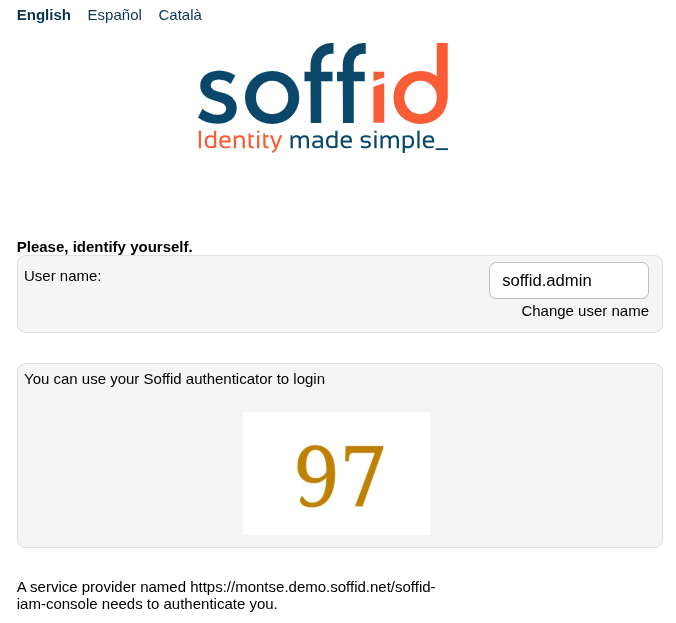](https://bookstack.soffid.com/uploads/images/gallery/2026-07/3tVKxCUAWkXoBi42-image.png)[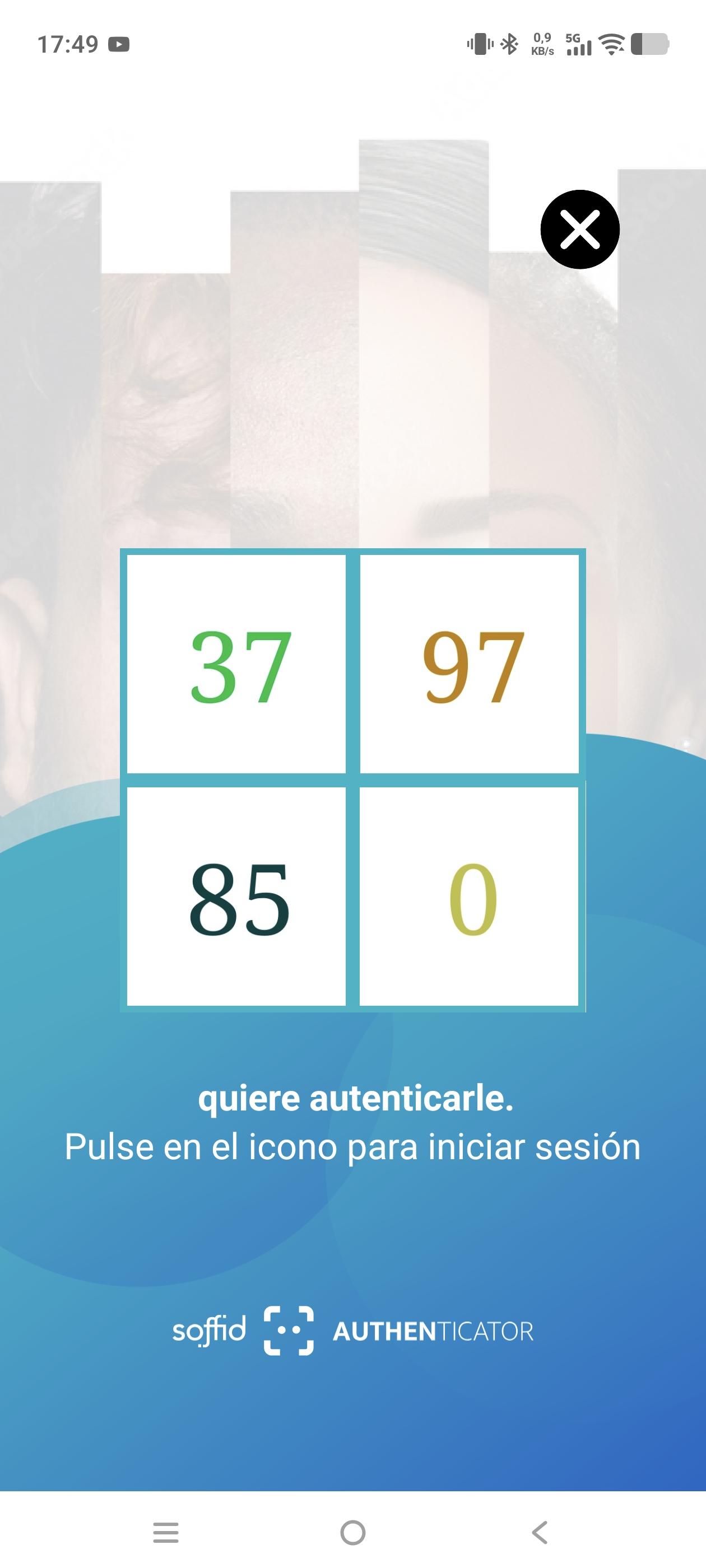](https://bookstack.soffid.com/uploads/images/gallery/2026-07/5JD8qCnr5DuZNjv2-screenshot-20260717-174954.jpg) soffid.push.images=**flowers** [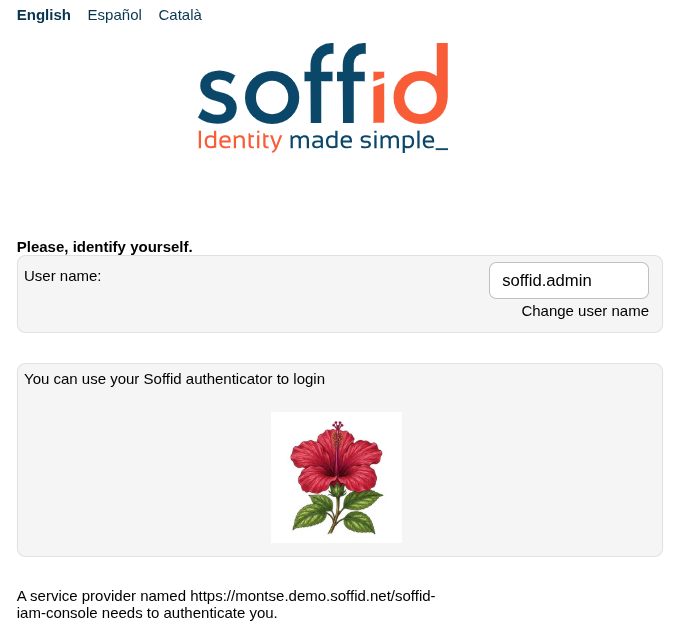](https://bookstack.soffid.com/uploads/images/gallery/2026-07/IaqaNXt9FS8BQzkS-image.png)[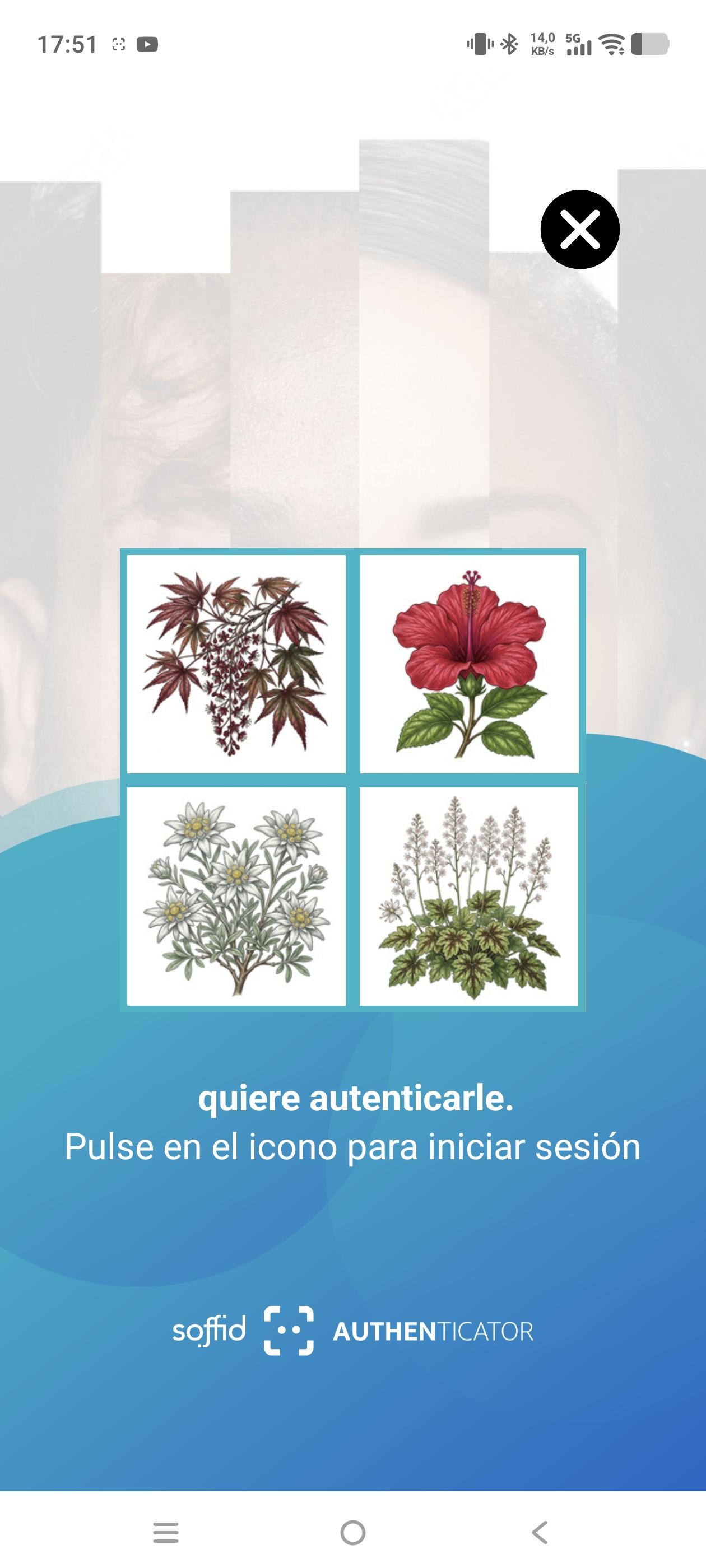](https://bookstack.soffid.com/uploads/images/gallery/2026-07/Ouq5fUgRuhLCxqPy-screenshot-20260717-175156.jpg) soffid.push.images=**fishes** [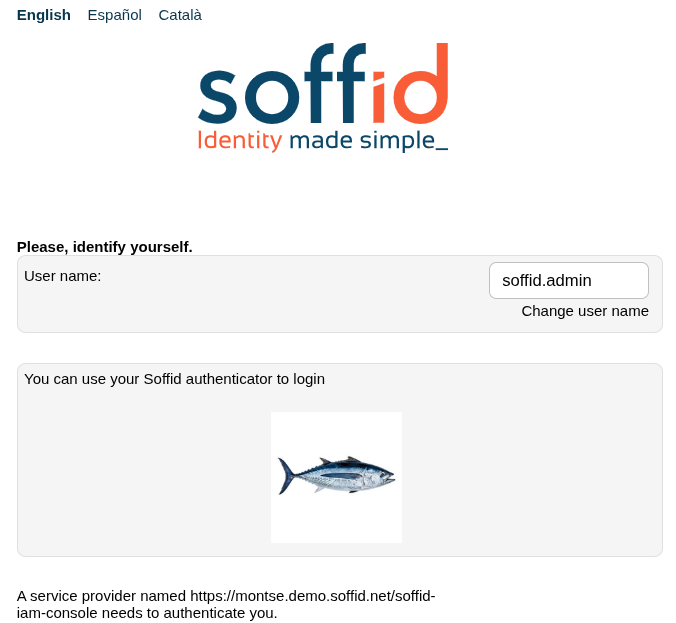](https://bookstack.soffid.com/uploads/images/gallery/2026-07/itKpUTyGBdmcENMH-image.png)[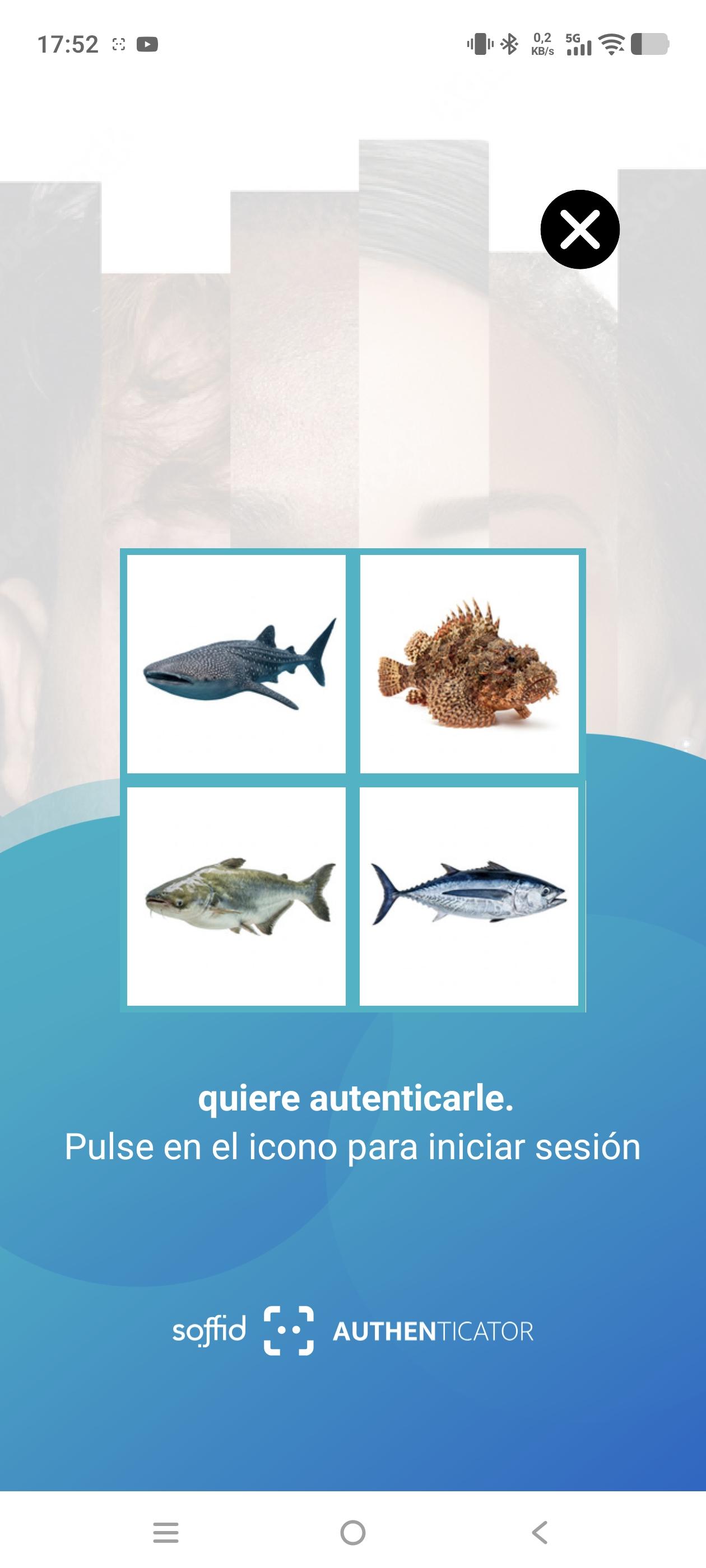](https://bookstack.soffid.com/uploads/images/gallery/2026-07/ocCRWmM6r2ZmSETq-screenshot-20260717-175237.jpg) Please note that if you enter an incorrect value for the parameter, this **error** will appear. [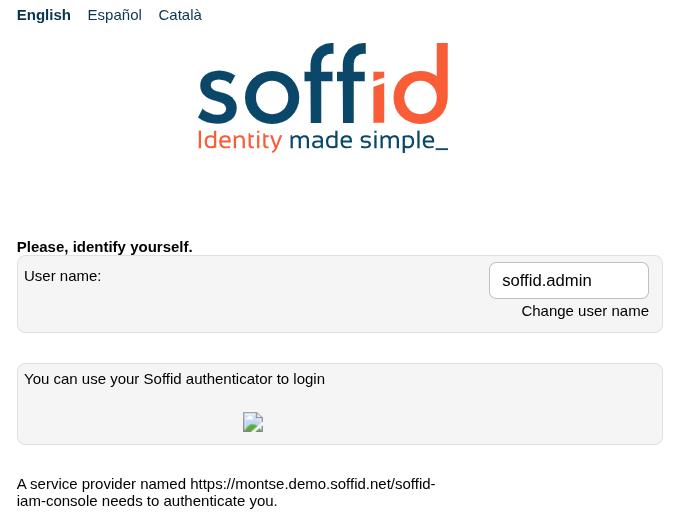](https://bookstack.soffid.com/uploads/images/gallery/2026-07/USiBH7lKWTiWTt48-image.png)