The new "**Device posture**" feature allows Soffid administrators to decide whether some **service providers** must **comply** specific **operating system requirements**.
### Bear in mind Please note the following points: - The "**Check device posture**" option must be **enabled** on the **service providers** in order for it to be evaluated. - The "**Script to check posture**" for evaluating the **operating system rules** must be added to the **identity provider**. - If you need a **specific rule** for **different service providers**, you will need to create a **virtual identity provider**, add the specific rules there, and select the service providers that must comply with them.In scripts, you can use [ESSO Scripting Language](https://bookstack.soffid.com/books/esso/page/esso-scripting-language "ESSO Scripting Language"), for instance the [SystemInfo object](https://bookstack.soffid.com/books/esso/page/3-systeminfo-object "SystemInfo object")
### How to configure it? The following **components** must be installed: - Addon federation 4.0.37 (or higher) - ESSO 3.5.50-enterprise (or higher) ### Let's look at an example As a prerequisite, you must have a **Soffid identity provider** set up. [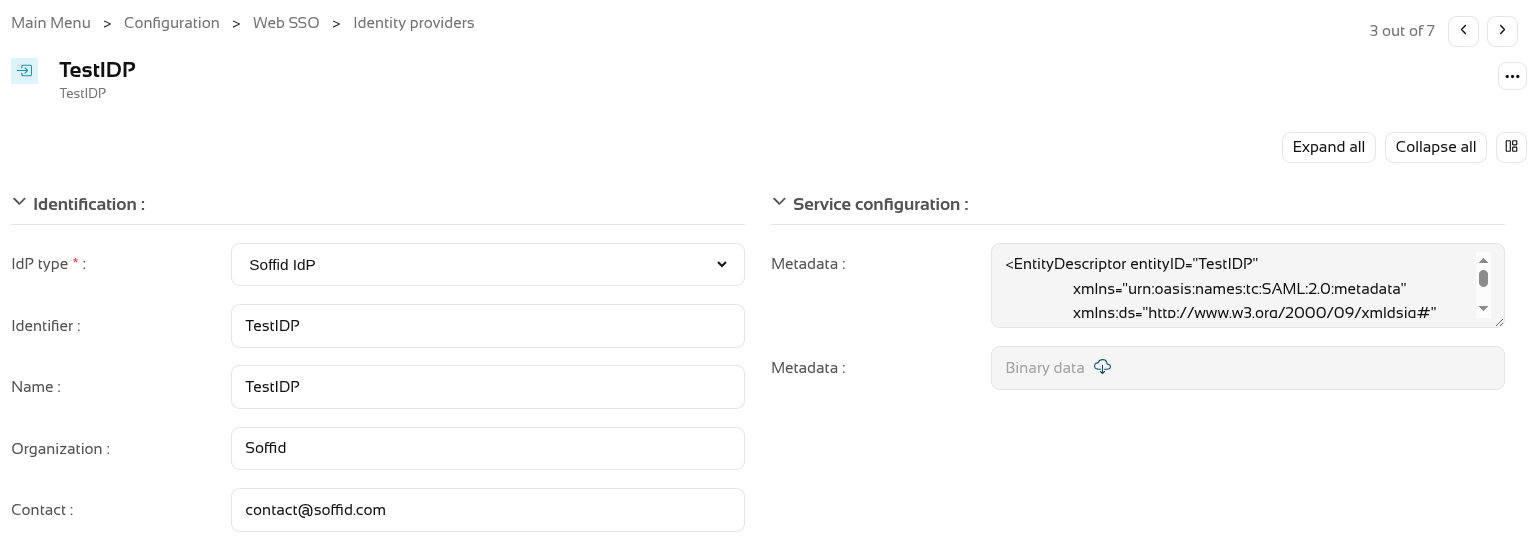](https://bookstack.soffid.com/uploads/images/gallery/2026-08/CMWpYs3aIMuNWds2-image.png) In the Authentication section, you need to fill in the "**Script to check posture**" field. [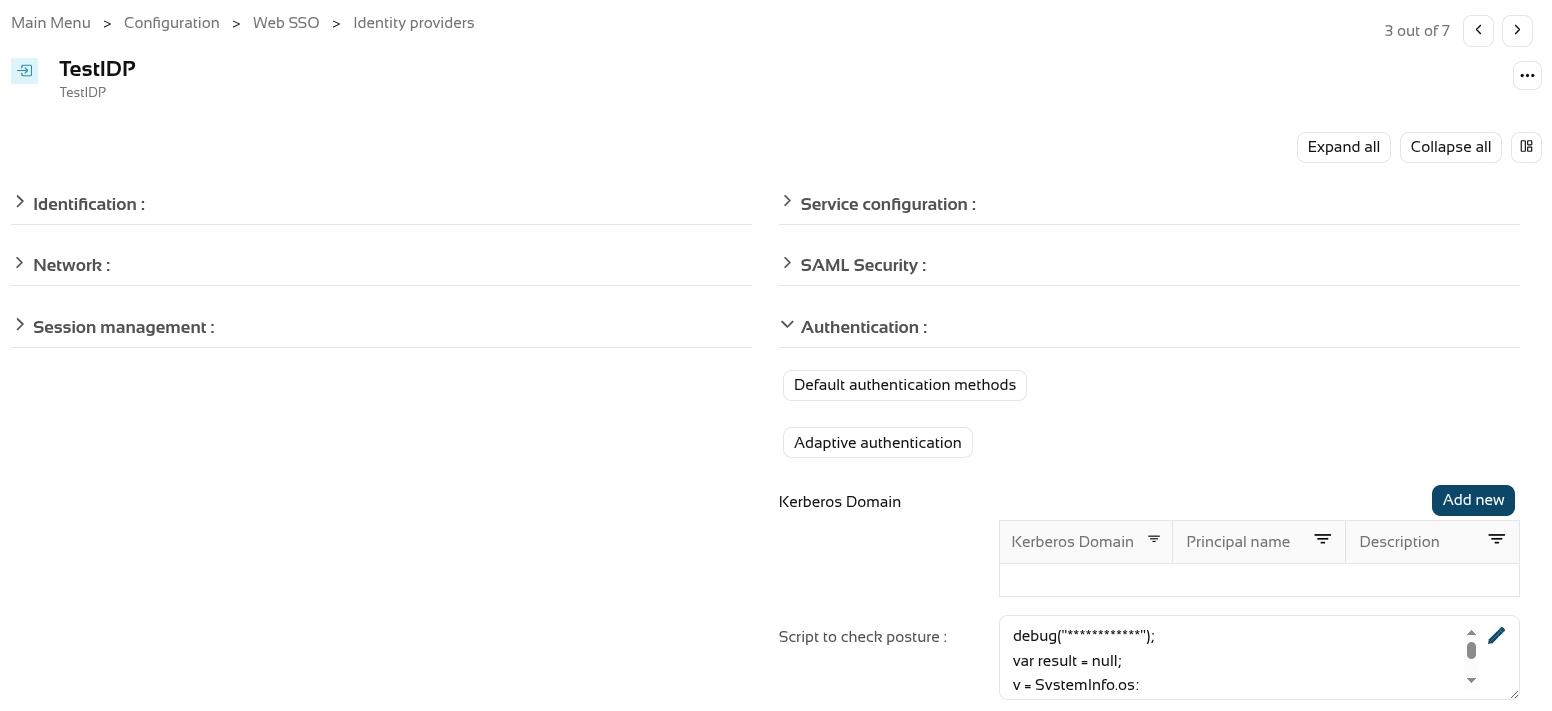](https://bookstack.soffid.com/uploads/images/gallery/2026-08/Tnt920tq6m55LZ60-image.png) We’re going to use the following **script** as an example. ``` debug("************"); var result = null; v = SystemInfo.os; d = SystemInfo.domainName; debug("In "+v+" / "+d); if (v == 'Windows') result = true; else throw "You can only start a session from Windows"; return result; ``` You now need to enable the "**Check device posture**" field in the **service providers**. [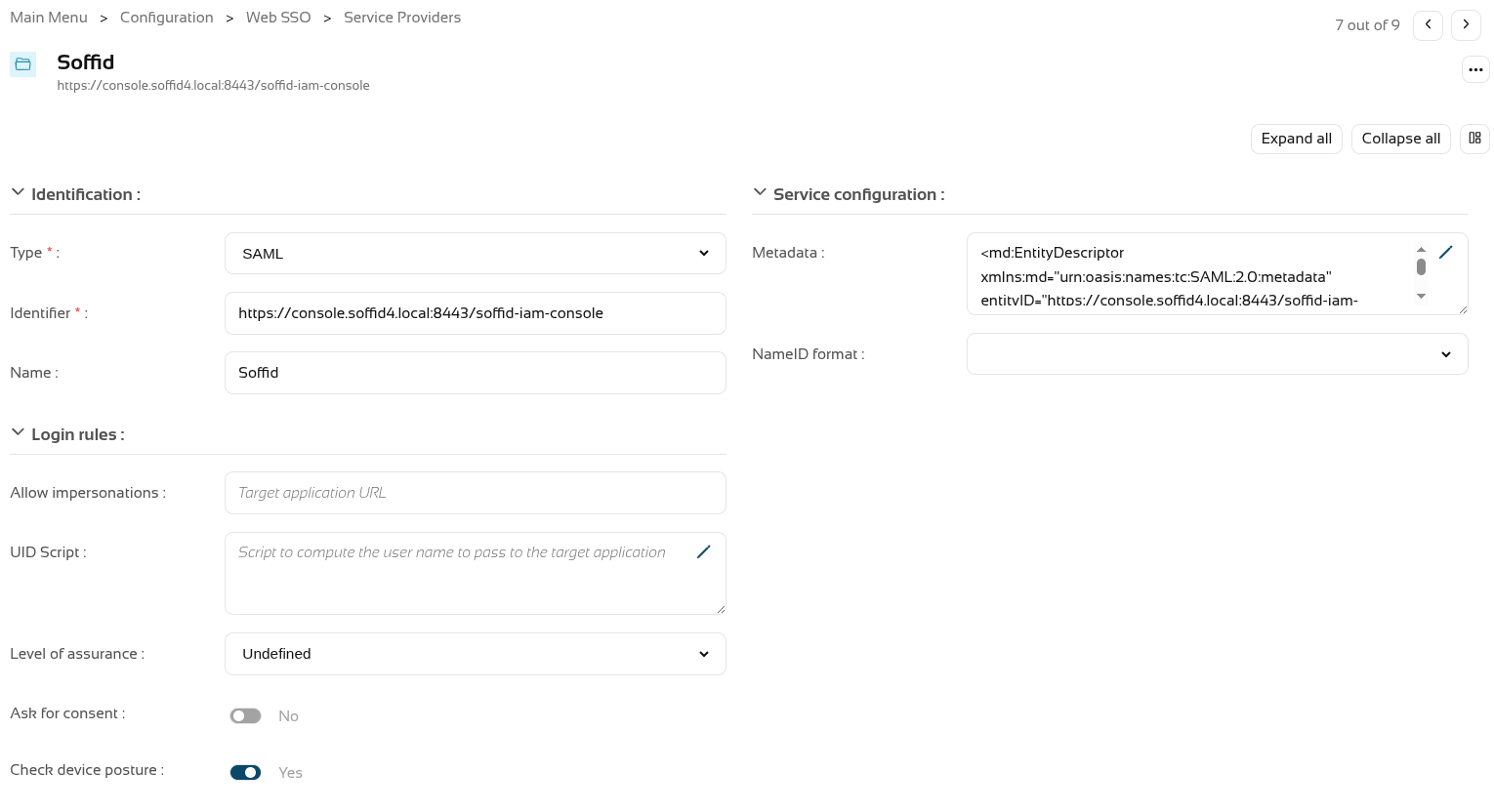](https://bookstack.soffid.com/uploads/images/gallery/2026-08/IVq8arU47Ej9NhwB-image.png) We can now **log in** to this **service provider**, which in this case is the Soffid console. [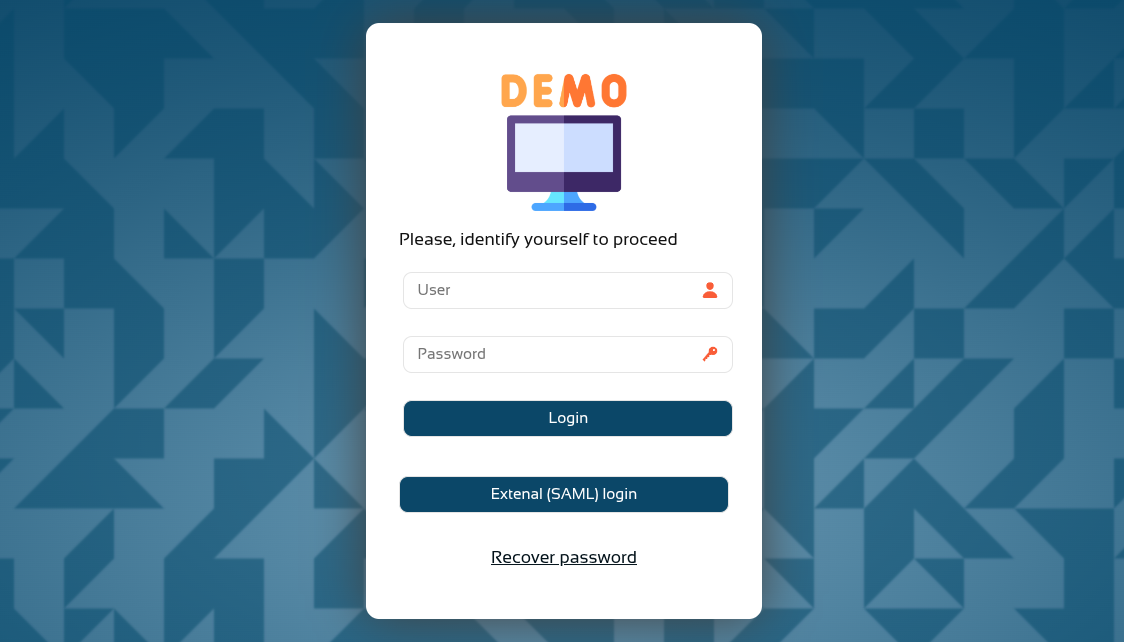](https://bookstack.soffid.com/uploads/images/gallery/2026-08/T7HvWc0x9lnCBEId-image.png) [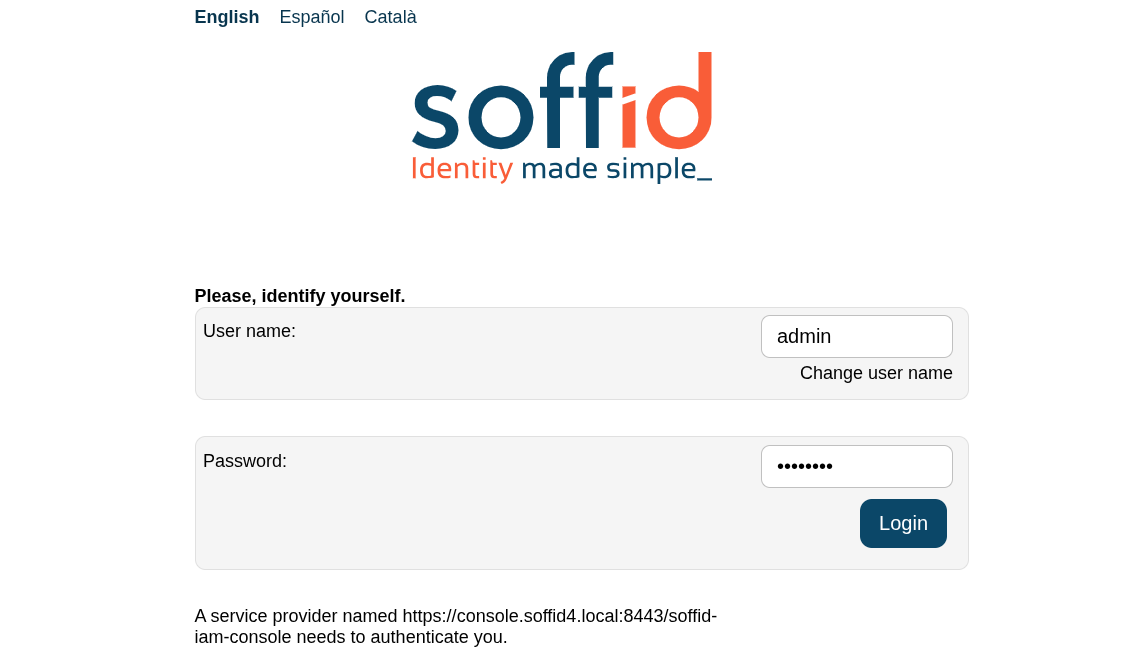](https://bookstack.soffid.com/uploads/images/gallery/2026-08/P3J04QZsUHdInCk5-image.png) And now, following authentication, the **device posture** will be evaluated. [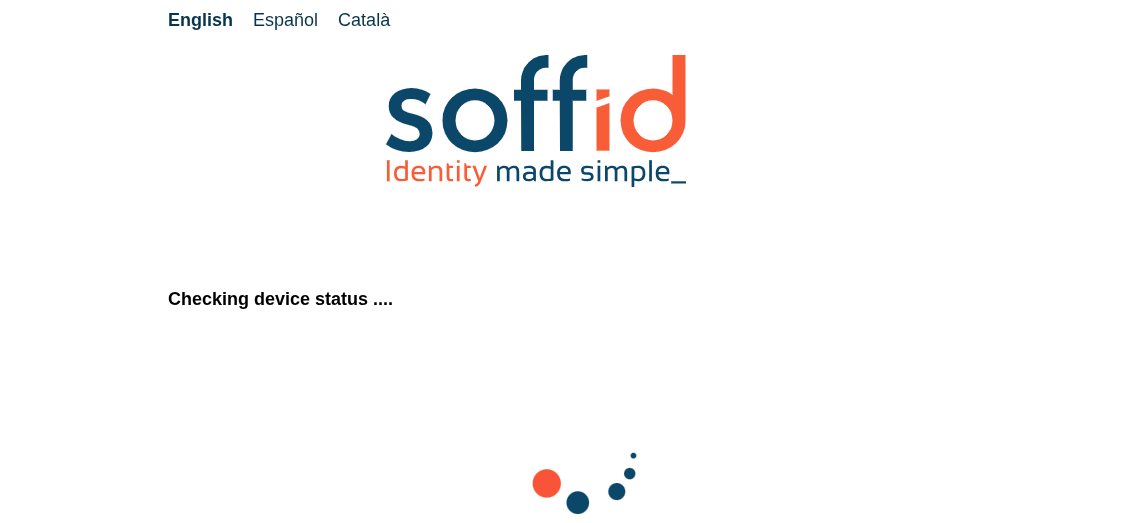](https://bookstack.soffid.com/uploads/images/gallery/2026-08/PGiUalseVtSquy8A-image.png) You browser may ask you **permissions**. [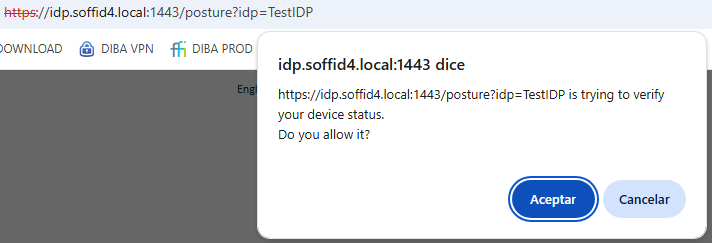](https://bookstack.soffid.com/uploads/images/gallery/2026-08/Ta5cu8ezPiY9s30u-image.png) If the validation is **successful**, you will be redirected to the **service provider**. [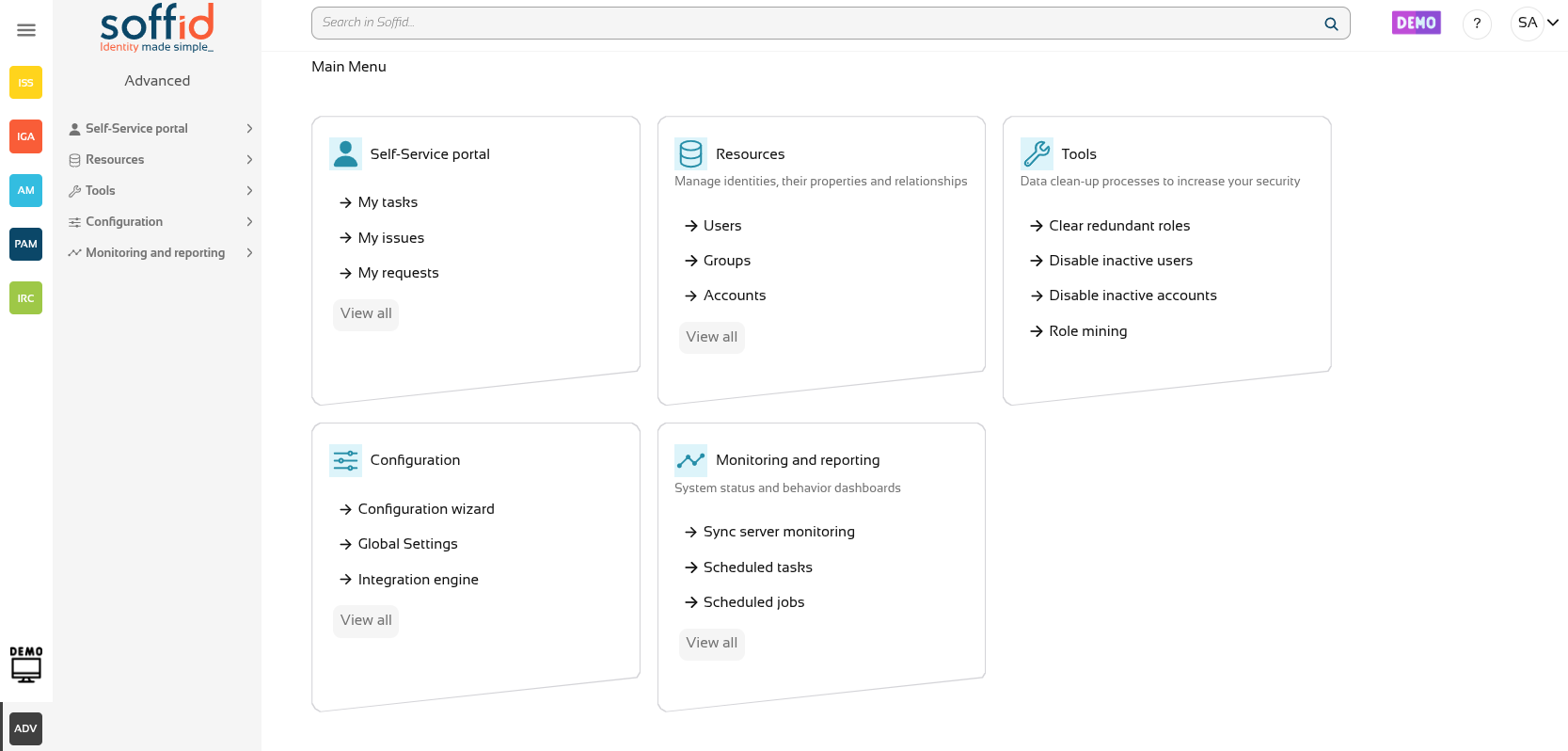](https://bookstack.soffid.com/uploads/images/gallery/2026-08/CcGCljAybSB75Kw9-image.png) If the **validation fails**, the **error** specified in the validation **script** will be displayed. [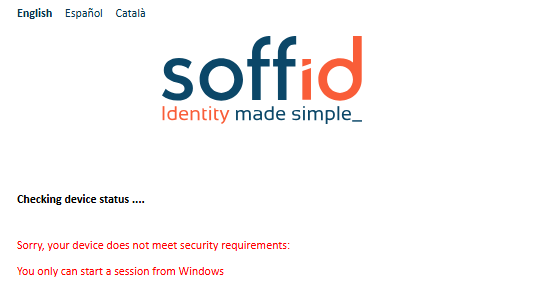](https://bookstack.soffid.com/uploads/images/gallery/2026-08/keqJ7rGY1fC4Ayt6-image.png)