Soffid provides a complete workflow engine that allows you to incorporate business processes or define new business processes as needed. End-users with the appropriate permissions will be able to request these processes. You can visit [Self service portal examples page](https://bookstack.soffid.com/books/bpm-editor/page/self-service-portal-examples "Self service portal examples") for more information.
My request screen allows to users: on the one hand, consult the processes they have executed and view the process details and status, [Query request status](#bkmrk-query-request-status-0 "Query request status"); on the other hand, they will be able to execute the processes for which they have been assigned the proper permissions.More information about process and workflows on [BPM Editor Book](https://bookstack.soffid.com/books/bpm-editor "BPM Editor")
--- ## Screen overview [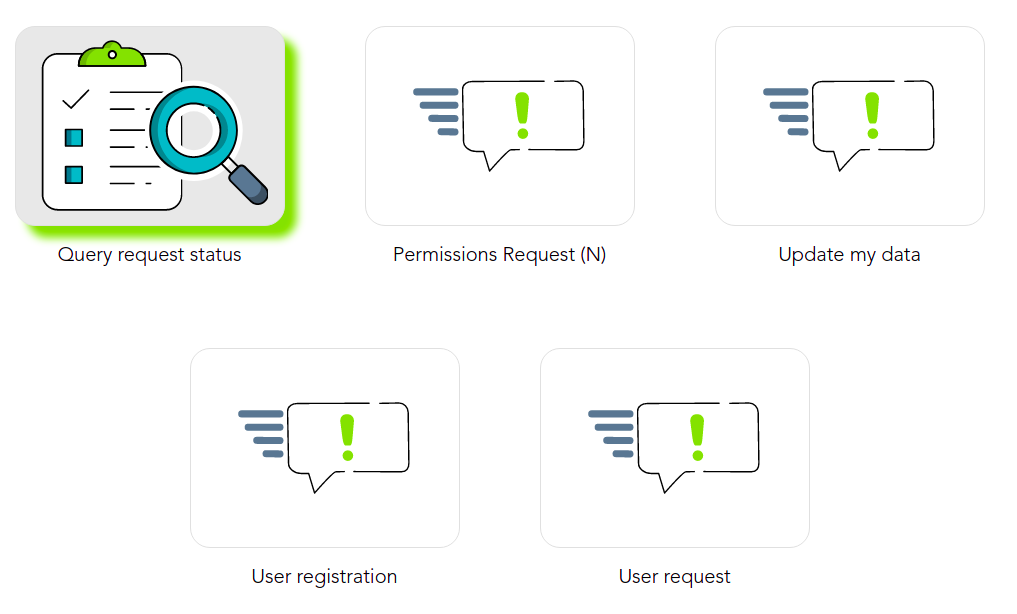](https://bookstack.soffid.com/uploads/images/gallery/2021-12/image-1638529831157.png) ## Query request status ### DescriptionDisplays a table with all the processes performed by the end-user. The end-user can consult processes detail and perform actions depending on the user permissions. You can visit [Self service portal examples page](https://bookstack.soffid.com/books/bpm-editor/page/self-service-portal-examples "Self service portal examples") for more information.
### Custom attributes - **Process ID**: unique process identifier in the system. - **Process Name**: generic process name - **Status**: displays the point in progress on the defined process diagram. Depend on the process status, you could perform some operations or others. - **Start date**: date and time the process starts - **End date**: date and time the process ends. A process without end date it is a process in progressTo view all the attributes of one process, you can access [Process attributes](https://bookstack.soffid.com/link/40#bkmrk-process-attributes) to consult the custom attributes. Be in mind, the processes have custom attributes depending on the business process definition.
### Actions The operations to be performed depend on the user permission and the business processes defined with the workflow engine.You can find documentation about the business processes on [BPM Editor Book.](https://bookstack.soffid.com/books/bpm-editor "BPM Editor")
#### Query request status actions| **Reload** | Allows you to reload the processes list with updated data. |
| **Download CSV file** | Allows you to download a CSV file with all the information of the processes list. |
| **Query Filters** | Allows you to filter data in each column of the table. |
You can find more information about the most commons process actions if you go to [Process detail actions](https://bookstack.soffid.com/link/40#bkmrk-%C2%A0-3)