New features
- 2026-06-12 New feature: inheriting authorisations in new applications
- 2026-06-12 New feature: use holder group in UID script
- 2026-09-30 New feature: hide root page
2026-06-12 New feature: inheriting authorisations in new applications
The new feature
Now, on the Application access tree page, when creating an entry point, a folder or an application, the authorizations from the parent folder are now inherited.
Bear in mind
Please note the following points:
- If there are multiple levels of folders, only the authorizations from the parent folder are inherited.
How to configure it?
The following components must be installed:
- Console 3.6.75 (or higher)
Let's look at an example
On our "‘Application access tree" page, there are two levels of folders.
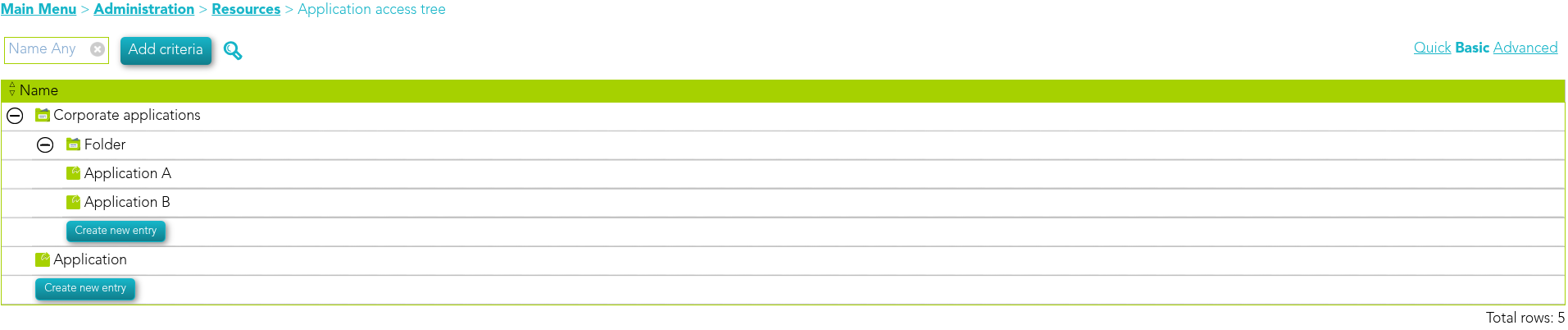
The first folder contains the following authorisations.

The second folder contains the following authorisations, the "Manager" user is different.

Now, let’s create a new application in the second folder.
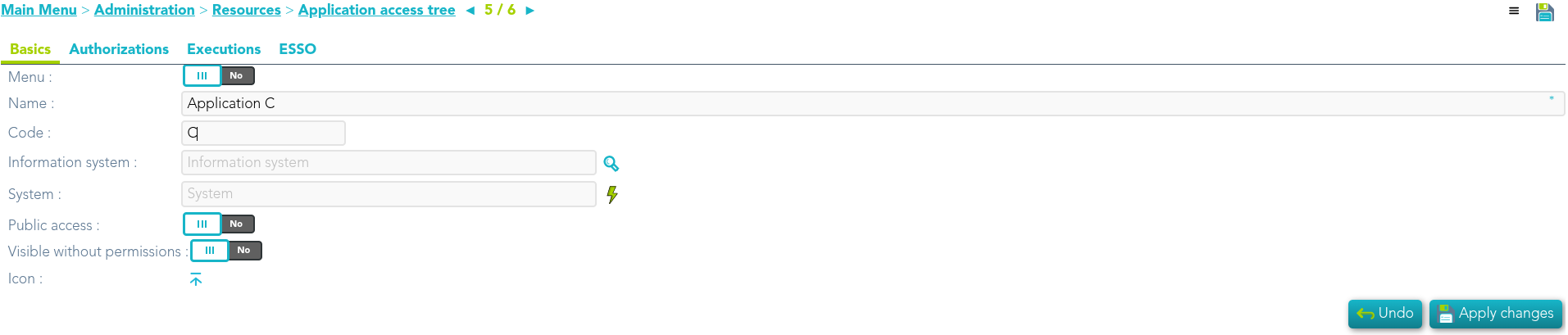
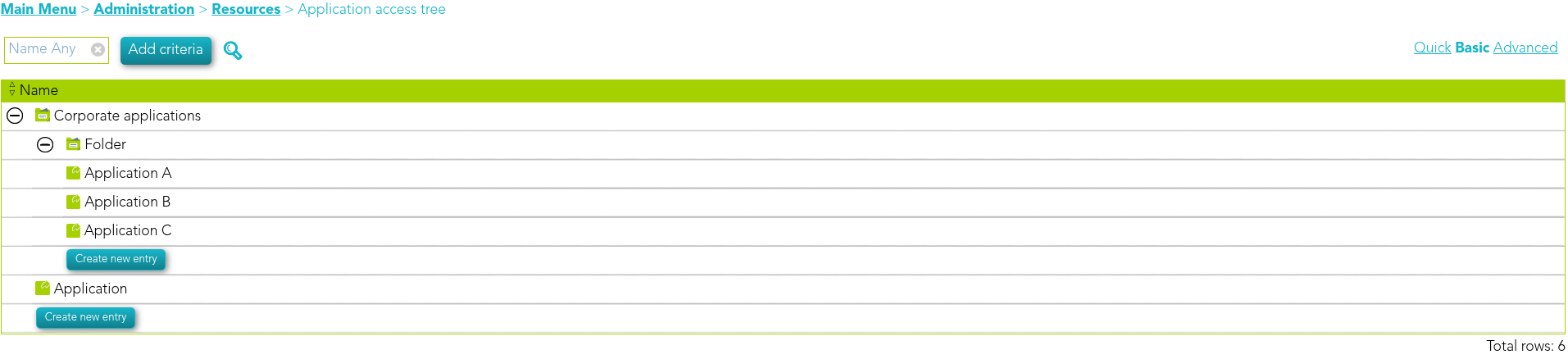
If we access it, we can see that it has the authorizations of its parent Folder.

2026-06-12 New feature: use holder group in UID script
The new feature
Now, on the Service provider configuration page, the holder group can now be used in the UID selection script.
Bear in mind
Please note the following points:
- If there are multiple levels of folders, only the authorizations from the parent folder are inherited.
How to configure it?
The following components must be installed:
- Federation addon 3.6.92 (or higher)
Let's look at an example
First of all, we check that we have a user with holder groups.

We can now confirm that the service provider has the option "" enabled.
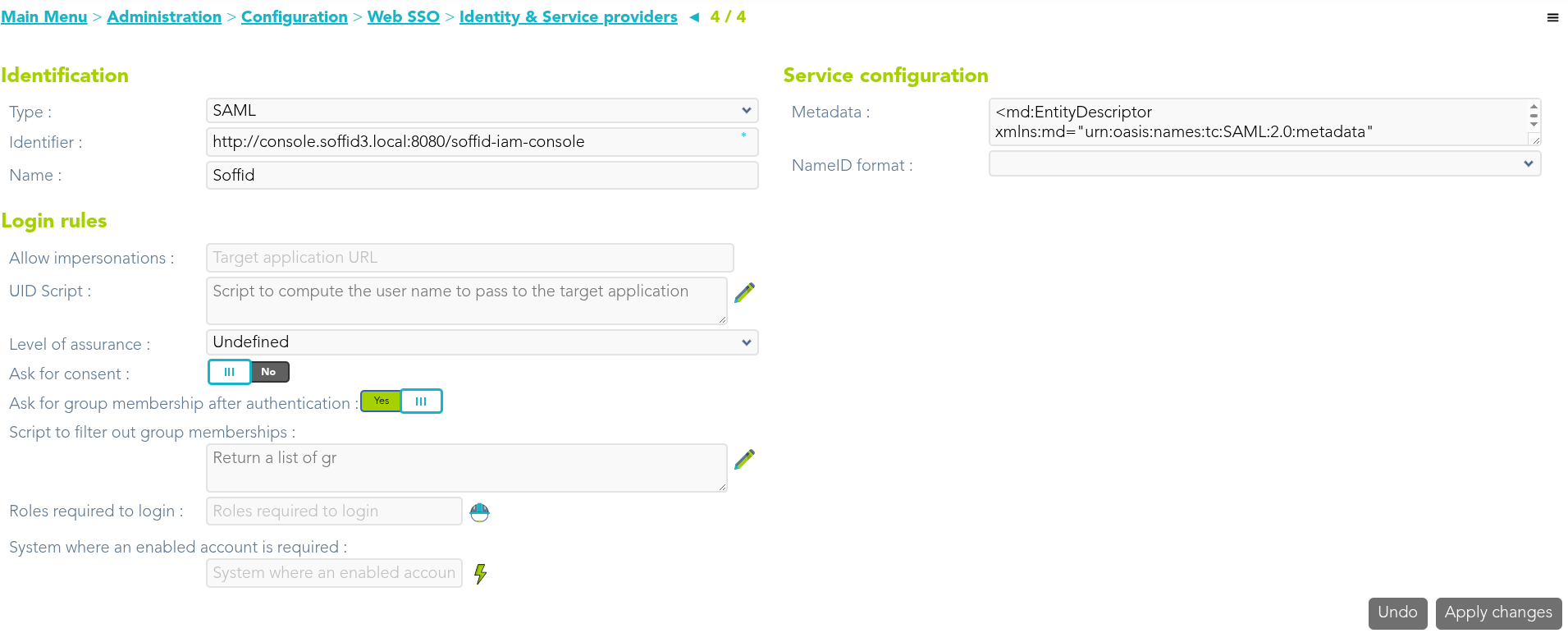
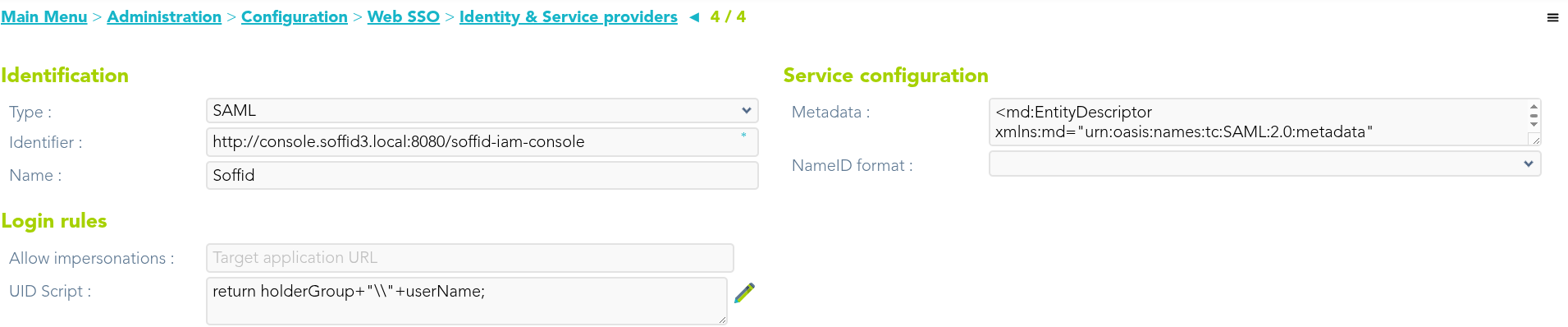
We use the holderGroup attribute in the UID script.
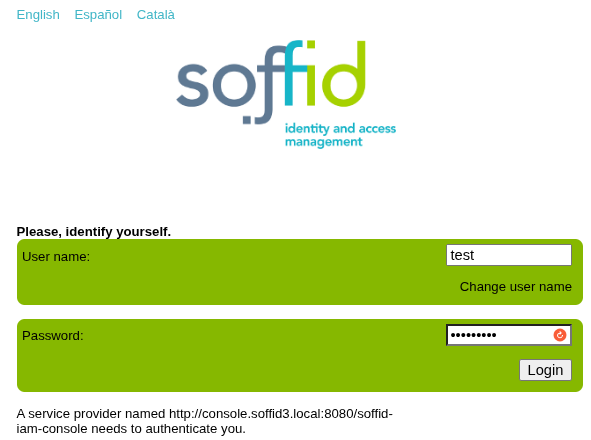
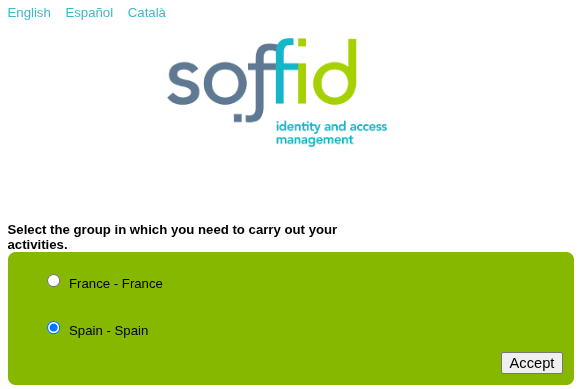
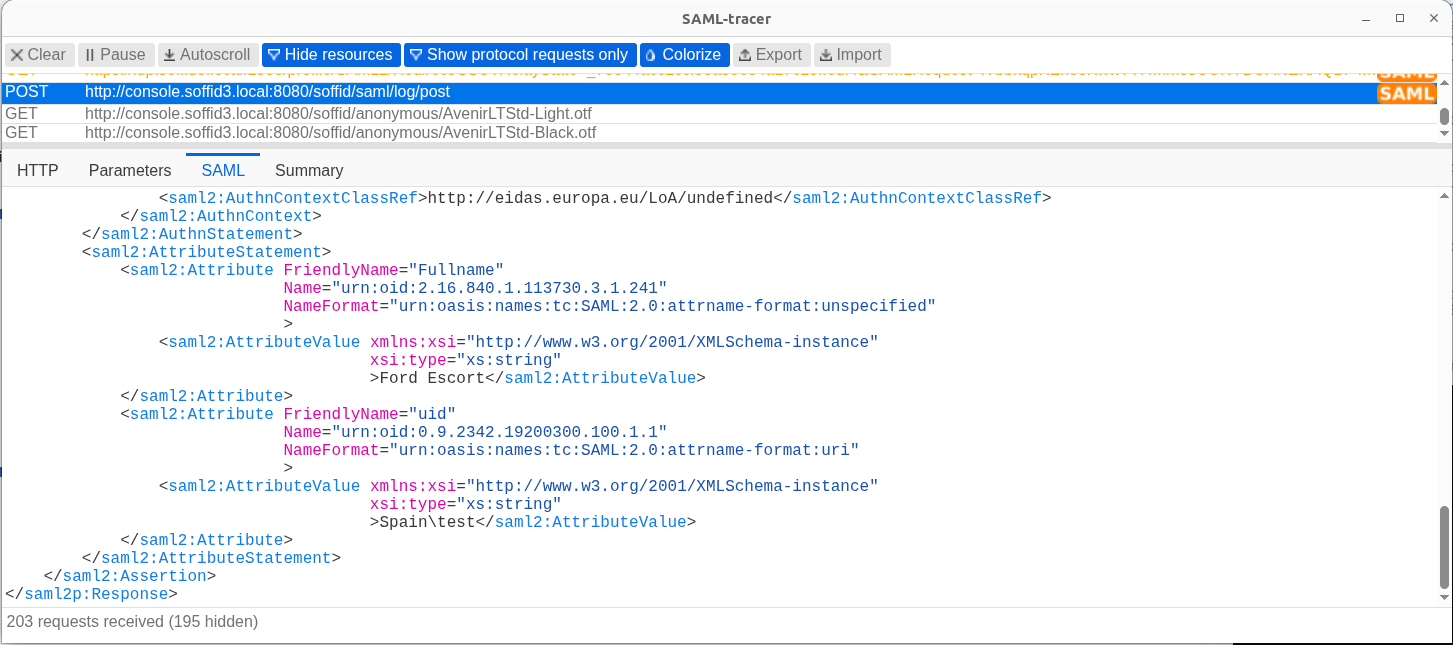
Finally, we’re going to authenticate with the service provider and check the value of the UID attribute.
2026-09-30 New feature: hide root page
The new feature
On the Identity providers configuration page, the option "Hide root page" has been added so that nothing is displayed at the IdP’s root URL.
Bear in mind
Please note the following points:
- This change only affects the IdP’s base URL: https://hostname:port
How to configure it?
The following components must be installed:
- Federation addon 3.6.96 (or higher)
Let's look at an example
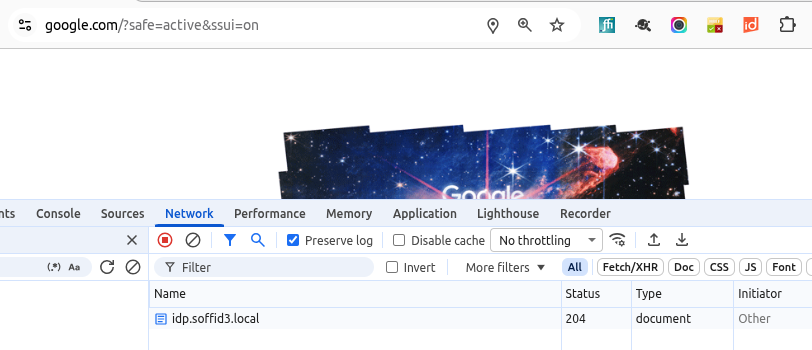
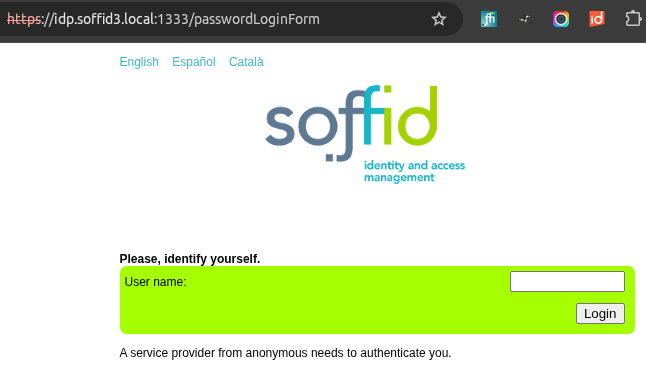
If we go directly to the IdP’s URL, the IdP’s login page appears.
https://idp.soffid3.local:1333
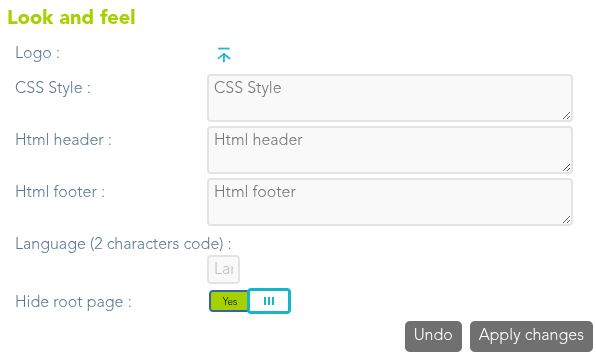
If we want to disable this behaviour so that the IdP does nothing, we need to go to the Soffid IdP and enable the "Hide root page" attribute.
Now, when accessing to the IdP’s root URL, the browser will reject the request and display the same page as before.