# How to Install Password Manager?
## Step-by-Step
1. The first time you access your Password Vault, Soffid will ask you to install the **Soffid Password Manager extension**. This extensión is available for Chrome, Firefox, Edge, and Safari.
[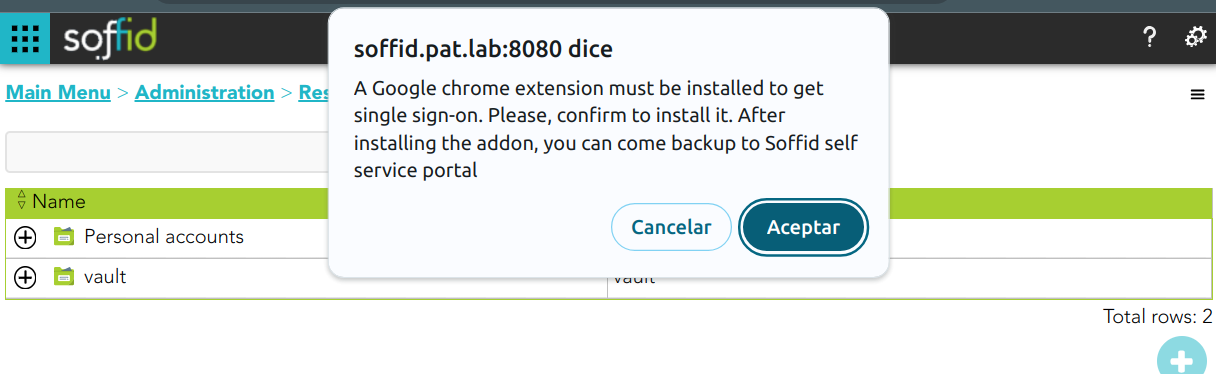](https://bookstack.soffid.com/uploads/images/gallery/2024-02/image-1707821219385.png)
2. Next, you must add the extension to your browser.
[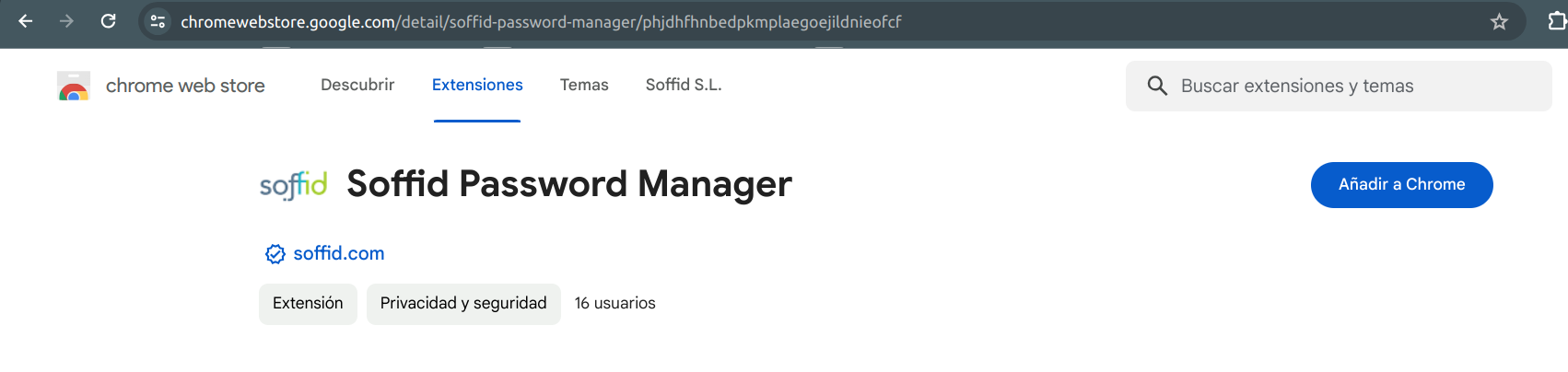](https://bookstack.soffid.com/uploads/images/gallery/2024-02/image-1707819997515.png)
The **Soffid Password Manager extension** will be installed in your browser and you can begin to use it.