# Step 6.4. Enable Task
To rotate the password it will be necessary to enable the task **Expire untrusted passwords**.
The **Expire untrusted passwords** task is in charge to create a new password for the accounts:
- Critical accounts with the password type "Automatically generated", in that case, the Renewal Time value will be in mind to determine when a password expires.
- Also, for accounts with the "Entered by the user" Password type that has expired. That case is out of the rotation passwords in the PAM implementation.
## Step-by-step
1. First of all, you must access the Scheduled tasks page, the path to access is the following:
`Main Menu > Administration > Monitoring and reporting > Scheduled tasks`
2. Second, you must search the task **Expire untrusted passwords** and click on the record to edit the task detail.
3. Once you have accessed the task detail, you must check the enable option. Also, you can update the schedule depending on your company policies.
4. Finally you must "Apply changes" to save the updates.
## Screen overview
[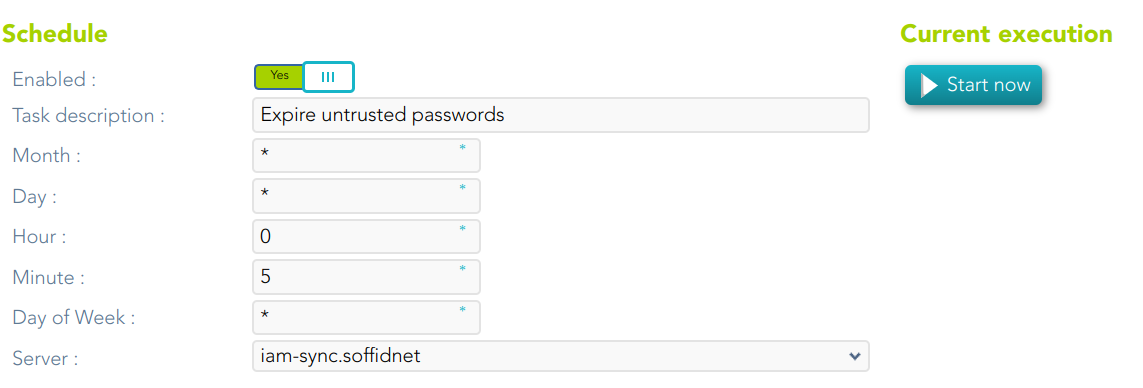](https://bookstack.soffid.com/uploads/images/gallery/2023-07/image-1688998219625.png)