# Step 5.2. Change account type
The Change account type step shows how to change the type from *unmanaged* to **shared** or **privileged** depending on the case.
## Step-by-step
1. Once Soffid displays the account detail, you can change the Type (located on the Common attributes) to the proper type. You must click on the "Type" drop-down list and select the proper value for the account.
[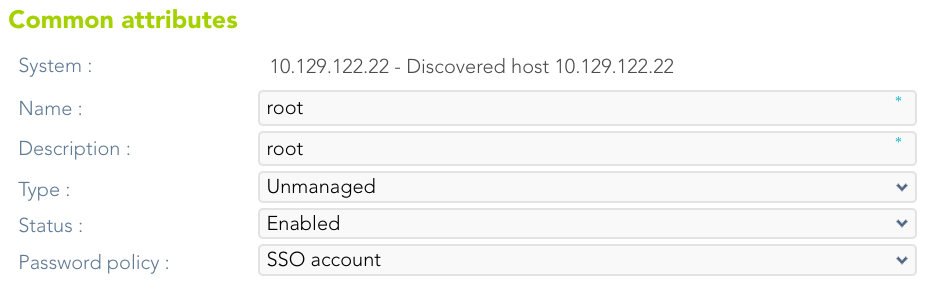](https://bookstack.soffid.com/uploads/images/gallery/2023-07/image-1688997986305.png)
2. Then, you can save the update by clicking on the disk icon (located at the top right), and continue with the next step.