For more information, you can visit [the Scheduled reports page](https://bookstack.soffid.com/books/reporting/page/scheduled-reports).
## Step-by-step 1. First, you must select the Schedule weekly risk report and click the OK button. [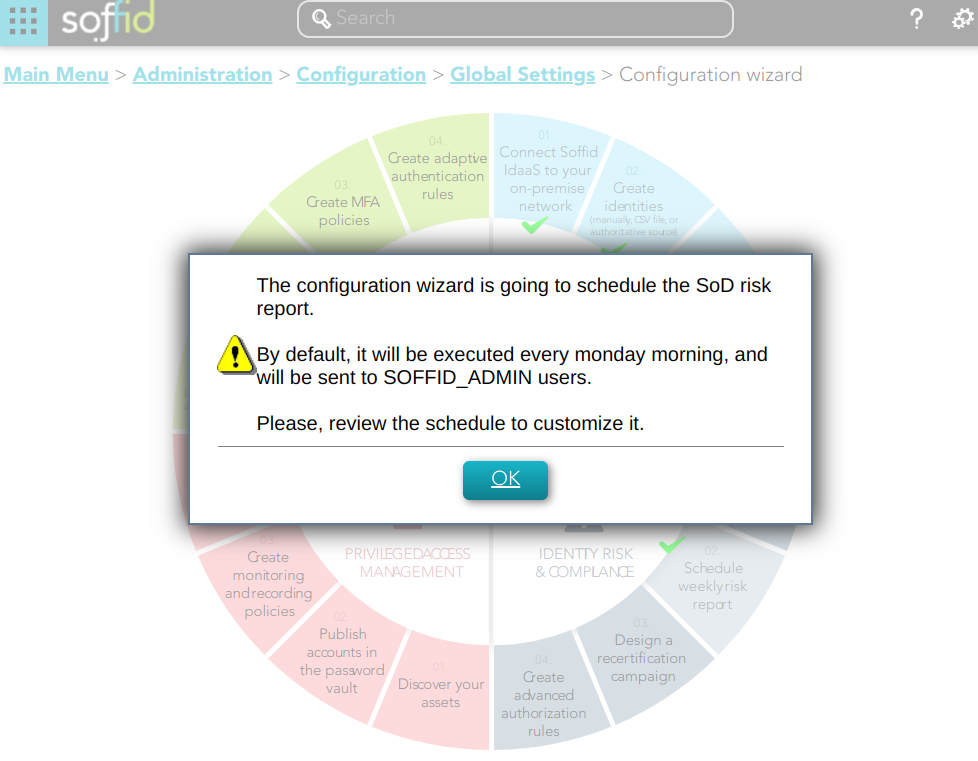](https://bookstack.soffid.com/uploads/images/gallery/2023-02/image-1676993208396.png) 2. Then, Soffid will browse to the configure report page and allows you to configure the Weekly risk report. [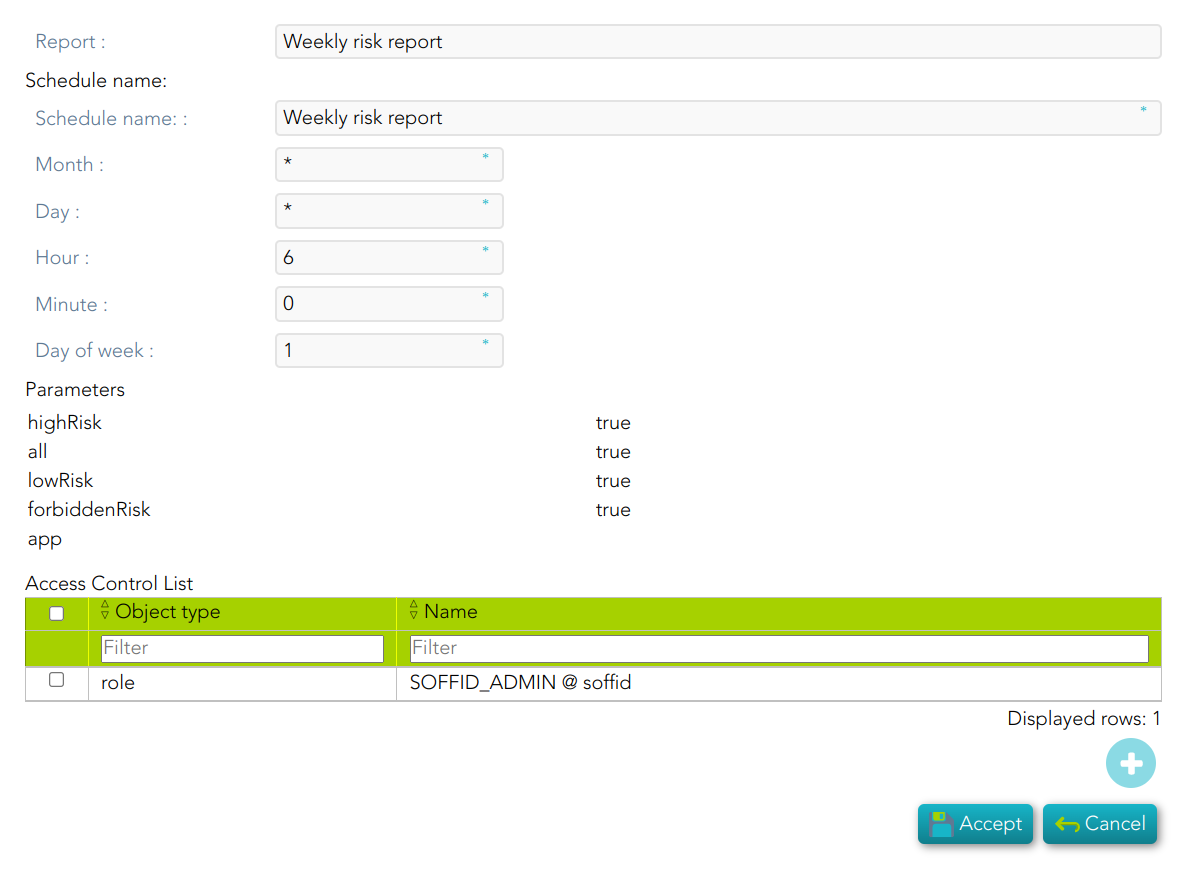](https://bookstack.soffid.com/uploads/images/gallery/2023-02/image-1676994262683.png) 3. Finally you must accept the changes, and the report will be displayed on the Scheduled reports page [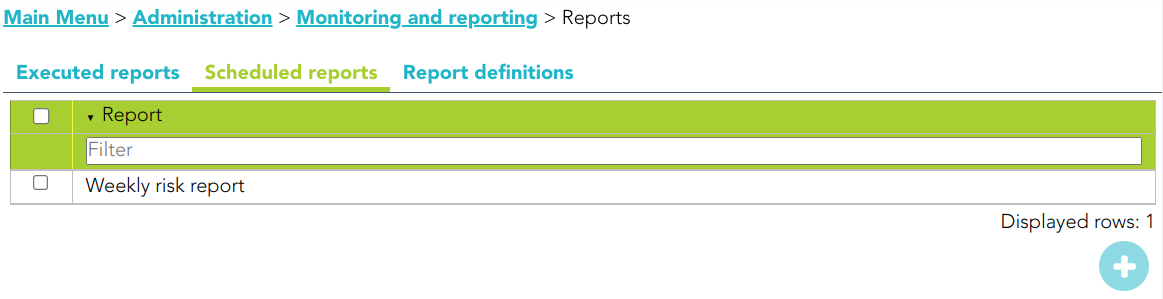](https://bookstack.soffid.com/uploads/images/gallery/2023-02/image-1677500269887.png) ## Standard attributes - **Report**: name of the report. - **Schedule name**: identified name. - **Month**: number of the month (1-12) when the task will be performed. - **Day**: number of the day (1-31) when the task will be performed. - **Hour**: hour (0-23) when the task will be performed. - **Minute**: minute (0-59) when the task will be performed. - **Day of week**: number of the day (0-6 where 0 means Sunday) of the week when the task will be performed. - **Access Control List**: to prevent unauthorized usage. Will be granted to users, groups or roles. For each value of month, day, hour, minute, or day of the week: - \* means any month, day, hour, minute, or day of the week. e.g. \*/5 to schedule every five minutes. - A single number specifies that unit value: 3 - Some comma separated numbers: 1,3,5,7 - A range of values: 1-5