You can find additional information by visiting **[the Segregation of Duties page](https://bookstack.soffid.com/books/soffid-3-reference-guide/page/segregation-of-duties-sod)**.
## Step-by-step 1. First, you must select the Create SoD matrix and click the OK button. [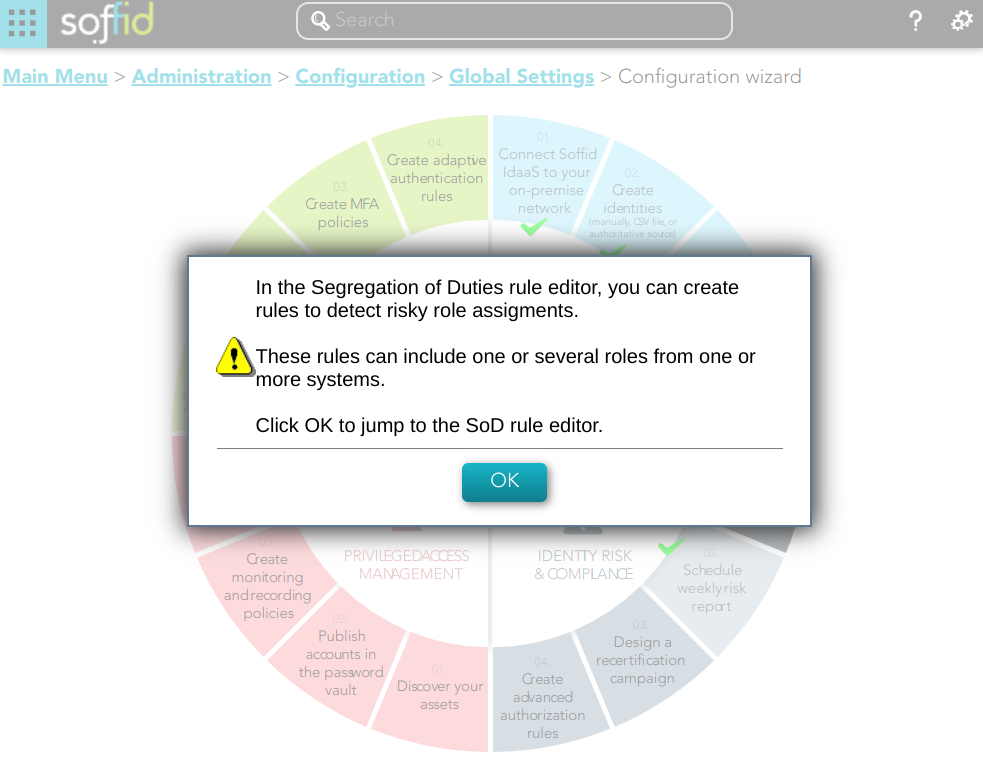](https://bookstack.soffid.com/uploads/images/gallery/2023-02/image-1676992791359.png) 2. Once you click the OK button, Soffid will browse to the Segregation of Duties page in order to add a new SoD [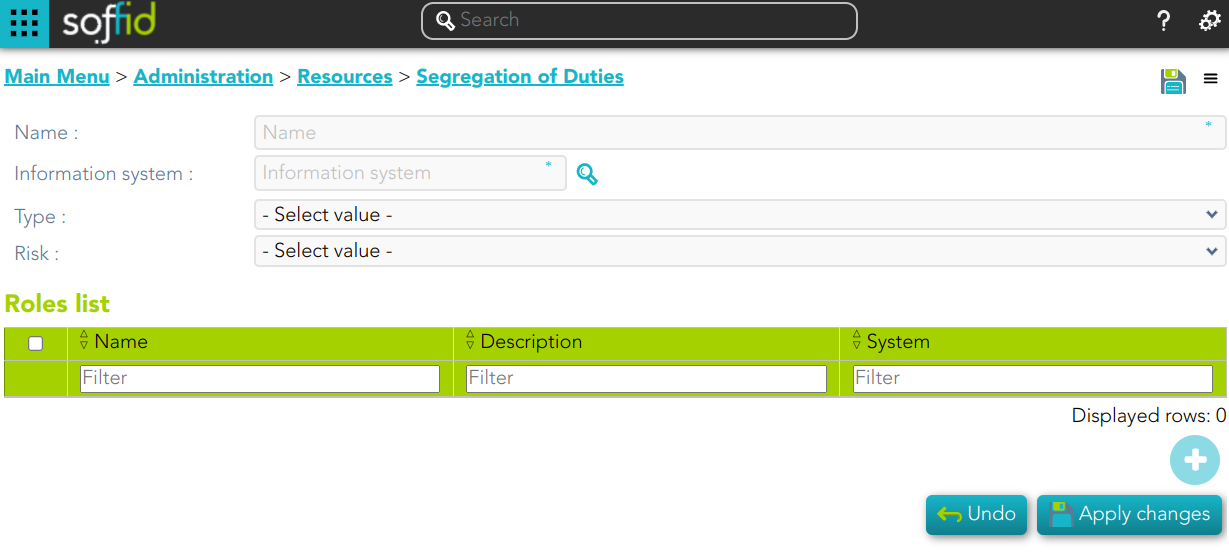](https://bookstack.soffid.com/uploads/images/gallery/2023-02/image-1677072359690.png) 3. Finally you must save or Apply changes to save the SoD. [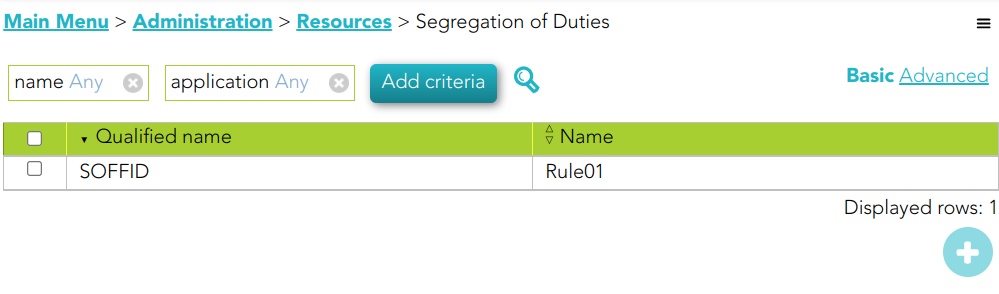](https://bookstack.soffid.com/uploads/images/gallery/2023-02/image-1677499985787.png) ## Standard attributes - **Name**: name of the segregation separation of duties - **Information System**: asset or application, from a functional point of view, on which the permissions are granted or revoked. - **Type**: type of segregation - **Trigger on all permissions**: no user can be assigned the roles added to the role list. - **Trigger on some permissions**: if you select that option, you have to fill in the number of roles that can not match. Soffid will not allow you to assign to a user more than the number indicated of the roles added to the role list. - **Query permissions matrix**: Soffid displays a matrix that allows you to select the risk between pairs of roles, those roles are the roles added to the role list. - **Risk**: level of risk: - **Low**. - **High**. - **Forbidden**: it is not allowed that one user to have assigned the roles defined on the role list. - **None**: there is no risk. - **Role List**: list of roles to keep in mind on the segregation of duties.