# Create monitoring and recording policies

## Description

PAM policy is a subset of cybersecurity policies that deal with privileged access. This determines which users can have privileged access to specific systems, when, and for how long.

You can check the policies in the following menu option: `Main Menu > Administration > Configuration > Security settings > PAM policies`

<p class="callout info">For more information, you can visit [the PAM policies page.](https://bookstack.soffid.com/books/pam-deployment/page/pam-policies)</p>

## Step-by-step

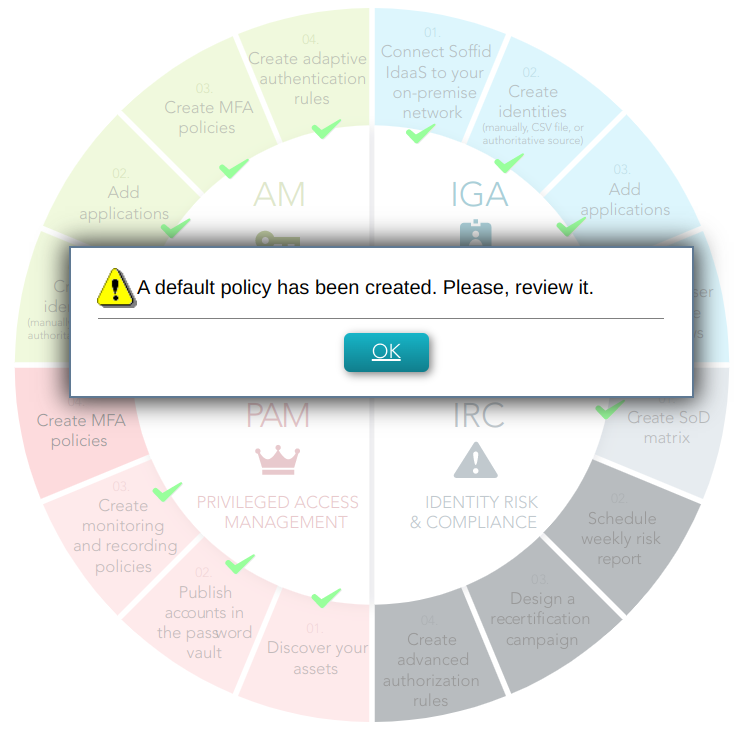
<span style="color: #a6d100; font-weight: bold; font-size: 18px;">1. </span>Once you click the *Create monitoring and recording policies* option, Soffid will create a default policy.

[![image-1678104384200.png](https://bookstack.soffid.com/uploads/images/gallery/2023-03/scaled-1680-/image-1678104384200.png)](https://bookstack.soffid.com/uploads/images/gallery/2023-03/image-1678104384200.png)
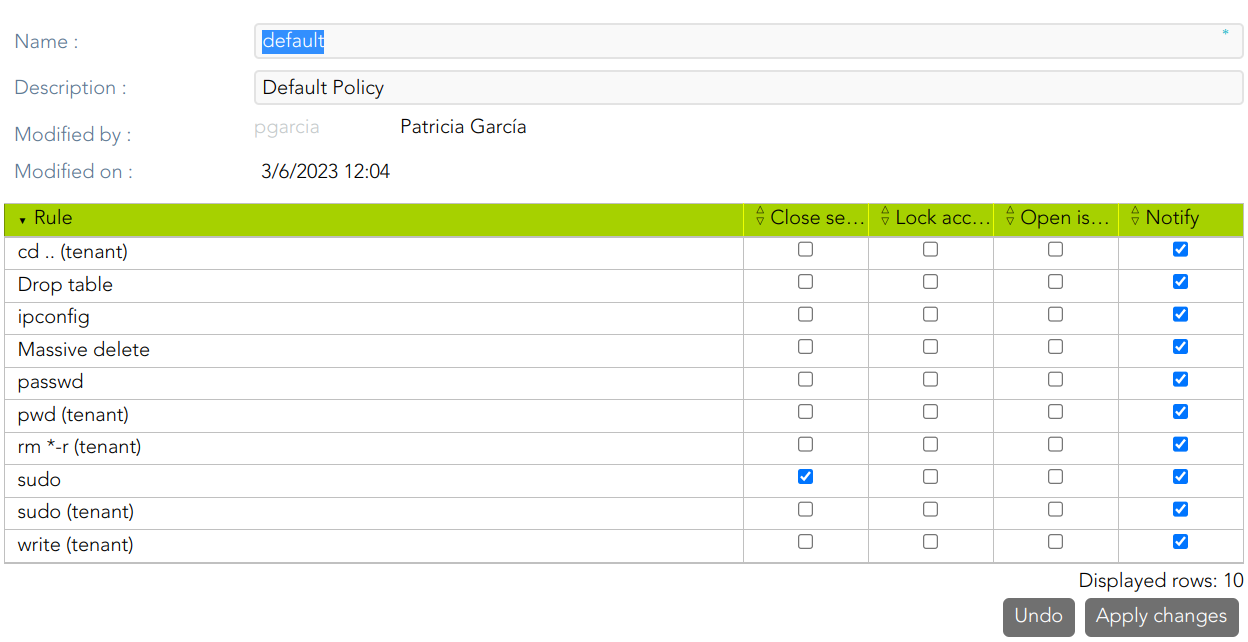
<span style="color: #a6d100; font-weight: bold; font-size: 18px;">2. </span>When you click the Ok button, Soffid will browse to the created policy and allows you to update the default configuration.

[![image-1678106829891.png](https://bookstack.soffid.com/uploads/images/gallery/2023-03/scaled-1680-/image-1678106829891.png)](https://bookstack.soffid.com/uploads/images/gallery/2023-03/image-1678106829891.png)