# Create identities (manually, CSV file or authoritative source)
## Description
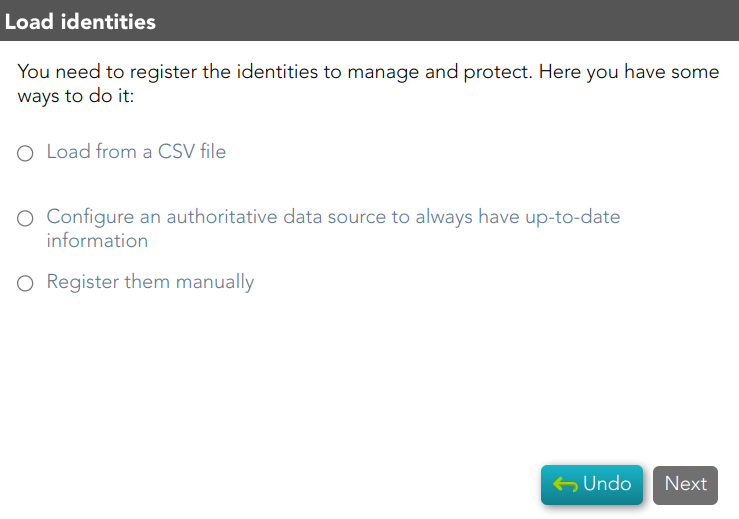
You need to register the identities to manage and protect them. This wizard allows you to choose the easiest way to do it.
## Step-by-step
1. First, you must select one option to register the identities. Soffid allows you three options.
[](https://bookstack.soffid.com/uploads/images/gallery/2023-02/image-1677151715487.png)
2. You must follow the steps, depending on the selected option:
2.1. **Load from a CSV file**: this option allows you to load identities from a CSV file.
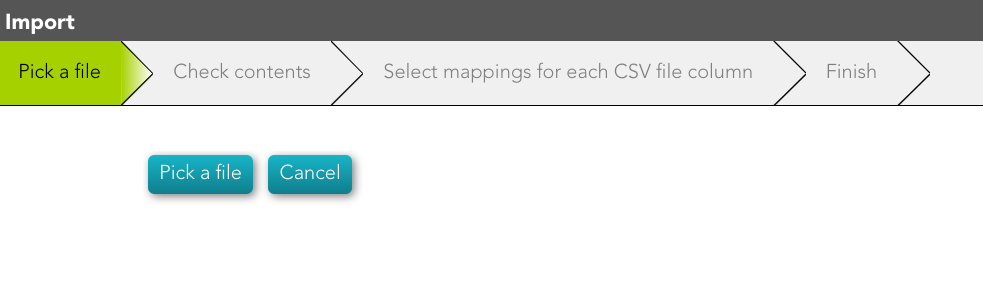
2.1.1. First of all, you need to pick up the CSV file.
[](https://bookstack.soffid.com/uploads/images/gallery/2023-02/image-1677151980079.png)
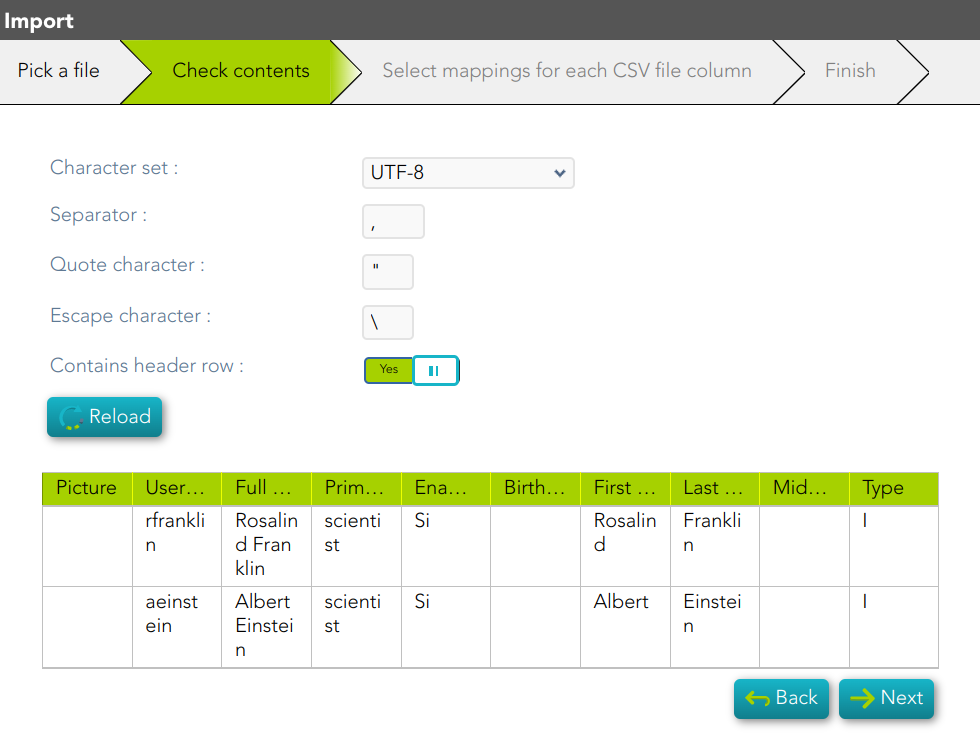
2.1.2. Second, Soffid will display the file data to check contents
[](https://bookstack.soffid.com/uploads/images/gallery/2023-02/image-1677152756166.png)
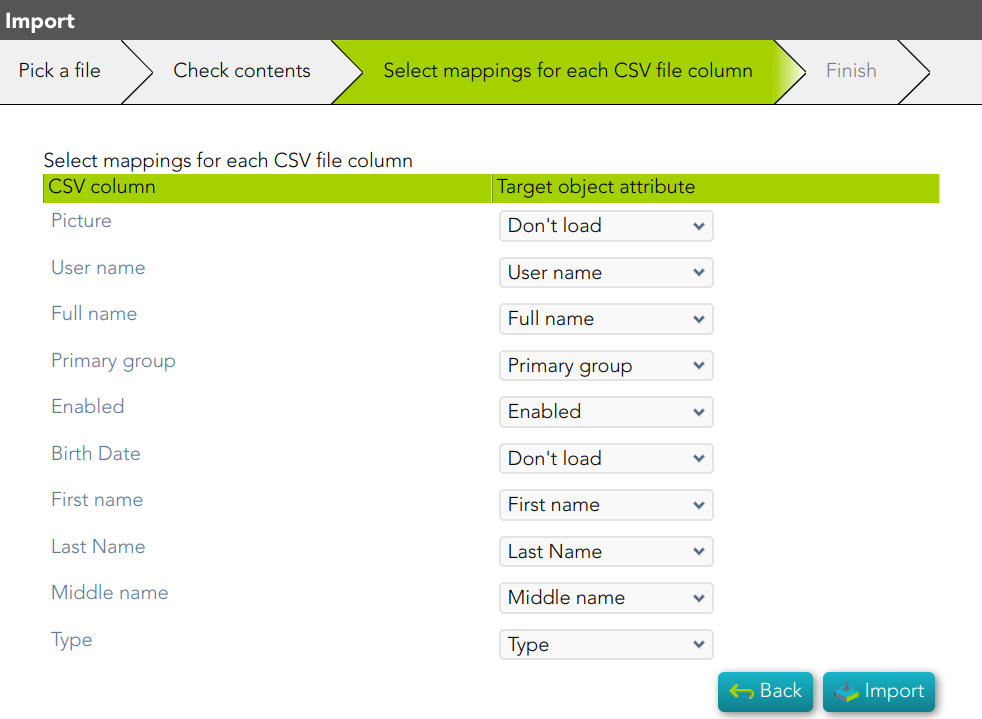
2.1.3. Then you must select the proper mapping for each CSV file column. And finally, click the Import Button and Soffid will add the identities to the platform.
[](https://bookstack.soffid.com/uploads/images/gallery/2023-02/image-1677152797214.png)
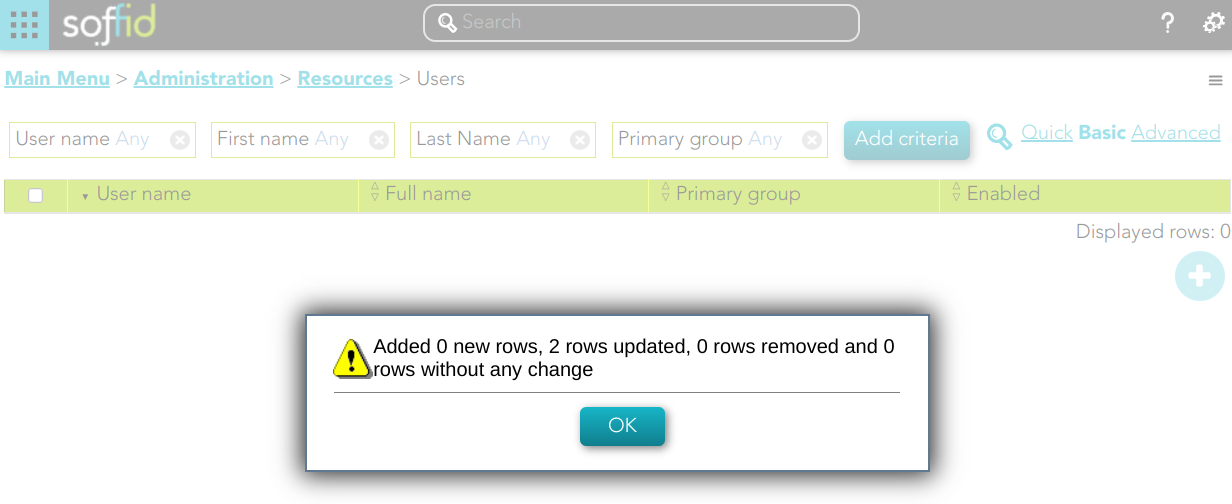
2.1.4. Soffid will display the result of the process.
[](https://bookstack.soffid.com/uploads/images/gallery/2023-02/image-1677152920695.png)
2.2. **Configure an authoritative data source to always have up-to-date information**: this option allows you to configure an Active Directory agent, or a Relational database agent to load the identities.
Once the process will finish, you could check the new agent on the agent's page `Main Menu > Administration > Configuration > Integration engine > Agents`
For more information about the agents, you can visit [the Agents page](https://bookstack.soffid.com/books/soffid-3-reference-guide/page/agents).
[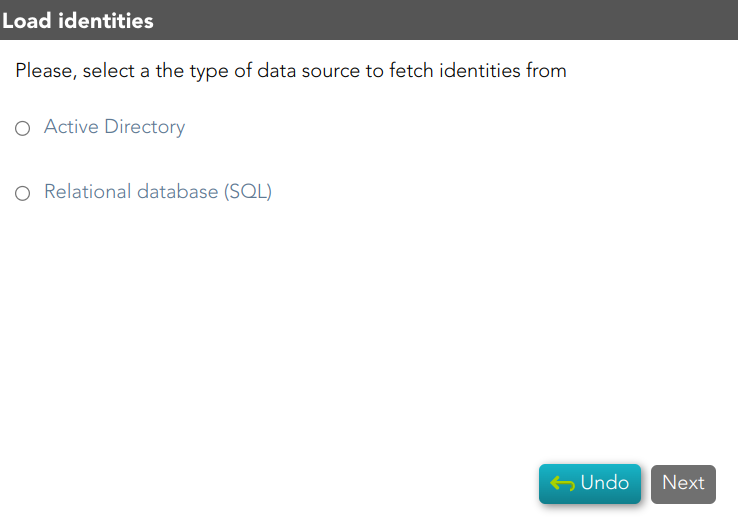](https://bookstack.soffid.com/uploads/images/gallery/2023-02/image-1677152049535.png)
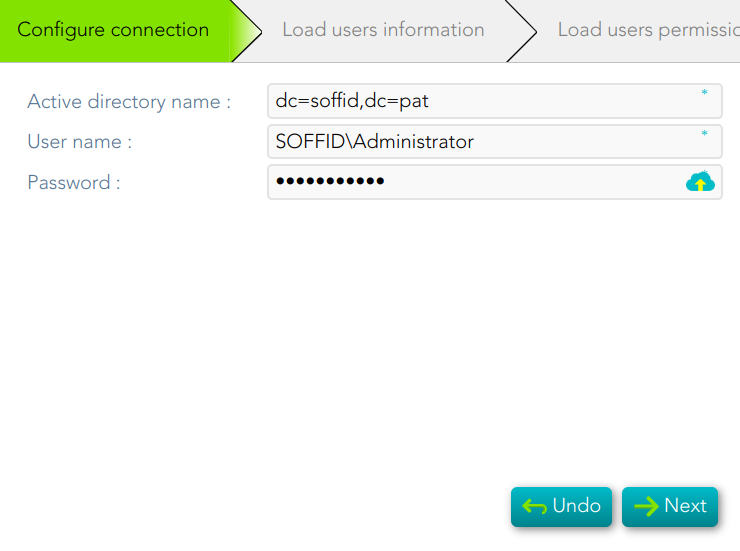
2.2.1. Active Directory
- To configure the AD connection you must fill in the required fields and click the Next button.
- Then Soffid will run the Authoritative load and the Reconcile process
- Finally, you could check the result on the [Scheduled tasks ](https://bookstack.soffid.com/books/soffid-3-reference-guide/page/scheduled-tasks)page.
[](https://bookstack.soffid.com/uploads/images/gallery/2023-05/image-1685436631243.png)
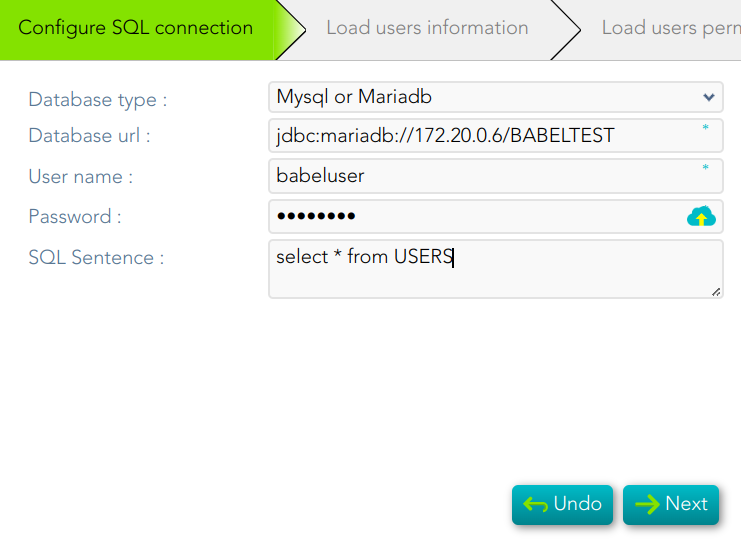
2.2.2. Relational database (SQL)
[](https://bookstack.soffid.com/uploads/images/gallery/2023-05/image-1685436774882.png)
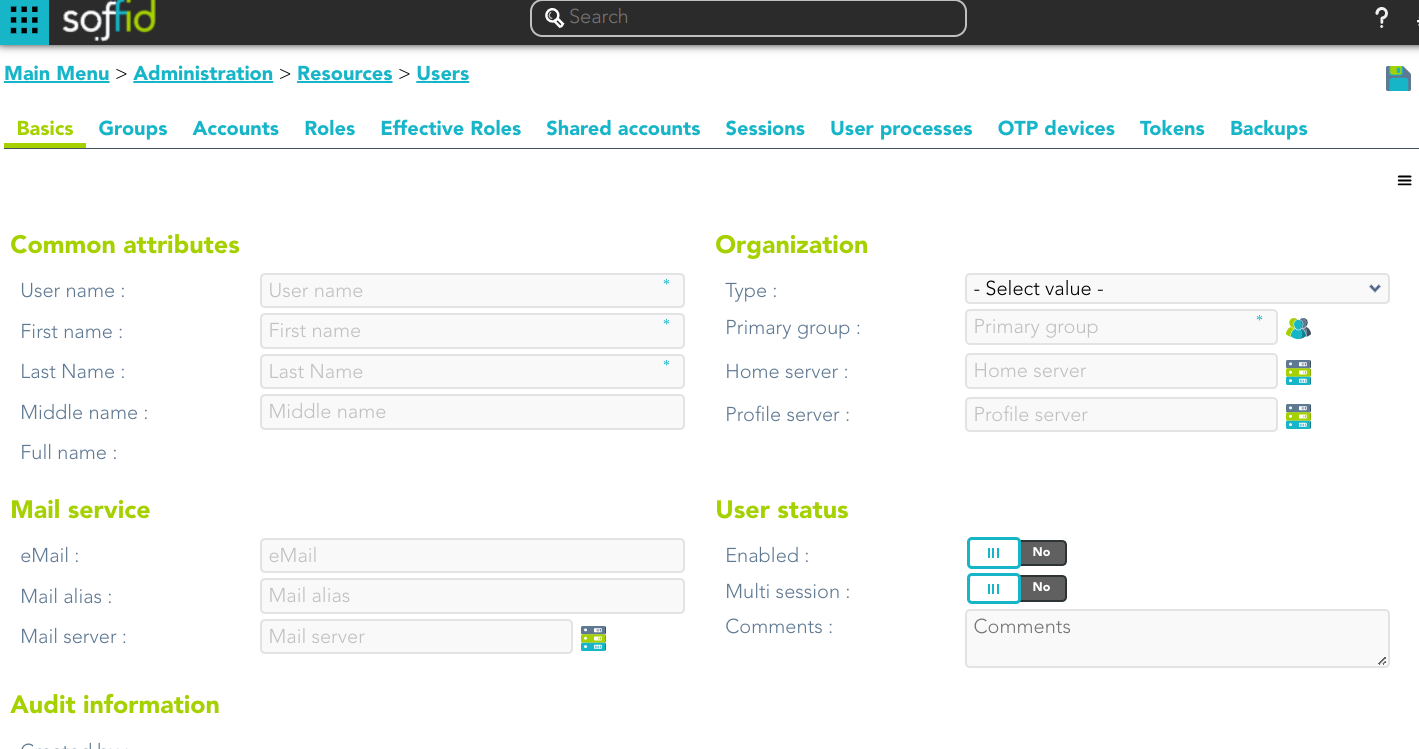
2.3. **Register them manually**: this option browses to the **[User page](https://bookstack.soffid.com/books/soffid-3-reference-guide/page/users)** to register the identities manually
[](https://bookstack.soffid.com/uploads/images/gallery/2023-02/image-1677153597024.png)