# Create adaptive authentication rules

## Description

Adaptive authentication rules are a set of security policies and mechanisms that adjust authentication requirements. These rules determine the strength of authentication required for each user, based on factors such as their location, device, past login behavior, and other risk indicators.

<p class="callout info">For more information, you can visit the [Condition for Adaptive authentication page](https://bookstack.soffid.com/books/federation/page/condition-for-adaptive-authentication).</p>

## Step-by-step

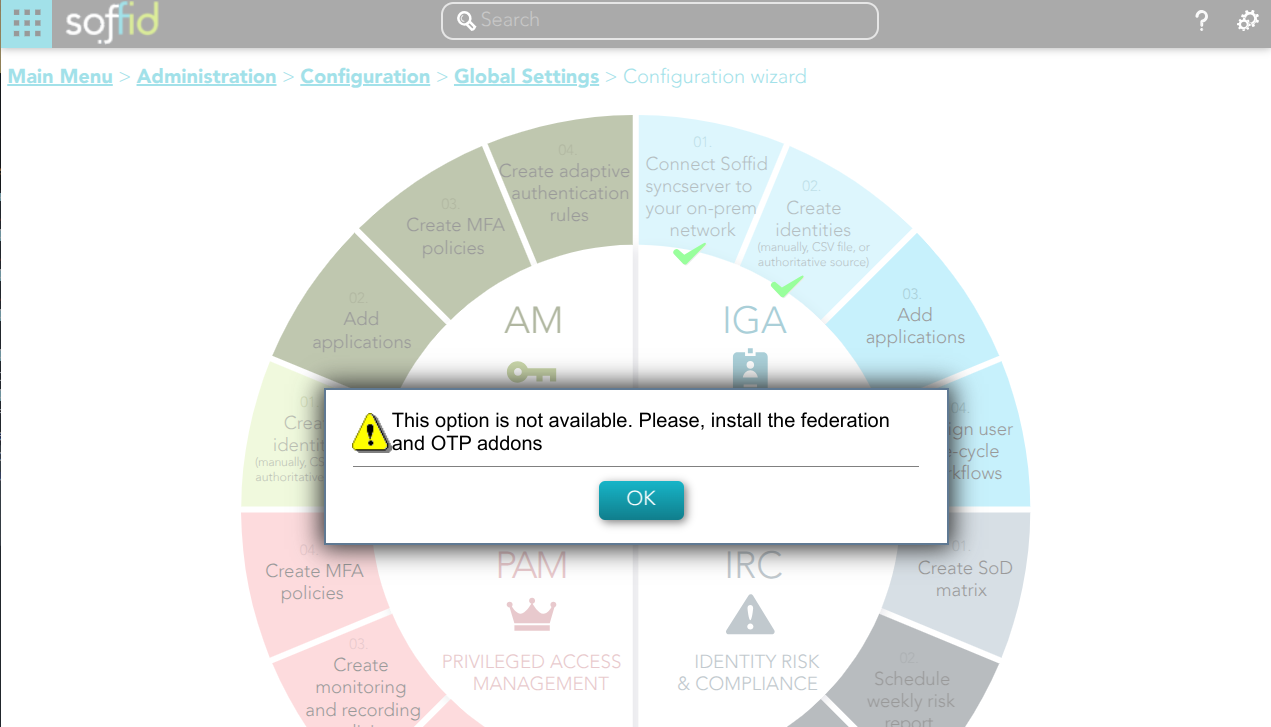
<span style="color: #a6d100; font-weight: bold; font-size: 18px;">1. </span>If you have not previously installed the Federation Addon, the first time you select the *Create MFA policies* option, Soffid will require to **install the Federation and the OTP Addons**.

[![image.png](https://bookstack.soffid.com/uploads/images/gallery/2025-02/scaled-1680-/Hrp87gsNIs26JsAl-image.png)](https://bookstack.soffid.com/uploads/images/gallery/2025-02/Hrp87gsNIs26JsAl-image.png)
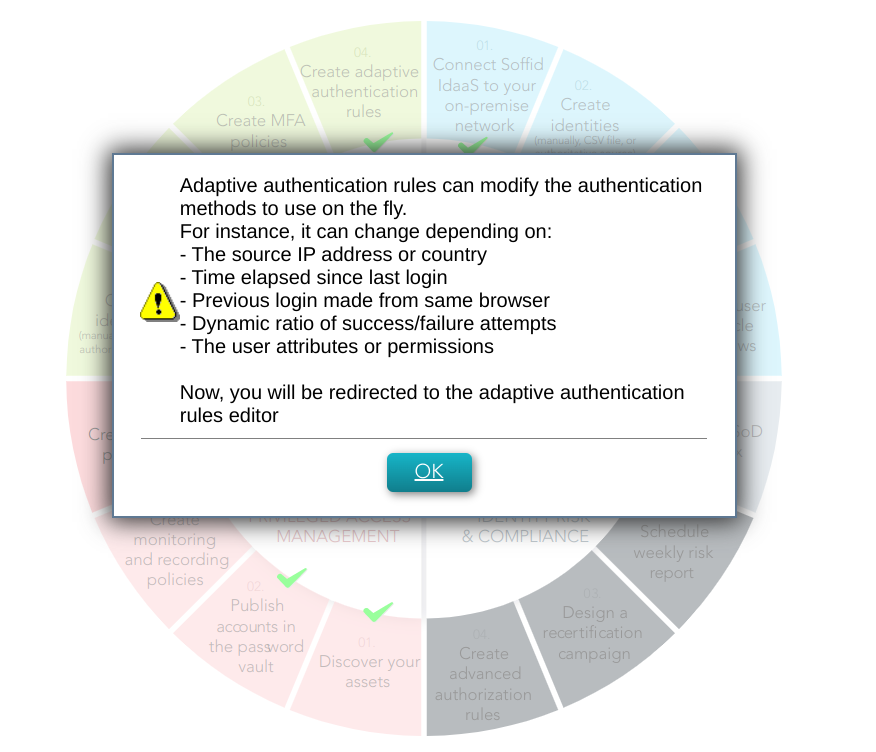
<span style="color: #a6d100; font-weight: bold; font-size: 18px;">2. </span>You must select the *Create adaptive authentication rules* and then click the Ok button.

[![image-1678097740662.png](https://bookstack.soffid.com/uploads/images/gallery/2023-03/scaled-1680-/image-1678097740662.png)](https://bookstack.soffid.com/uploads/images/gallery/2023-03/image-1678097740662.png)
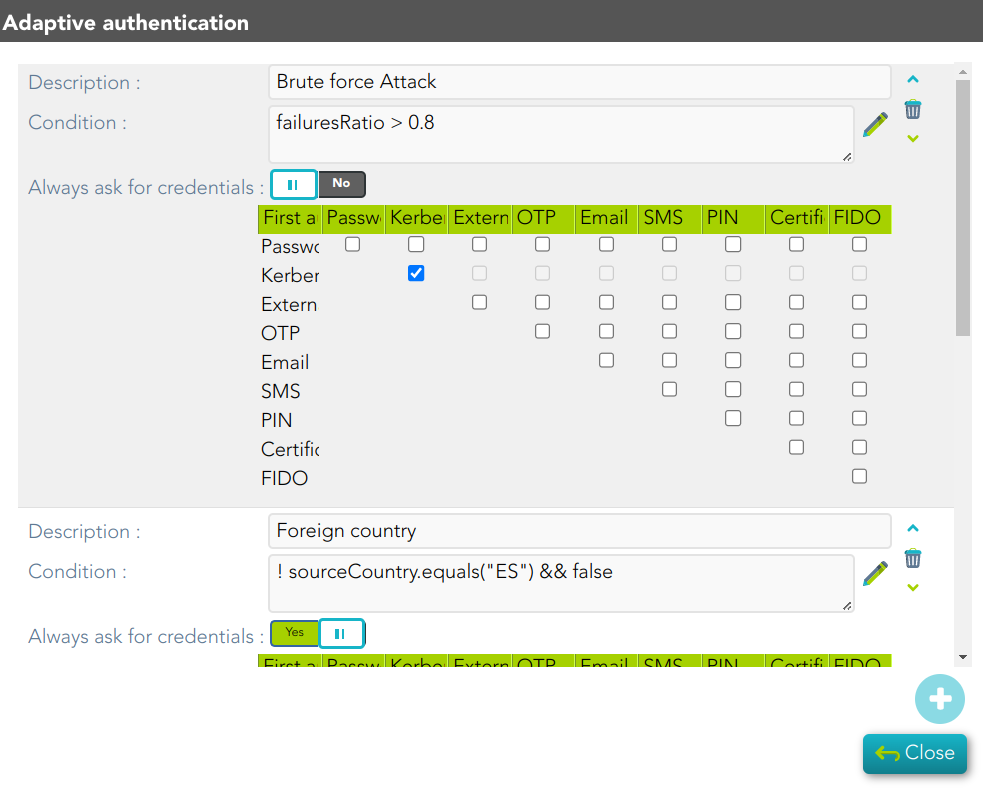
<span style="color: #a6d100; font-weight: bold; font-size: 18px;">3. </span>Then, Soffid will browse to the Adaptive authentication window, where you could configure it

[![image-1678098184254.png](https://bookstack.soffid.com/uploads/images/gallery/2023-03/scaled-1680-/image-1678098184254.png)](https://bookstack.soffid.com/uploads/images/gallery/2023-03/image-1678098184254.png)