For more information about the process definition you can visit the[ BPM Editor chapter](https://bookstack.soffid.com/books/bpm-editor/page/bpm-editor "BPM Editor").
The users configured like initiators in a User management process or in a Permission management process will be able to launch those processes. Those operations will be able to be performed from My Requests option. ### User management #### Update my data ##### Example Process used to request to update my user data. #### User request Process uses to request to add, delete, modify or disable any user. That kind of process will be able to launch for users with the proper permissions that will be expecified on the process definition. ##### Example Request to update the primary group of a user, and the admin user rejects that request. ##### Example Request to update the primary group of a user, and the admin user approves that request. ##### Example Request to create a new user. That workflow uses the Detect duplicated user funtionality. ### Process management #### Permission request ##### Example Request to assign permissions to a user. ##### Example Users in charge of assigning or denying permissions, could do that from the mail if Soffid is configured in that way. Users will receive an email similar to the following one: [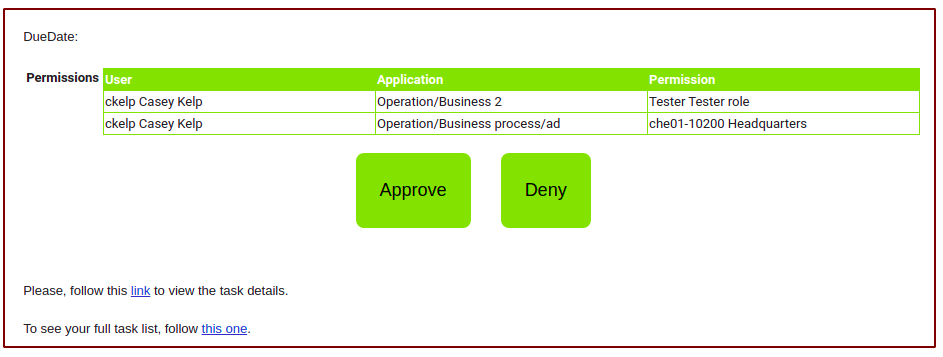](https://bookstack.soffid.com/uploads/images/gallery/2021-06/image-1624959311914.png) [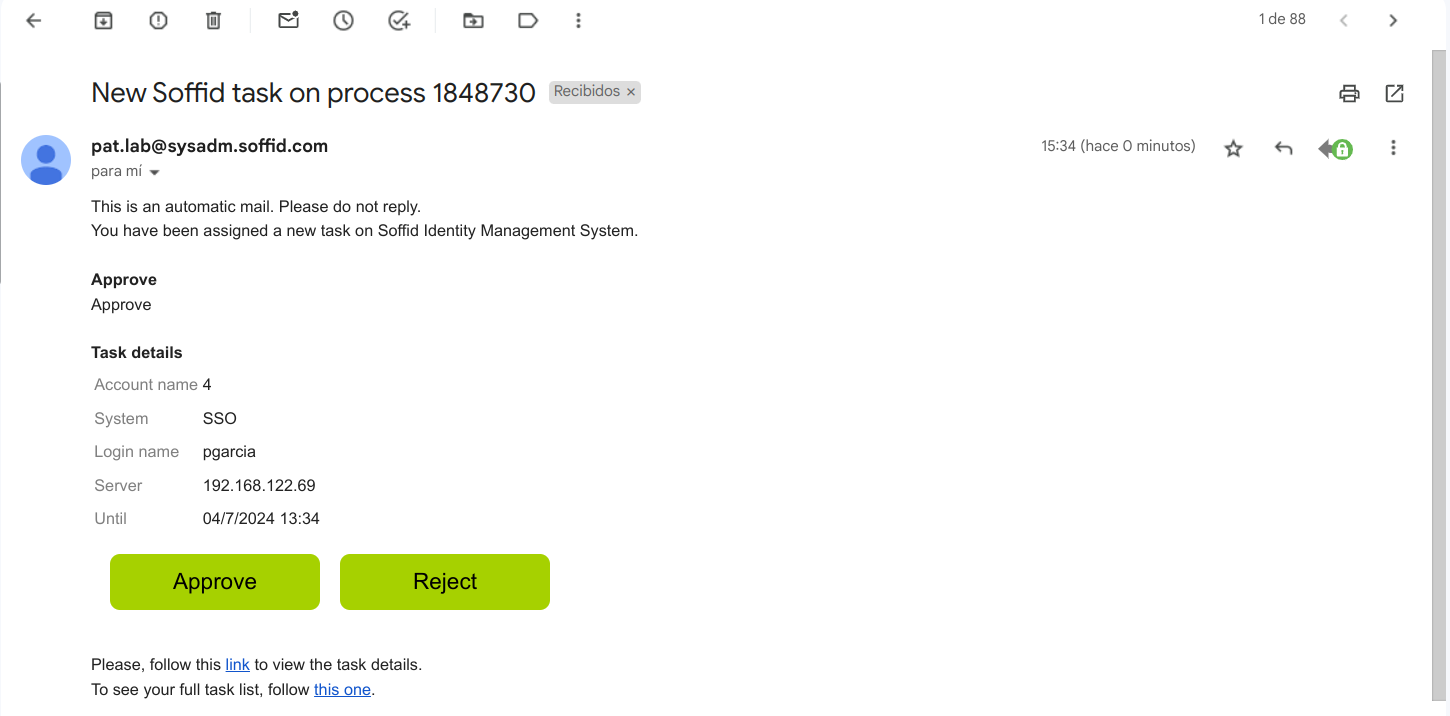](https://bookstack.soffid.com/uploads/images/gallery/2024-07/image-1720013708415.png)